hEll

Something from a little animation I’m working on
Something from a little animation I’m working on
As mentioned in an earlier post I’ve decided to exclusively use open source software for my work. I’ve recently been messing around with Inkscape to see if it can offer similar or better ways of working.
So far I’ve found Inkscape to be quite powerful but missing some functions that I use regularly:
I would have usually hid objects using alt+3 and then reveal them later. There’s no simple shortcut for hiding objects and, unless you enter the xml editor there’s no easy way to reveal any hidden objects.
You can’t apply a brush as a stroke. You can quite easily manipulate an object to follow a path and that is quite an amazing feature. However it’d be great if there was the option for the manipulated object to then become the other objects’ stroke.
You can’t copy objects simply by dragging them and holding alt, you have to copy then paste them in place of the old object.
I want to turn the damned bounding box off! I would’ve sometimes used this but sometimes I want the object to be the only thing that’s highlighted, not the box around it.
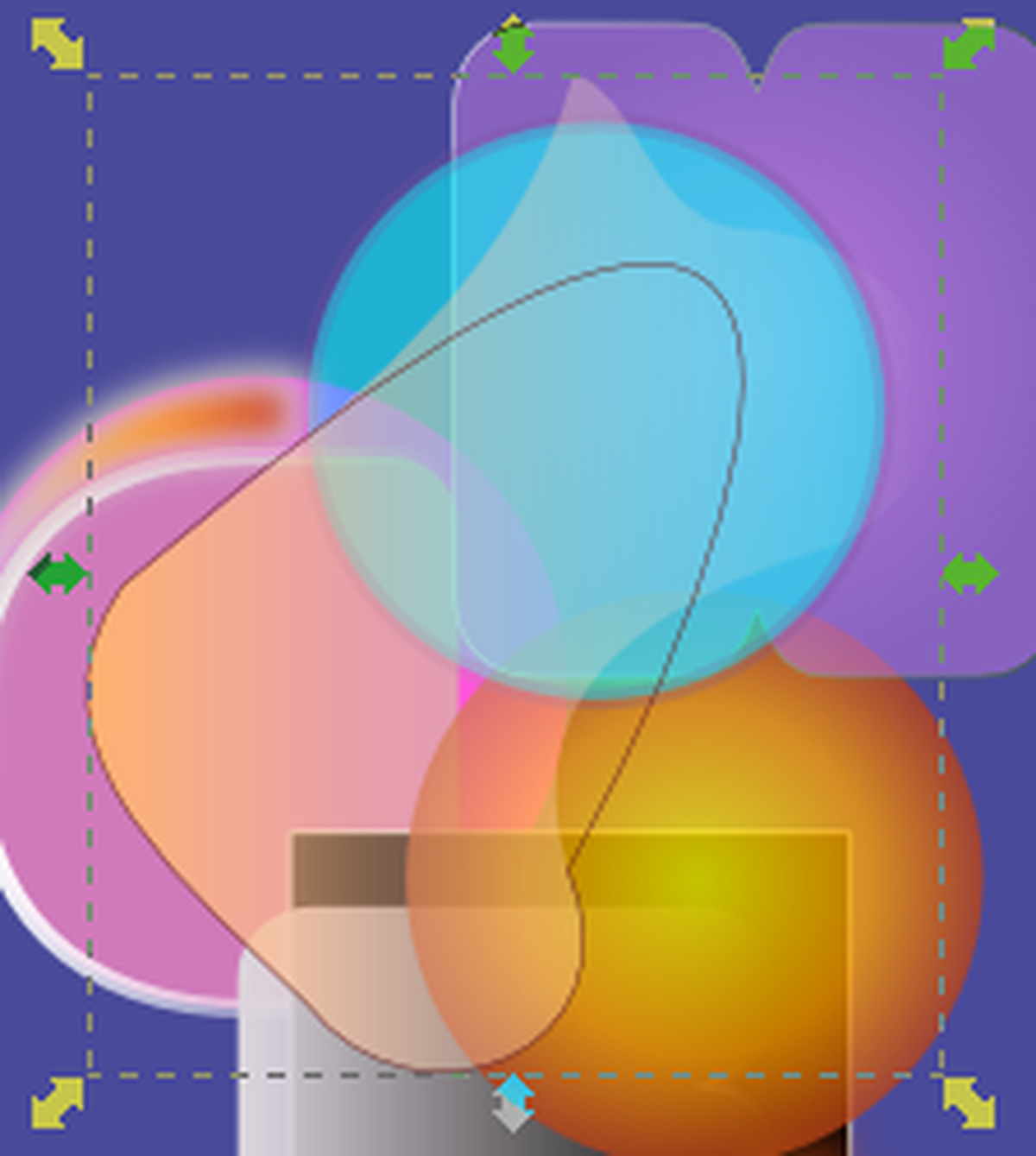
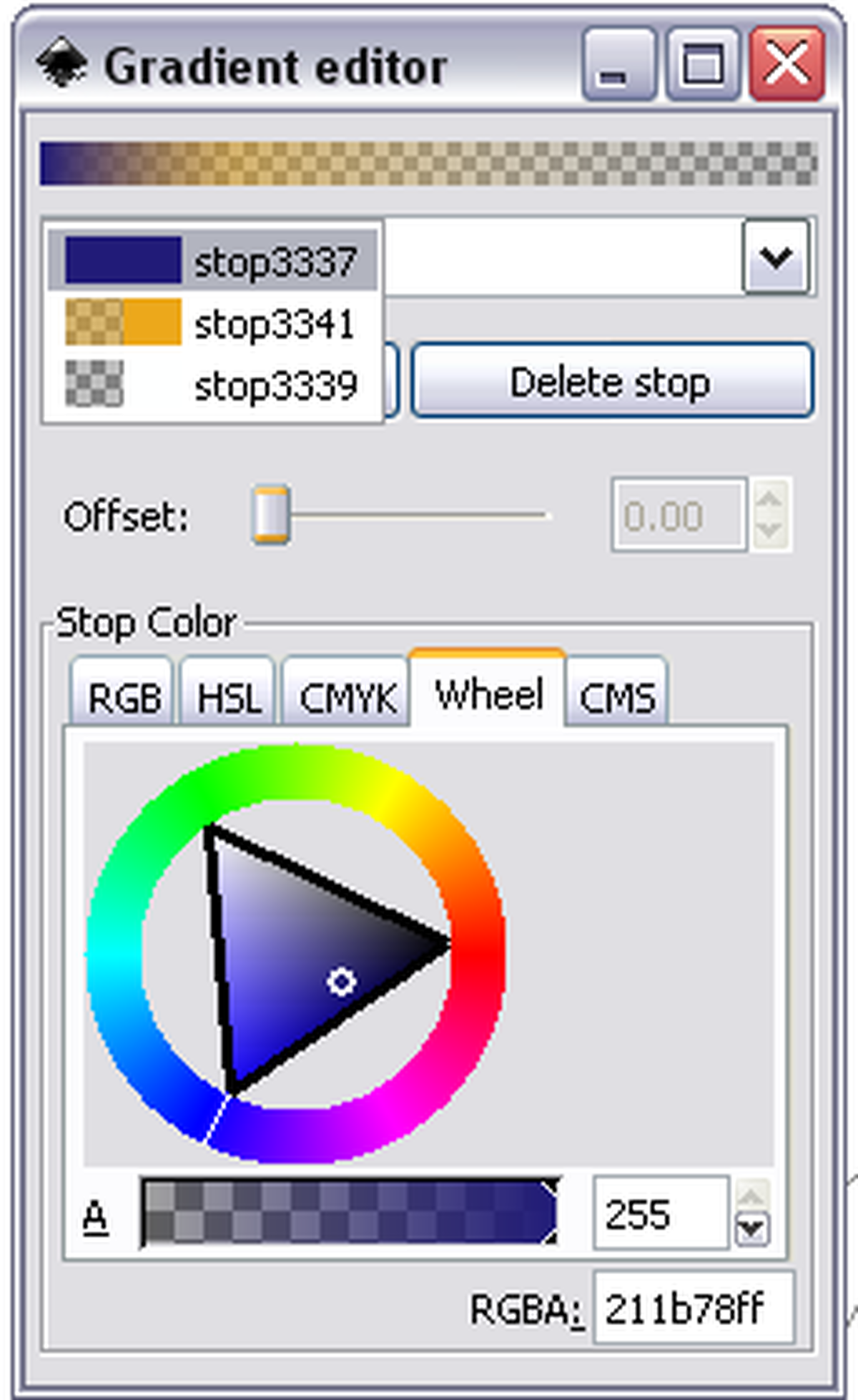
Gradients need to be much easier to edit. The gradient editor is quite powerful and it’s awesome that you can adjust the alpha settings of the current colour, but I I’d like a more visual editor, rather than one that requires a lot of button pressing.
Usually when I create artwork I create the objects and apply lots of different layer blends (especially Overlay). Word on the street has it that previous versions of Inkscape allowed you to apply this to every object. Now you can only do it to different layers. Oh, and Inkscape doesn’t assign each new object to its own layer. humpf
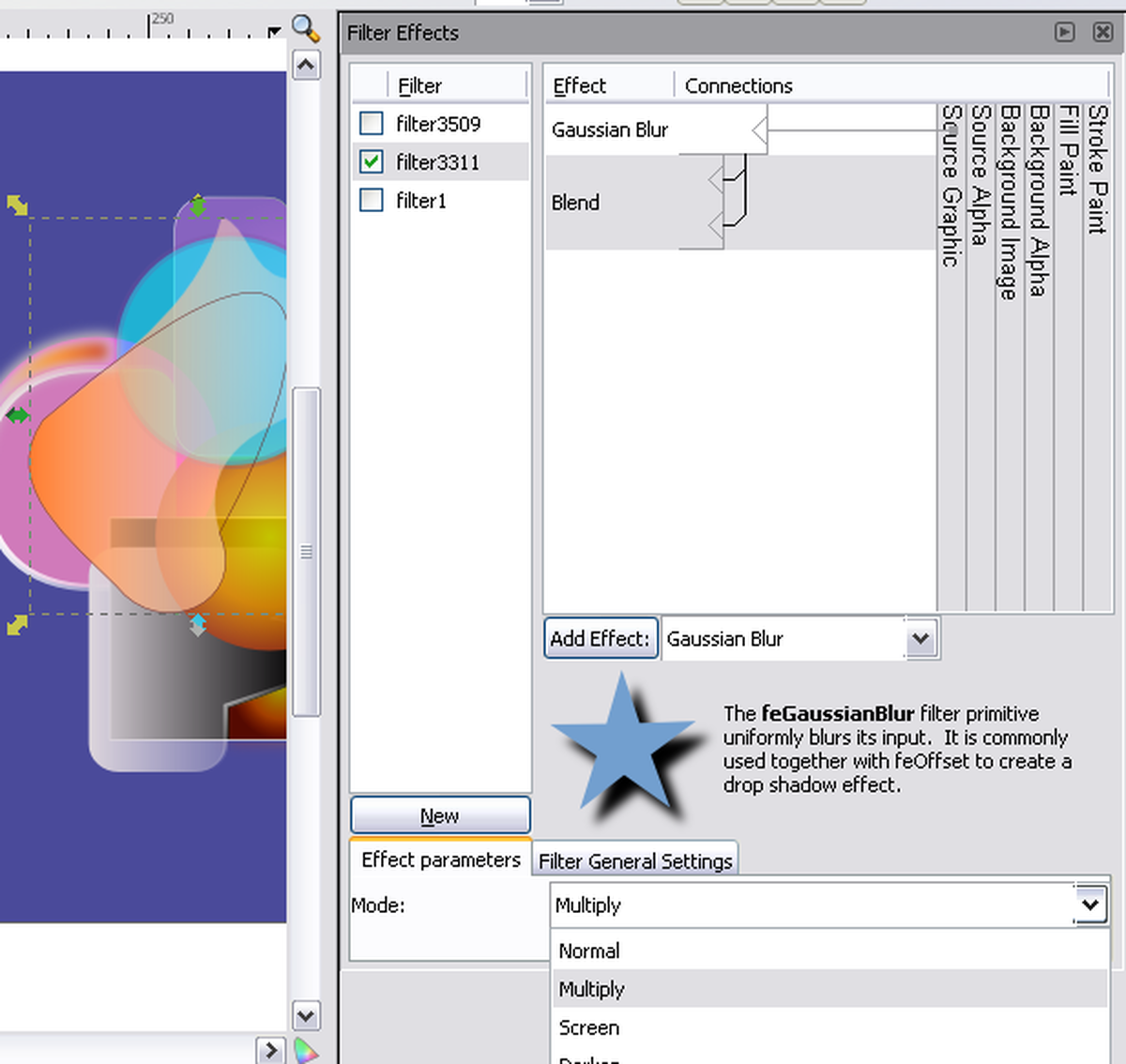
The Filter Effects tool is quite awesome… well, at least it has the potential to be. It allows you to create your own filters and apply them willy-nilly. However, I can’t get Multiply, Screen, Overlay etc to work in a way I’d expect. Still, it can be really awesome at times!
I’m still going to continue using Inkscape as it has a lot of great features, especially for those willing to mess around with lots of numbers.
I was reading through the 1000 rss feeds I’d accumulate since Reading Festival and I stumbled across this post about doing work for mates. It’s all too true. So many times I’m asked by friends to do ‘a quick logo’ or a poster design, usually with little time until it has to be complete. This is why now, even with friends and family, I go through the same process I would do with everyone else.

As advertised on the B-VAC website we had a Flash Art Mob on Saturday 16th August. It was kinda small but it went really well and I can’t wait to do another one with more and more artists involved!

Last weekend I was in Chester with CECI to perform at the Roam The Rows Festival.
I’ve been to Chester before and it really is the quaintest town I’ve ever been to. I really like how it’s modern yet has a historical feel to it.
This is the first time I’ve performed to an audience that isn’t exclusively arty and the first time I’ve ever done some sort of street performance. My main concern was that the public would just walk by uninterested. However, when there’s a guy with a massive balloon on his back it’s hard not to be interested! It was all very well received and everyone who experienced the art piece enjoyed it, even if it did leave their hair a bit static at the end (hence the sexy hair nets).
I have another street performance this weekend with B-VAC, but more on that soon.