In my new role as Associate Producer I’ll continue to curate shows of new media and digital art and also take the lead on their Black Hole Club members’ scheme.
Started in 2014, Black Hole Club is a lively, daring space for all kinds of creative people to share and test ideas. Members can use the space to develop their own work, with the possibility of using the space for exhibitions and performances. I plan to take a very active role in helping members develop their practice by finding opportunities, arranging talks and workshops and whatever else they may need.
If you want to know more about the Black Hole Club or just want to chat or pitch ideas to me I can be reached on antonio@vividprojects.org.uk
Glitch art is the aestheticisation of digital or analogue errors, such as artefacts and other “bugs”, by either corrupting digital code/data, misusing software, or by physically manipulating electronic devices. In cases where software is misused to create glitch art artists will work with software that allow mistakes and misuse to happen, for example, by importing image data into the Audacity audio editor.
GIMP, Inkscape Scribus and their proprietary counterparts are promoted as facilitating creativity. However, these programs and many others often return errors when dealing with the corrupted data made through the glitching process. Should the software be doing this? Does refusing to attempt to interpret this data limit the creative output of these artists?
In this presentation I will present my own work and experiences of creating art through errors. I will share commonly used techniques and discuss the relevance of glitch art in the wider design and art world. My intention is to present the case to developers to allow mistakes to happen and to artists to incorporate errors into their work.
Allowing Mistakes to Happen workshop
Saturday 2nd May
Following on from the Allowing Mistakes to Happen presentation, I will facilitate a workshop that focuses on the practical side of creating glitch art. The workshop will delve into the techniques utilised by glitch artists, such as hacking codecs, modifying hardware and repurposing software.
The workshop participants will need a laptop/computer (Mac/Windows/Linux) with the following software installed: GIMP, Audacity & a good text editor such as Notepad++, TextEdit or Gedit.
Depending on time and interest from participants, additional software can be covered. If possible, please have installed: Processing, Pure Data, ffmpeg/libav, Imagemagick, Inkscape & Blender.
On 23rd March the video I made for Light Under The Door by My Panda Shall Fly was released to the public. If you haven’t seen it already, check it out!
This represents a bit of a departure from my usual visuals that feature an onslaught of colour and movement. The track itself is very mellow and dream-like. Having very glitchy visuals just wouldn’t have worked well for this. My approach to making a video for this song was to have a central abstract object that grew and morphed as the song progressed. The background and surrounding objects would move in an erratic but controlled nature, and occasionally the underlying wireframe structure of the environment would be revealed.
Of course, things always develop as they’re being made.
Will it Blend?
The majority of my video work up until now has been made using Pure Data. Whilst a great live performance tool, it is really hard to control minute details. I knew that learning more about video editing and 3D modelling would be beneficial to my overall artistic practice and so I invested time in learning how to use Blender.
Blender, for those that don’t know it, is the premier open source tool for working in 3D. It is used by an increasing amount of independent games and graphic design studios (often in conjunction with After Effects and Unity 3D) and has many features that make it really easy to use. Oh, and it’s free! I had dabbled in using Blender for many years, often to make small assets for use in Pure Data or other design work. Making this video required me to learn everything from camera tracking and basic Python scripting to F-Curve modifiers - particularly baking sound to F-Curves and the Blender VSE.
In keeping with my tradition of incorporating randomness, a lot of the movement of the objects is based on external variables. For example, the movement path of the abstract form was determined by a random shape made in Inkscape. The movement of the floating red spheres is being offset (via the Cast modifier) by one of the camera objects which is in itself following a path imported from a random shape made in Inkscape. Phew!
Path of the abstract shape
Put a glitch on it!
I didn’t intend to use any kind of “traditional” glitch art in this video. When it was suggested that I glitch the video I was initially quite hesitant as it would have felt, and possibly looked, liked an afterthought. I was up for a challenge and so I sought a way to introduce a tiny bit of glitch art without ruining the the overall clean aesthetic of the video.
With the introduction and maturing of the Freestyle renderer, Blender now has the option to export a scene to SVG files.
Original renderFreestyle SVG render
This outline would be a great file to start glitching as it would produce results that weren’t too noisy. After rendering the whole video to SVG files I then converted these to transparent PNGs which I then ran through ucnvs pngglitch script.
PNG glitch
I overlaid this with parts of the video. I made sure to use it sparingly, in a way to mimic the fact that glitches are unexpected bursts of chaos. I think it worked rather nicely!
Feedback
One final addition was the addition of feedback loops. Where would I be without some sort of feedback effect!
The script that made this was conceived after having had only four hours of sleep. The “wrap around” effect is made by making a copy of an image, inverting the colours, scaling it, and placing it behind the original. Script is below. Tested using Imagemagick on Ubuntu 14.10.
Whilst the results are pretty cool the script is terribly slow. I had to use it on all images that had transparent areas. It took two days to render. If anyone has suggestions for making it faster, or any other programming languages that can do the same thing then I would be interested in knowing!
Update
Patrick Borgeat remade the script using Processing and GLSL. It’s a million times faster than my script so git clone it!
…
You can expect these techniques to be use a lot more in future works. I even aim to make this somehow interactive by using the Blender Game Engine. Watch this space!
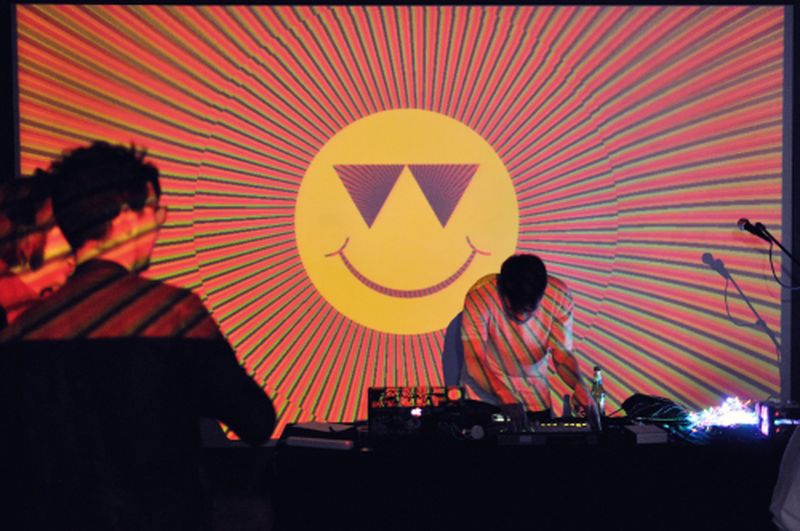
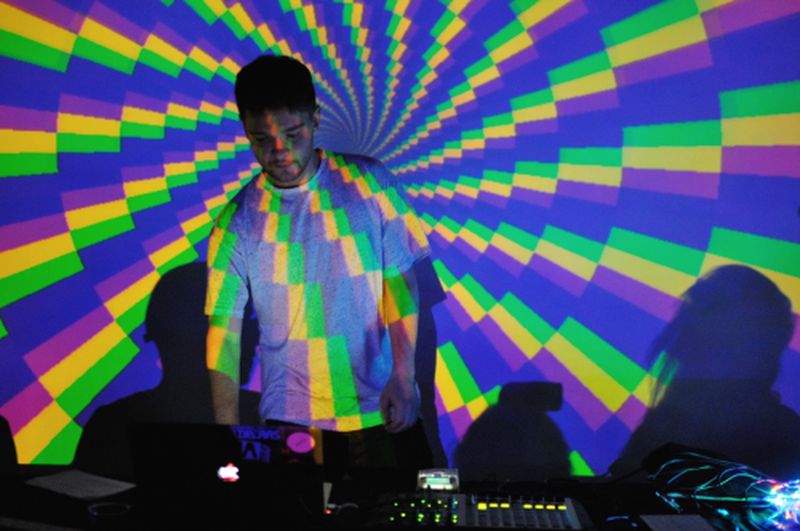
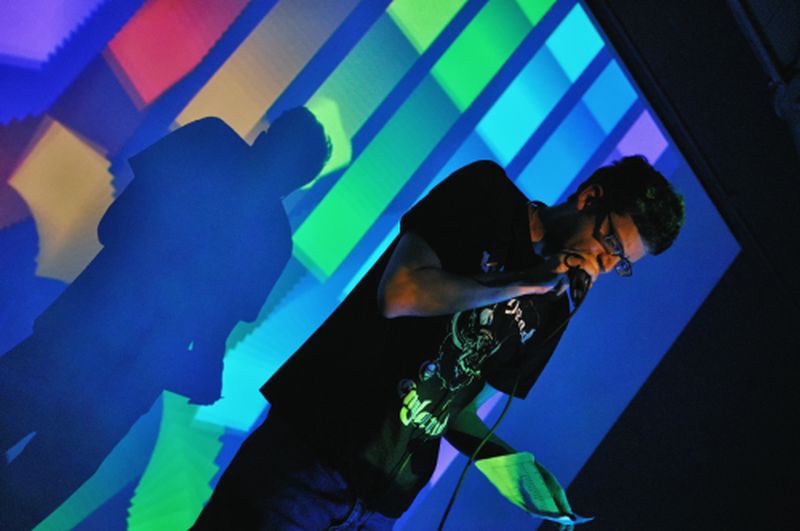
µChip 3 happened at Vivid Projects from 19th March and it was a great success! I was really happy to see so many people travel from across the country to see a bunch of really great artists and musicians!
Photo by Ultrasyd
Photo by UltrasydPhoto by Ultrasyd
Photo by Ultrasyd
Photos from the event are available from Pete Ashotn’s an Ultrasyd’s Flickr stream and on the µCollective Facebook page. If you’ve got any get adding and tagging them! Videos will appear shortly Videos below!
The commissioned artworks will go are on sale as well, so if you fancy purchasing an A0 sized print head over to http://store.ucollective.org/
After an intense month of modelling and editing I’m happy to share with y’all the video I made for Light Under The Door by My Panda Shall Fly (featuring Troels Abrahamsen on vocals).
You may remember that I provided visuals for My Panda Shall Fly in November 2014 for the Fierce Festival Algorave. After that rad performance we talked about doing something more together. I wanted to try something that was a bit different and, at the same time, familiar, so I learnt Blender, reduced my usual all-the-colours colour pallet and slowed movement right now. I hope you enjoy watching it as much as I enjoyed making it!