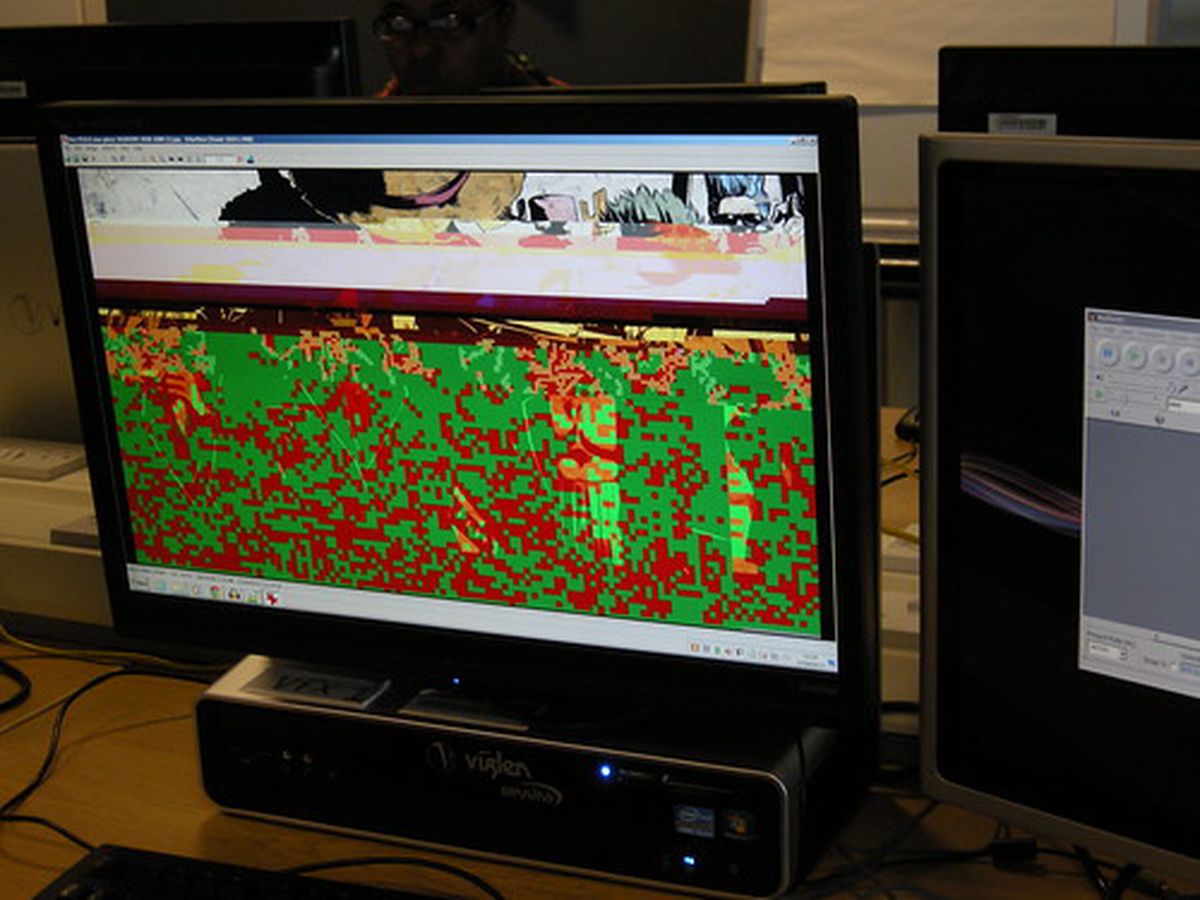
The first output from a visuals jam session with Gabriella Gardosi/Gaia Gaoi whilst she was in the UK. She drew abstract forms using the Tagtool which I then uikdusahdisalhg4 messed with using a Panasonic WJ-AVE5 video mixer.
It was really enjoyable to see how these two styles of art worked with or against each other. There’ll definitely be more experimenting in the near future!
From 5th - 11th August I was a mentor for Young Rewired Art, which is a newly devised offshoot project from the same people that run the Young Rewired State Festival of Code. The project, which ran alongside the main festival, had very similar aims in the way that it explored the potential of digital technology:
[Young Rewired Art] will explore how digital media can influence our next generation of musicians, visual artists, dancers, producers & actors etc and enable young people to showcase and develop their creative practice online. It would also enable young people to use technology creatively and explore the relationship it has to mainstream arts and culture.
To me, this represented a chance to introduce young minds to the never-ending pain everlasting joy of glitch art, glitch aesthetics and generally making programs and hardware do things they weren’t designed to do!
The week of activities was split between sessions led by myself and Nikki Pugh with a presentation/demonstration at the weekend. I used my first session to introduce the group to exactly what glitch art is, and to a wider extent how you can make art with code. Most of the group - which consisted of people from creative backgrounds such as graphic design, photography and performance poetry - hadn’t knowingly encountered glitch art before and hadn’t put much thought into using error-driven techniques as part of their practice. In my first session with them I set to change that!
I wouldn’t be too far-fetched in saying that a lot of glitch art centers around film and animation, something you only have to look through tumblr too see. However, the concepts of glitch art, namely using error as a means of producing art, extend beyond film and animation and can move into writing, performance, architecture and just about any other field!
Rhet and Link
One of the videos I showed the group was one of the Caption Fail videos from Rhet and Link. In these videos they exploit the failings of YouTube’s automatic caption feature and produce a comedy sketch that doesn’t really make much sense but is at least quite entertaining!
Translation Party
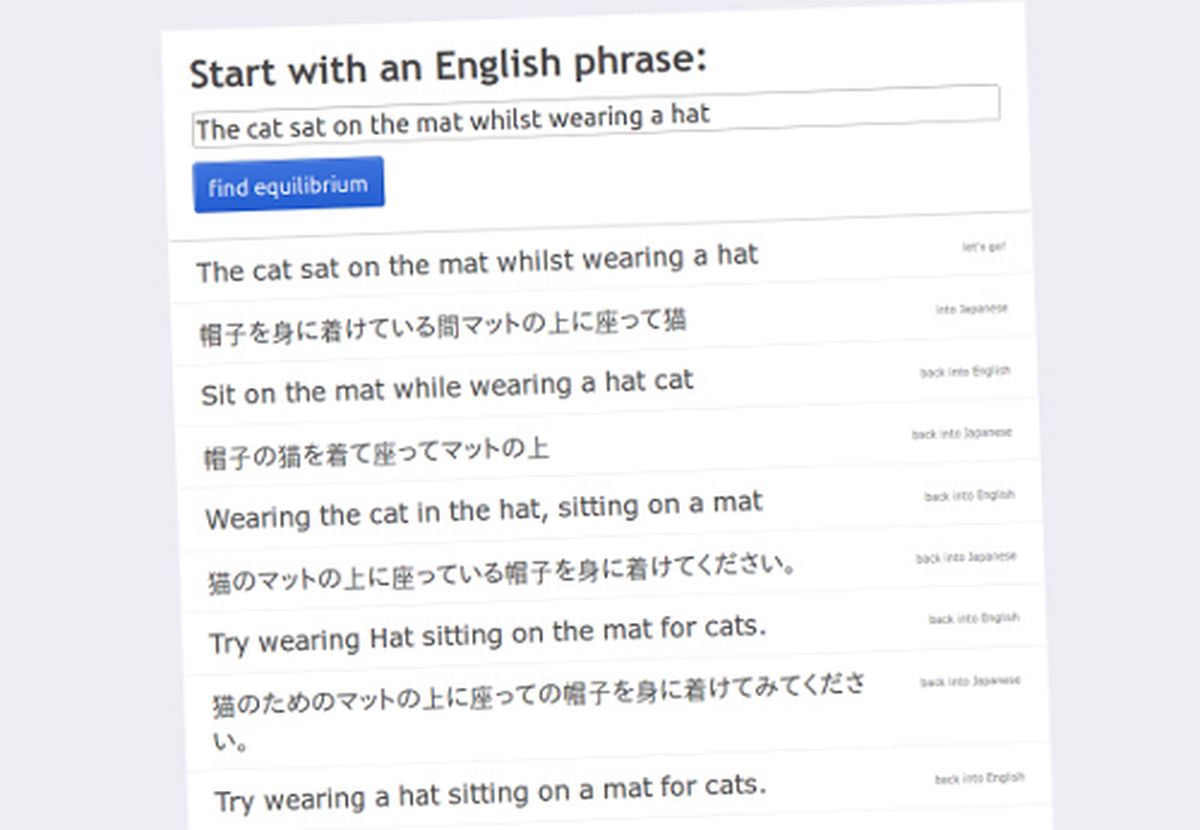
The other text-based glitch-alike piece I showed was the Translation Party website. This “service” recursively translates a phrase from English to Japanese and back again until it finds an equilibrium where both translations mean the same thing. By doing this it reveals that not even computers can perfectly translate a phrase from one language to another, perhaps because it doesn’t take into account the meaning and intent of the phrase, just the words themselves.
This, of course, isn’t something unique to computer-driven translations. Some phrases and colloquialisms do not translate between languages or even locations, and some words have no equivalents in other languages. Perhaps this is a human communication glitch?
Glitch in Popular Culture
I also showed the group glitch art’s influence on popular culture. It could be argued that glitch art hasn’t reached the mainstream media yet. I don’t necessarily believe that to be true, and it’s a topic which has been discussed at length elsewhere. Regardless of this, there have been many high-profile uses of glitch art over the years. Rosa Menkman has already created a brilliant playlist of Glitches in Popular Culture, which hopefully demonstrates that it is something that has mainstream appeal (if that’s what you’re aiming for!)
Tutorials
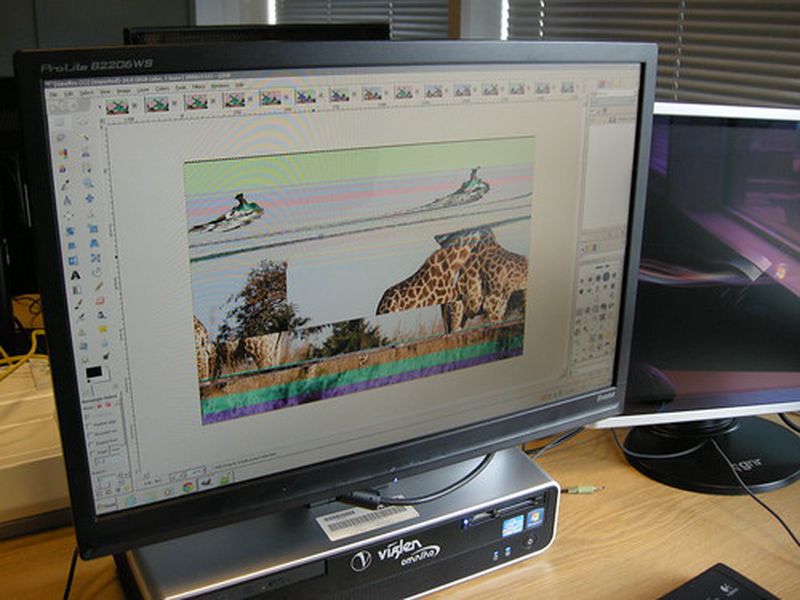
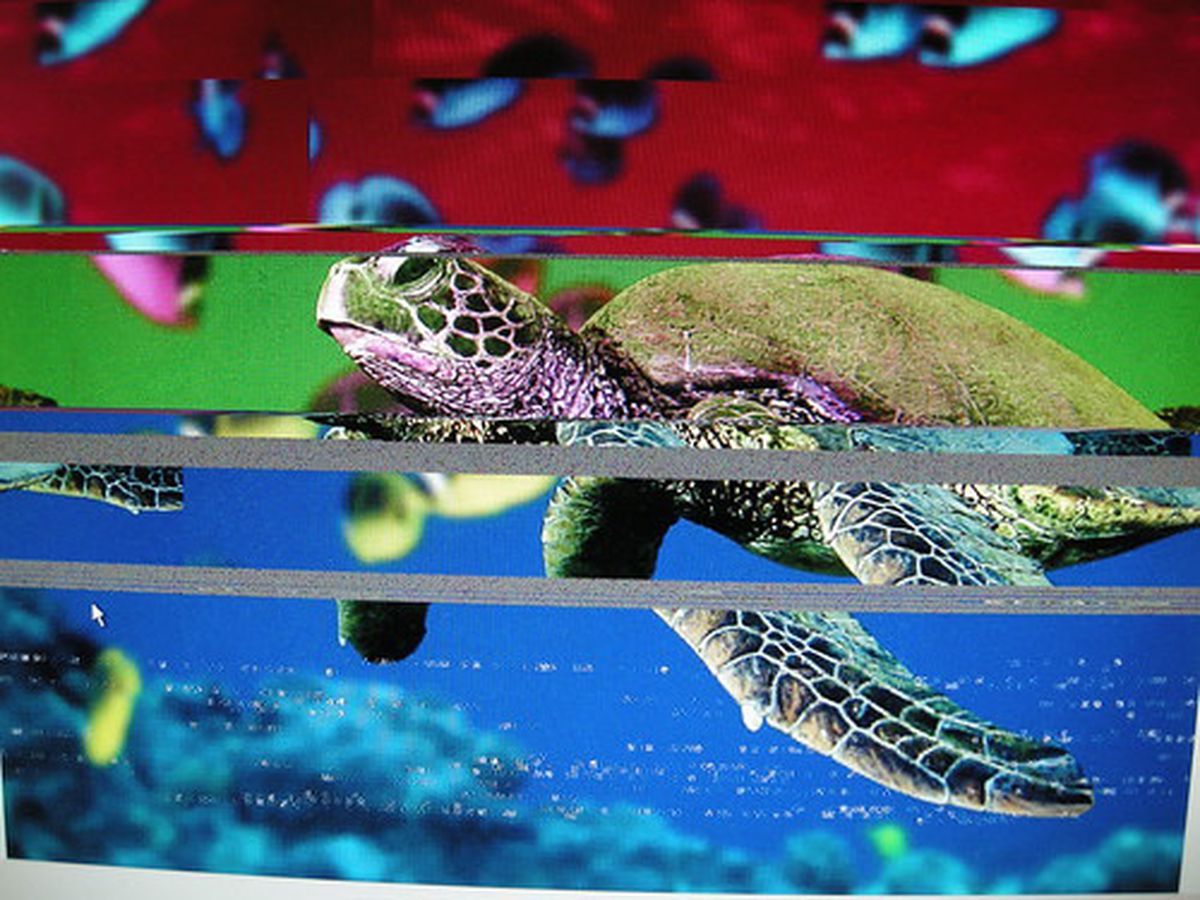
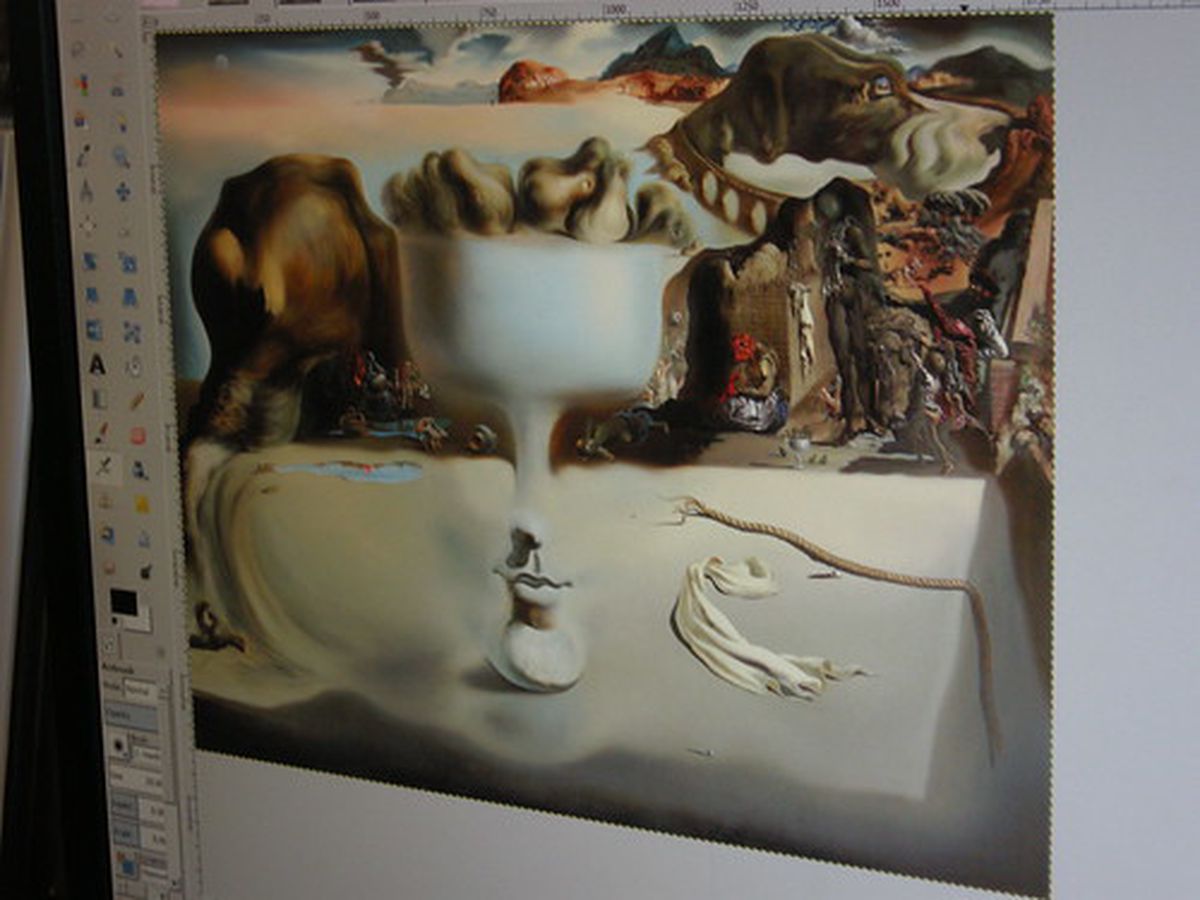
With the demonstrations and presentations now complete the group set out to use these newly acquired skills to create, well, something! I taught the group how to glitch jpg and bmp files using a combination of a text editor (Notepad++) and GIMP, and then how to databend images files using Audacity.
I would’ve progressed onto the basics of glitch videos but it’s a very lengthy topic and can get messy when you take into account the variables such as codecs, containers and operating systems. For anyone beginning video glitching I highly recommend the Glitch Codec Tutorial by Nick Briz and the Datamosh tutorials by Bob Weisz.
Presentations
The rest of the week was spent producing a finished piece to be presented in some way or another at the main Festival of Code on the weekend. They used the skills learnt from myself and Nikki to produce a video and installation piece that focussed on their experiences of digital technology affecting their lives.
Videos of the final pieces have yet to be uploaded - and I’ll update this post when they are- butOne of the final pieces is below. Also do check out the main Young Rewired Art tumblr blog for detailed thoughts from all of the participants, including this one from Sophie Lloyd
As a young adult in the 21st century I consider myself rather prolific with technology. I can navigate Microsoft word these days without crying or throwing my laptop at the wall. However I always assumed that should I attempt any kind of hacking or data corruption myself, it would be like watching my Mum trying to manoeuvre her Facebook account. Well not anymore! Taking part in Young Rewired ART has changed my opinion on the subject. I have discovered the exciting prospects of computer hacking, and what it could mean for the future of my identity as an artist.
For the final variation I wanted to explore the linear progression of the video. That is, up till now all of the variations have jumped randomly between different parts of the video. A skipping CD will always attempt to play from start to finish, even if it does skip occasionally. So, for this variation I wrote a script that created sequenced segments of varying lenghts (between 0.1-0.99 seconds) and then repeats them up to six times.
Observations
This variation, like the last one, resembles a skipping CD. By sequencing the samples I’ve lost some of the unpredictable, YTP-style edits but have gained more clarity. It has also been pointed out (thanks Rosa!) that a skipping CD doesn’t always skip. There may be periods of it working followed by glitches/skipping.
#Usage: ./movie\_cut.sh /path/to/file.avi Clip-duration-in-seconds #e.g. ./movie\_cut.sh 4.01#start position startPos=0filenumber=$(printf "%05d")while\[ $filenumber -le 50\]do#define random integer rand=$RANDOM#define random duration (up to 0.999 seconds) duration=$(echo "0.$rand")#get path of file path=$( readlink -f "$( dirname "$1" )" )#get filename minus extension file=$(basename "$1") filename="${file%.\*}"#cut the video avconv -i $1 -ss $startPos -t $duration -qscale 0 -ab 384k -y "$path"/"$filenumber"\_"$filename"\_cut.avifilenumber=\`expr $filenumber + 1\` filenumber=$(printf "%05d" $filenumber)#increment the start position of the next video by the duration of the previous video startPos=$(echo "scale = 2; $startPos + $(echo "0.$rand")" | bc | sed -e s/^/0/)done\[/code\]The following script was then run on the output files from the previous script. It creates numbered diplicates of the source files.
\[code language="bash"\]#!/bin/bashfor file in \*.avi do#number of times to duplicate the file (between 1 and 6) max=$(shuf -i 1-6 -n 1)number=1while\[ $number -le $max \]do#get path of file path=$( readlink -f "$( dirname "$file" )" )#get filename minus extension file=$(basename "$file") filename="${file%.\*}"#get extension extension="${file##\*.}"#copy the file to a new file cp $file "$path"/"$filename"\_"$number".$extensionnumber=\`expr $number + 1\`donedone
For the second and subsequent variations I used only seven instances of the chorus line as a source. For this variation I then wrote a script on each of the seven videos that created 90 segments of varying lengths (up to 0.999 seconds) from random positions in the video. I then finally composed them into one video.
Observations
With a shorter source input, this variation is more rhythmic than the first. There are more instances of the audio resembling a stuttering CD, though still lots of instances where it jumps around erratically.
Code
This script requires libav to run and has been tested on Ubuntu 13.04.
#!/bin/bash #Usage: ./movie\_cut.sh /path/to/file.avi #e.g. ./movie\_cut.sh video.avi
filenumber=$(printf "%05d")while\[ $filenumber -le 90\]do#calculate the length of the video length=\`expr $(avprobe -loglevel error -show\_streams $1 | grep duration | cut -f 2 -d = | head -1 | cut -d "." -f 1) \\\* 100\` #start position startPos=$(echo "scale=2;$(shuf -i 1-$length -n 1) / 100" | bc | sed -e s/^/0/)#define random duration (up to 0.999 seconds) duration=$(echo "0.$RANDOM")#get path of file path=$( readlink -f "$( dirname "$1" )" )#get filename minus extension file=$(basename "$1") filename="${file%.\*}"#cut the video avconv -i $1 -ss $startPos -t $duration -qscale 0 -ab 384k -y "$path"/"$filename"\_"$filenumber"\_cut.avifilenumber=\`expr $filenumber + 1\` filenumber=$(printf "%05d" $filenumber)done
For the third variation I began to explore rhythm further by repeating the random segments a number of times. I used the script from Variation #2 - although I only created 20 segments - and then repeated these between two and six times each.
Observations
This variation bears more resemblance to a skipping CD than the previous two. The possibility of this being performed by live musicians becomes impossible due to the very short length of some of the segments.
Code
This script requires libav to run and has been tested on Ubuntu 13.04.
#!/bin/bash #Usage: ./movie\_cut.sh /path/to/file.avi #e.g. ./movie\_cut.sh video.avi
filenumber=$(printf "%05d")while\[ $filenumber -le 20\]do#calculate the length of the video length=\`expr $(avprobe -loglevel error -show\_streams $1 | grep duration | cut -f 2 -d = | head -1 | cut -d "." -f 1) \\\* 100\` #start position startPos=$(echo "scale=2;$(shuf -i 1-$length -n 1) / 100" | bc | sed -e s/^/0/)#define random duration (up to 0.999 seconds) duration=$(echo "0.$RANDOM")#get path of file path=$( readlink -f "$( dirname "$1" )" )#get filename minus extension file=$(basename "$1") filename="${file%.\*}"#cut the video avconv -i $1 -ss $startPos -t $duration -qscale 0 -ab 384k -y "$path"/"$filenumber"\_"$filename"\_cut.avifilenumber=\`expr $filenumber + 1\` filenumber=$(printf "%05d" $filenumber)done
The following script was then run on the output files from the previous script. It creates numbered duplicates of the source files.
#!/bin/bash
for file in \*.avi do#number of times to duplicate the file (between 1 and 6) max=$(shuf -i 1-6 -n 1)number=1while\[ $number -le $max \]do#get path of file path=$( readlink -f "$( dirname "$file" )" )#get filename minus extension file=$(basename "$file") filename="${file%.\*}"#get extension extension="${file##\*.}"#copy the file to a new file cp $file "$path"/"$filename"\_"$number".$extensionnumber=\`expr $number + 1\`donedone