Birmingham Media Archive Project: The First Decade 1982–1992 invites visitors to explore the city’s overlooked media heritage through the work of the pioneering organisations who were active in that decade, including TURC Video, Wide Angle, the Midlands Video Consortium and the Birmingham Centre for Media Arts, which emerged in 1992.
The gallery had a core cohort of artists who developed creative responses to their archive. This happened alongside events, talks and workshops which invited the public to engage with the archive and retro audio and video technologies.
In January and February I delivered two workshops for the core cohort about using old video technologies with modern hardware and preparing video files for exhibiting on modern and vintage displays. In planning for these workshops I recalled my experience of being a digital artist in the early 2010s and the challenges that I faced.
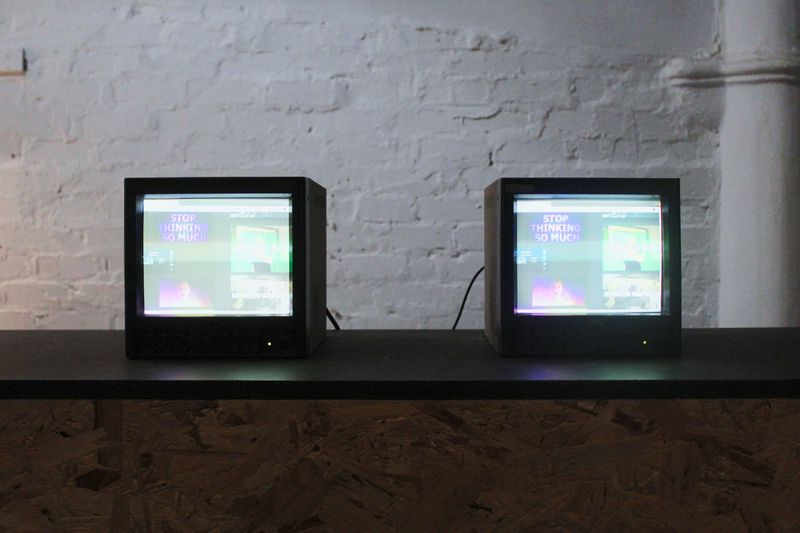
The old Black Hole Club website being displayed on CRT monitors
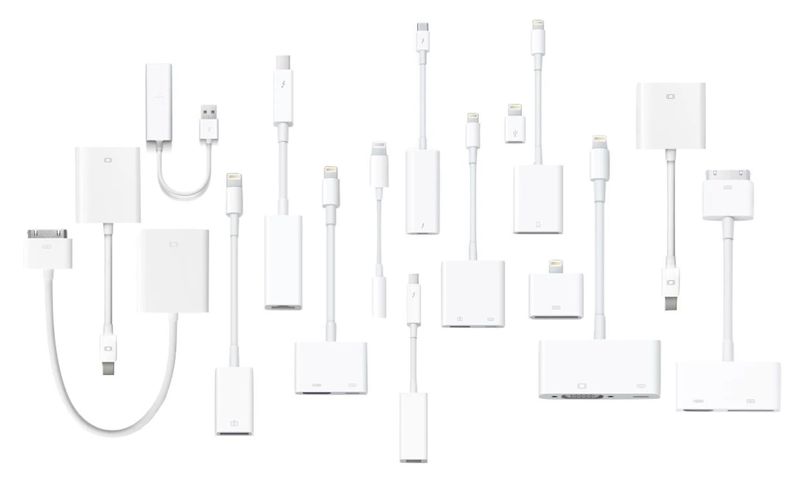
I remember it being a constant battle finding the right adaptors and combination of file format containers and codecs. On the hardware side technology was slowly transitioning from VGA to HDMI, which meant having to have at least two adaptors at all times which sometimes wouldn’t work. Also at that time Apple was still being Apple using a variety of its own proprietary or odd ports like Mini DisplayPort, and Mini DVI, which just increased the amount of possible adaptors needed and points of failure.
The hellscape of Apple dongles
All of this was only to connect to a modern display. The situation would only get more complicated when an artist wanted to display work on CRT monitors which may use SCART, BNC, or composite connections!
Even once you have the correct adaptors and cables there is still the issue of having your media in the correct file format. DVD players (remember this was the early 2010s), hardware media players, and video player software like Quicktime and Windows Movie Player all had preferred file formats or containers that they accept and possibly other quirks.
I think this was many people’s experience in the 2010s but thankfully it has improved a lot. VGA is practically obsolete on new devices with HDMI reigning, and USB-C is the common connection for all things. There are, of course, issues with USB-C - it’s a universal port but might transmit/receive USB 1, 2, 3, 4, video, Thunderbolt, and/or 5V power and probably others - but it’s a step in the right direction.
In the realm of file formats the situation has also improved. mp4 files reliably work on a lot of media players, and individuals and institutions alike have collectively seen the light and nearly always use VLC for video playback. VLC has its own usability and interface issues, but in most scenarios it will handle any file you give it.
Connecting Things to Other Things
So, for these workshops I reflected on all that I had learnt and gave some practical advice on using older technology with modern computers.
I called the workshops Connecting Things to Other Things because that’s generally the problem we’re trying to solve.
I have always wanted to deliver workshops on this topic. In my experience, there weren’t places to formally learn about this highly technical subject, especially in relation to working within galleries and museums. There’s so many solutions to problems and it’s easy to get overwhelmed by the different options.
I picked up a lot of my knowledge through so much trial and error, reddit threads, patience and just being in the VJing, glitch art, chiptune and live coding communities.
I looked through my notes and I had actually started planning to deliver such a workshop as early as 2017 when I was still running the Black Hole Club artist development programme.
Workshop 1: Connecting audio and video devices to other audio and video devices
In the first workshop I showed the cohort how to output video from a laptop to a CRT, and methods for capturing video into a laptop. Most importantly I showed how to do it on a small budget. “Professional” solutions like Blackmagic capture cards definitely have their place but for many of us who may just want to share videos on social media, we need something that doesn’t cost ££££s.
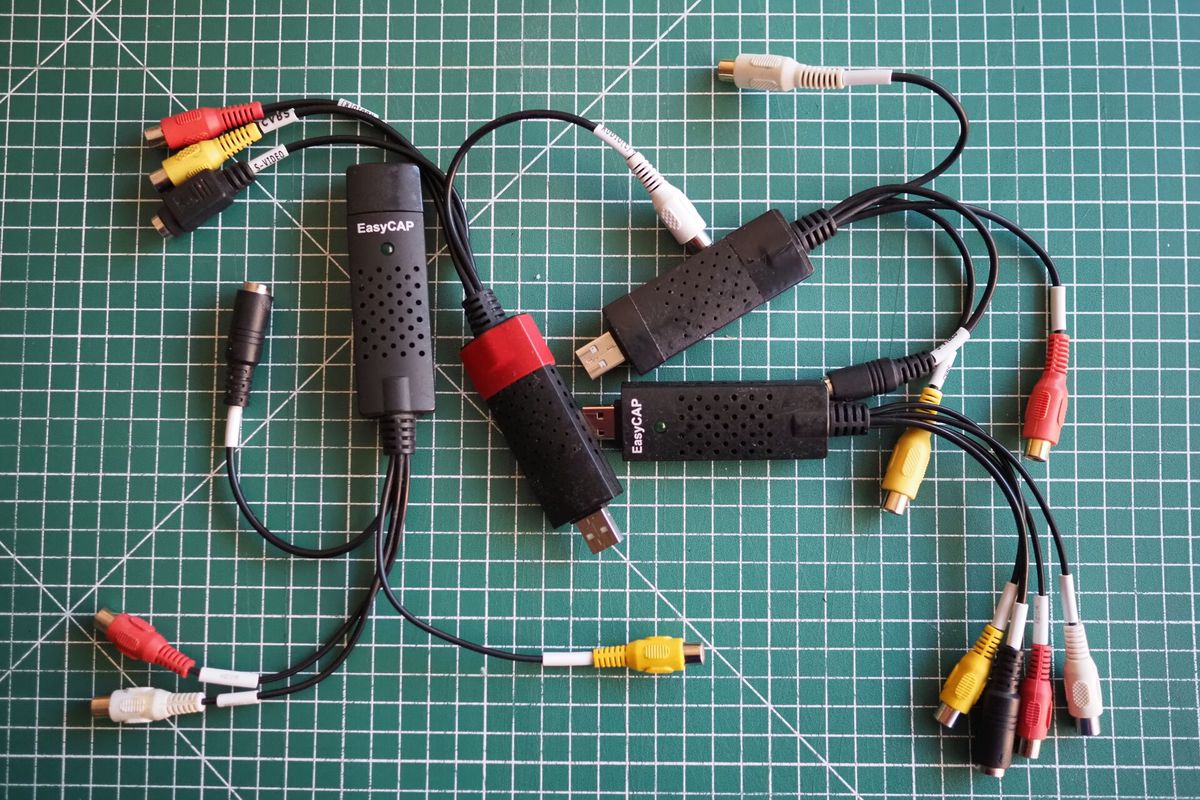
These EasyCap capture cards have been a life saver for me, which is why I have four of them! Unofficial drivers made their way into the Linux kernel in the early 2010s and so on Ubuntu they work without any issues or installation required. However on other operating systems drivers may be required. I made sure to stress to the cohort to always check compatibility before purchasing and to keep driver cds/installation files backed up!
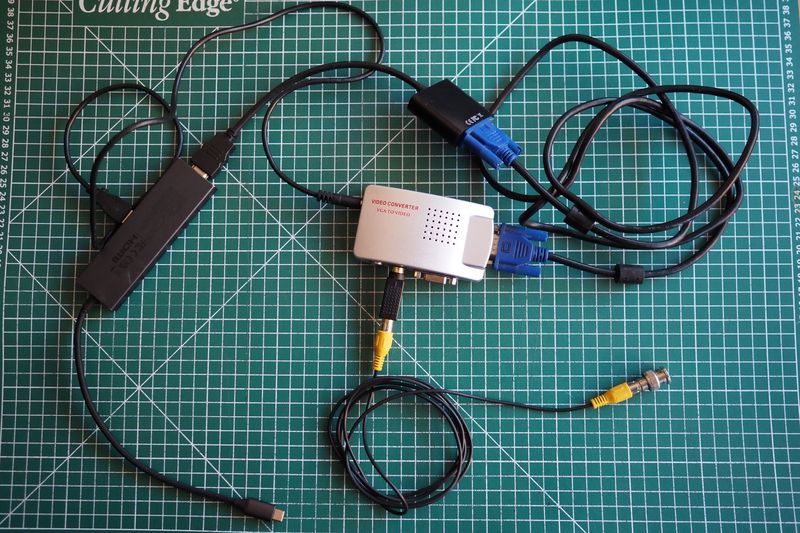
To output to video a CRT there are various options, which depend on the ports on your computer. To demonstrate just how complex it could be I used as many connectors as I could to go from a laptop to a CRT monitor. Behold this abomination!
Somehow this worked
Workshop 2: Converting media to be displayed on devices
For the second workshop I showed the cohort how to prepare and convert video and audio files for display CRT monitors. One of the points that I stressed was knowing the final resolution and aspect ratio of your CRT or video display. Most modern desktop screens, projectors and laptops are 16:9 aspect ratio, whereas PAL is 5:4. I can understand why people might not know this as all modern cameras and phones will default to recording in 16:9. However, knowing the aspect ratio of the final display and creating work in that format can avoid disappointment (cropping or letterboxing) later.
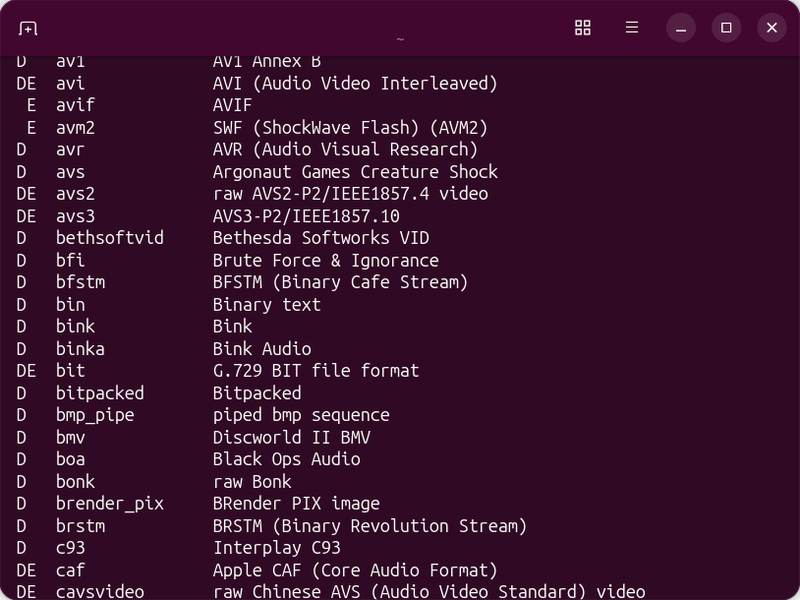
I also briefly addressed the many video file formats that exist and why you might use them. Many will be familiar with mp4, mov, and maybe wmv. But there’s actually so many more! To illustrate this I showed how many are supported by FFmpeg (via ffmpeg -formats).
A small selection of ffmpeg-compatible formats
There was an audible gasp when I showed everyone this list! Learning the intricate details and combinations of compatible codecs and containers isn’t to everyone’s liking, so in general I advise people just run their video through Handbrake. In most situations it is enough to get videos ready for display. Although, as I wrote in a blog post about installing work for the Bcc: exhibition, sometimes some video players require very specific settings to work! And it’s also worth learning about which export settings suit your needs (or hiring someone who can help you) to ensure no loss of quality.
I want to run it again so get in touch if it’s your kinda thing!
Video Postcard Workshop
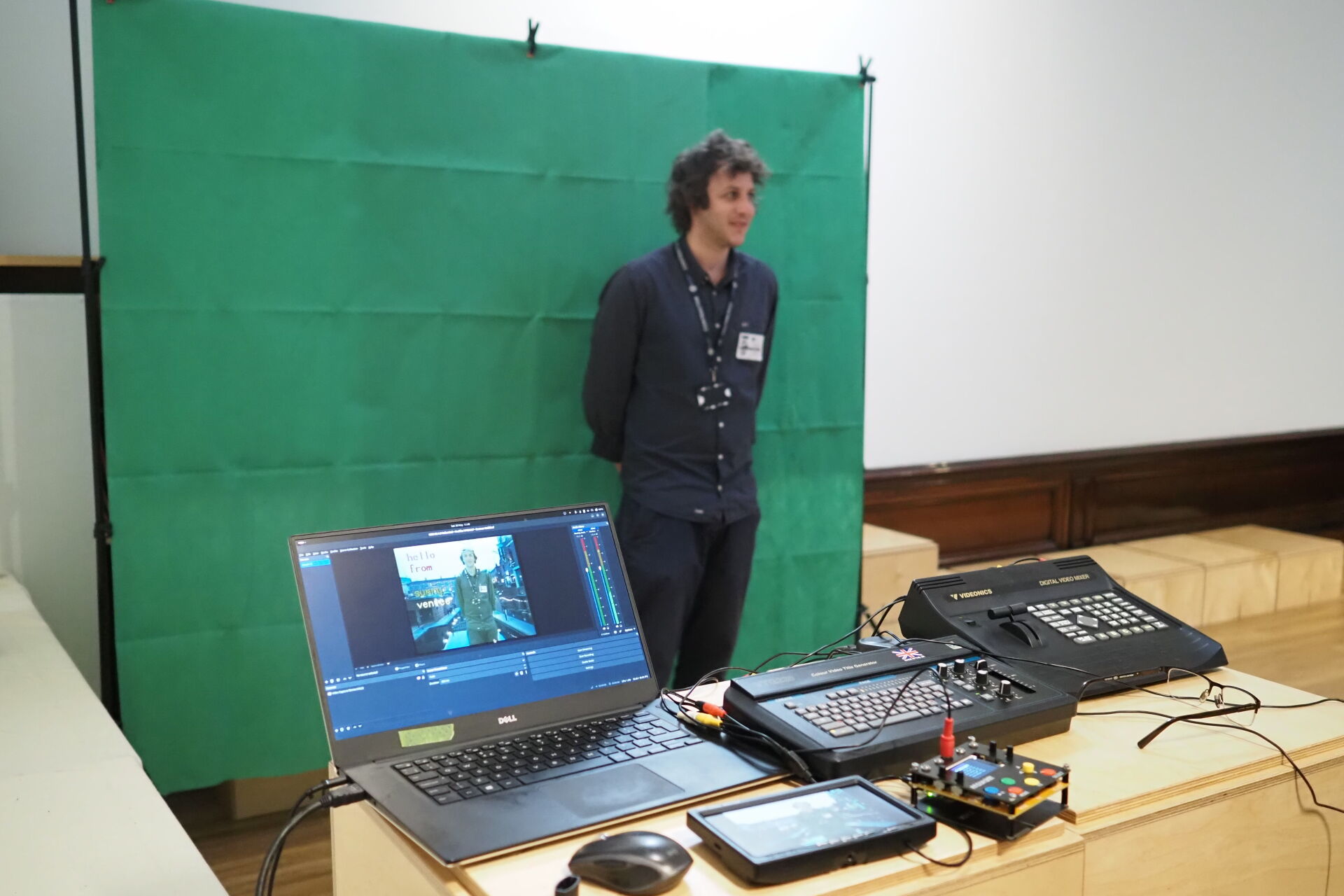
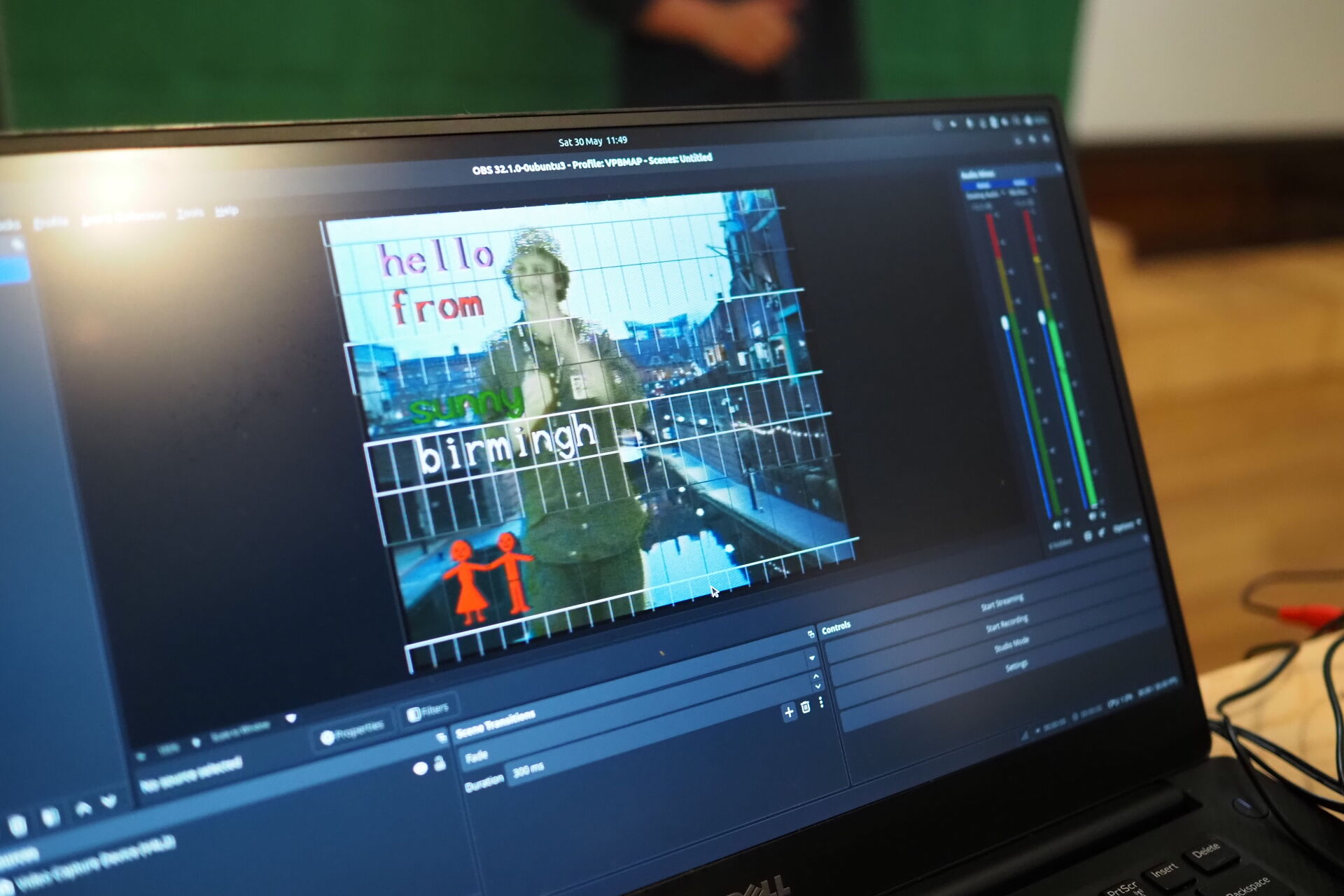
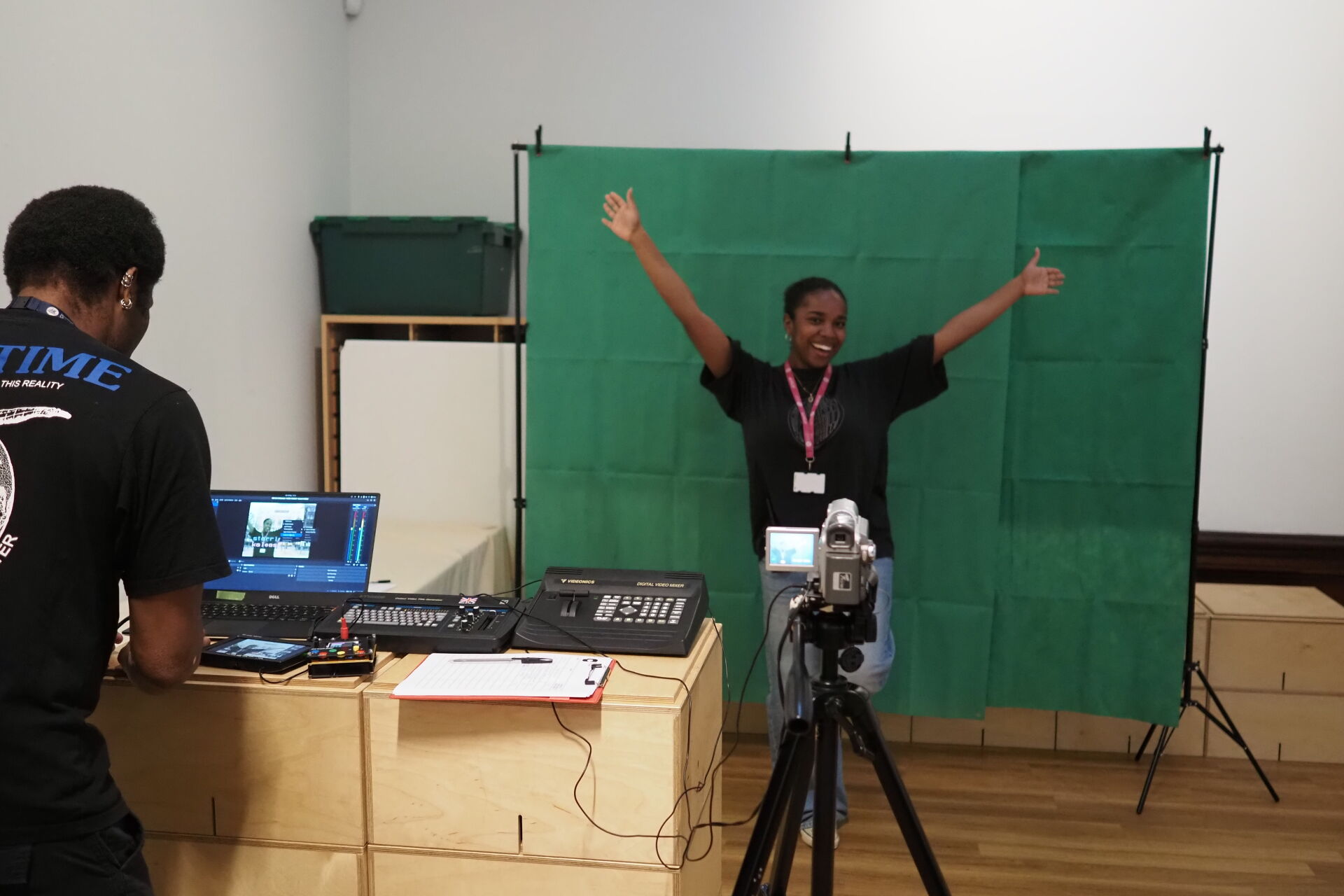
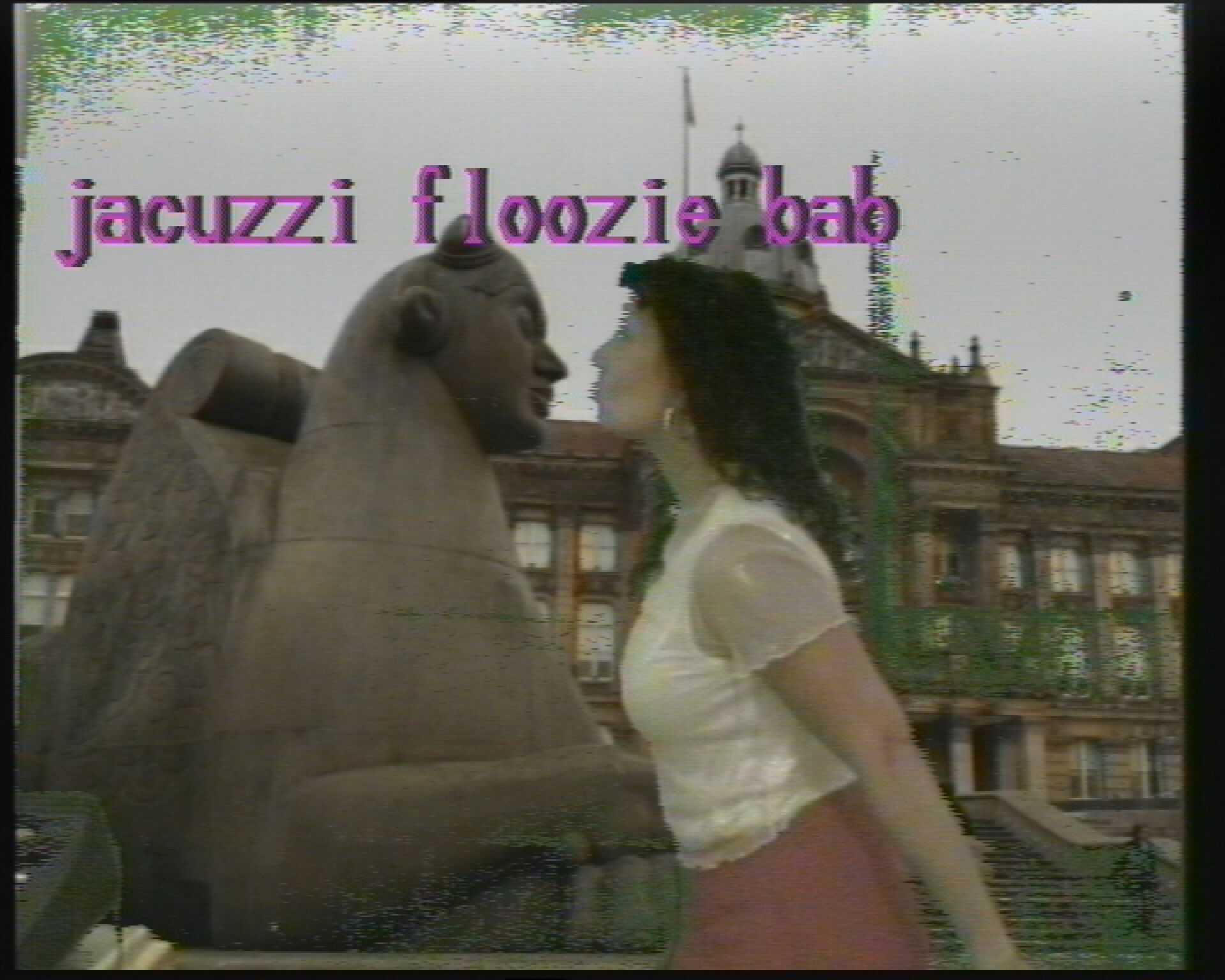
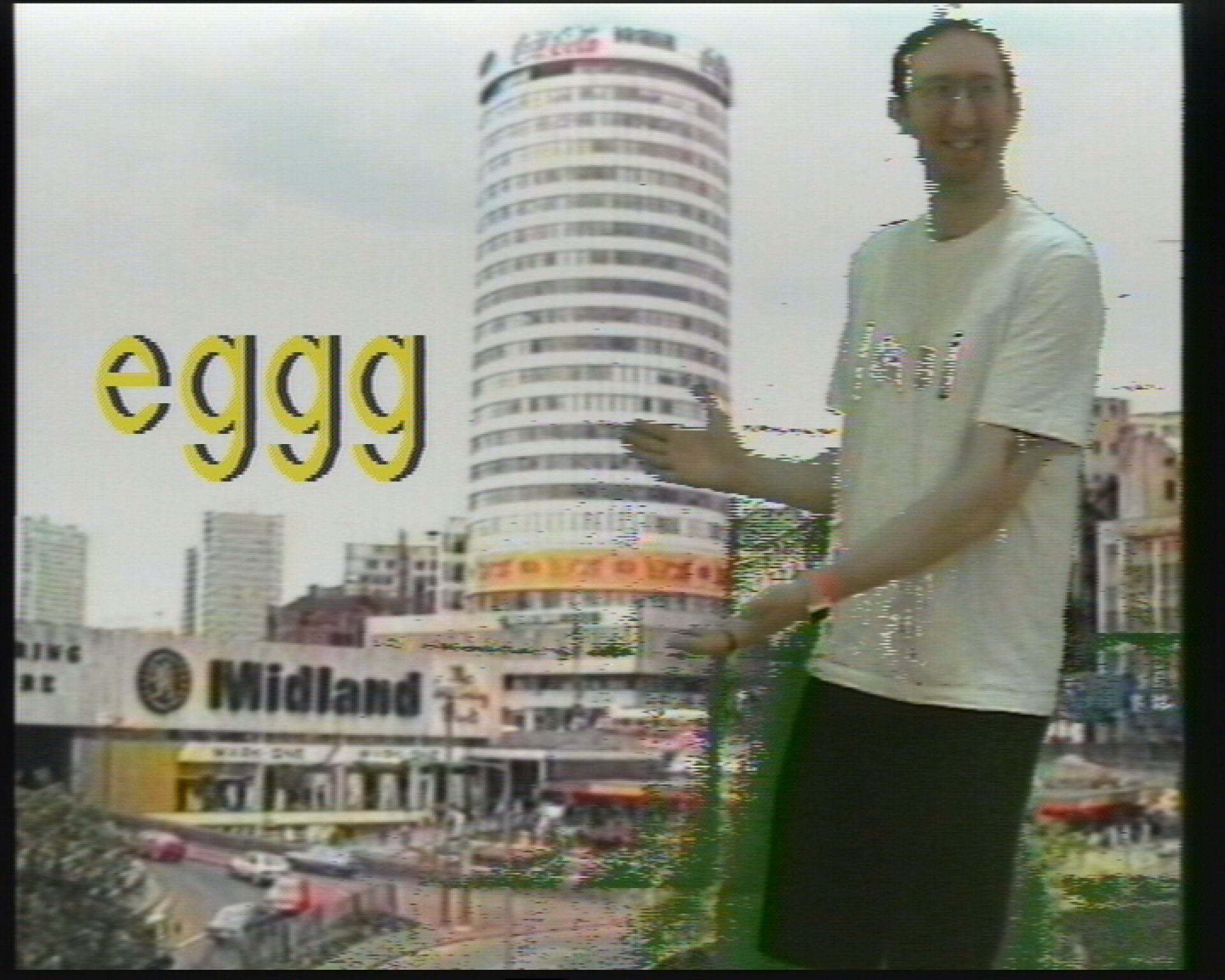
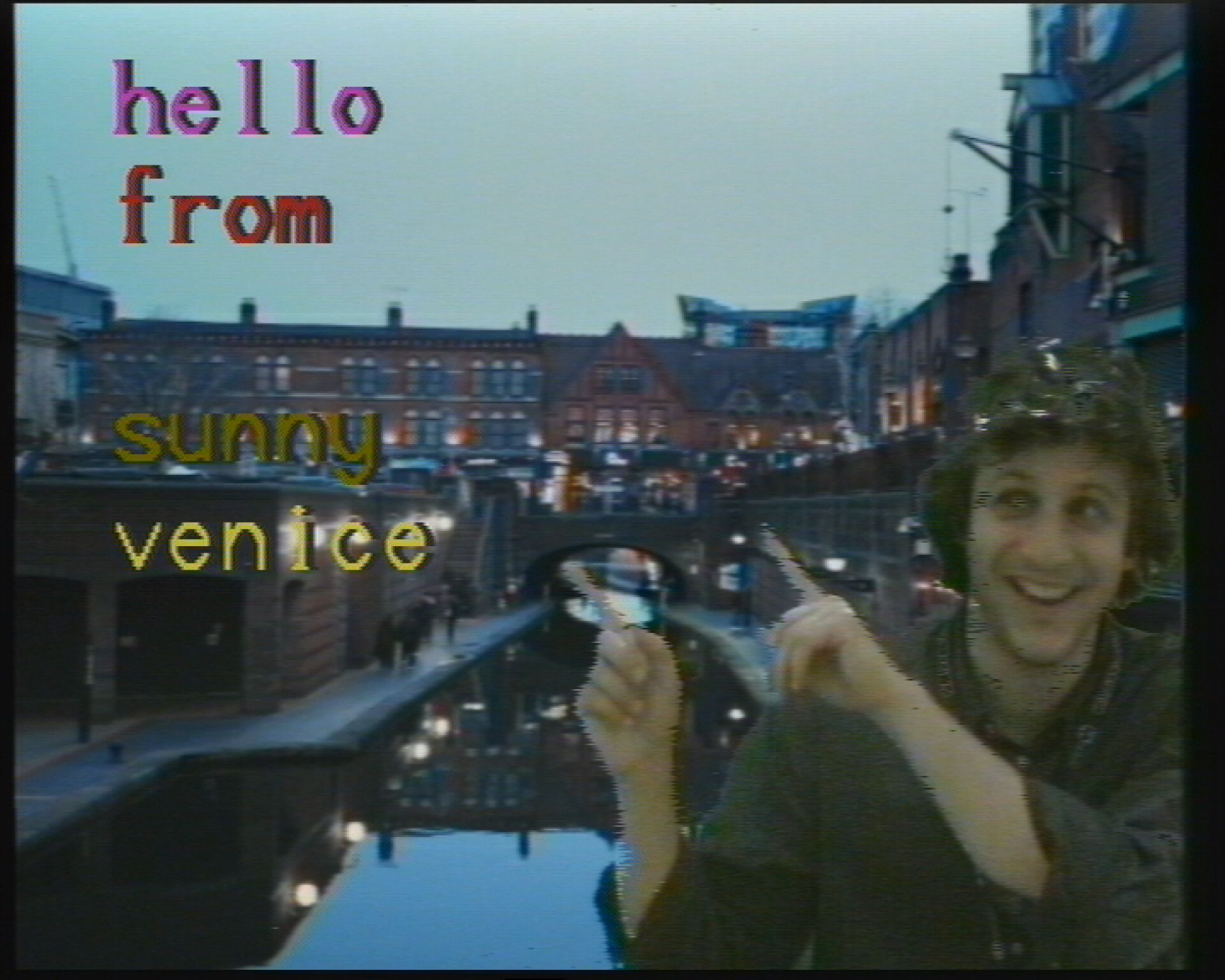
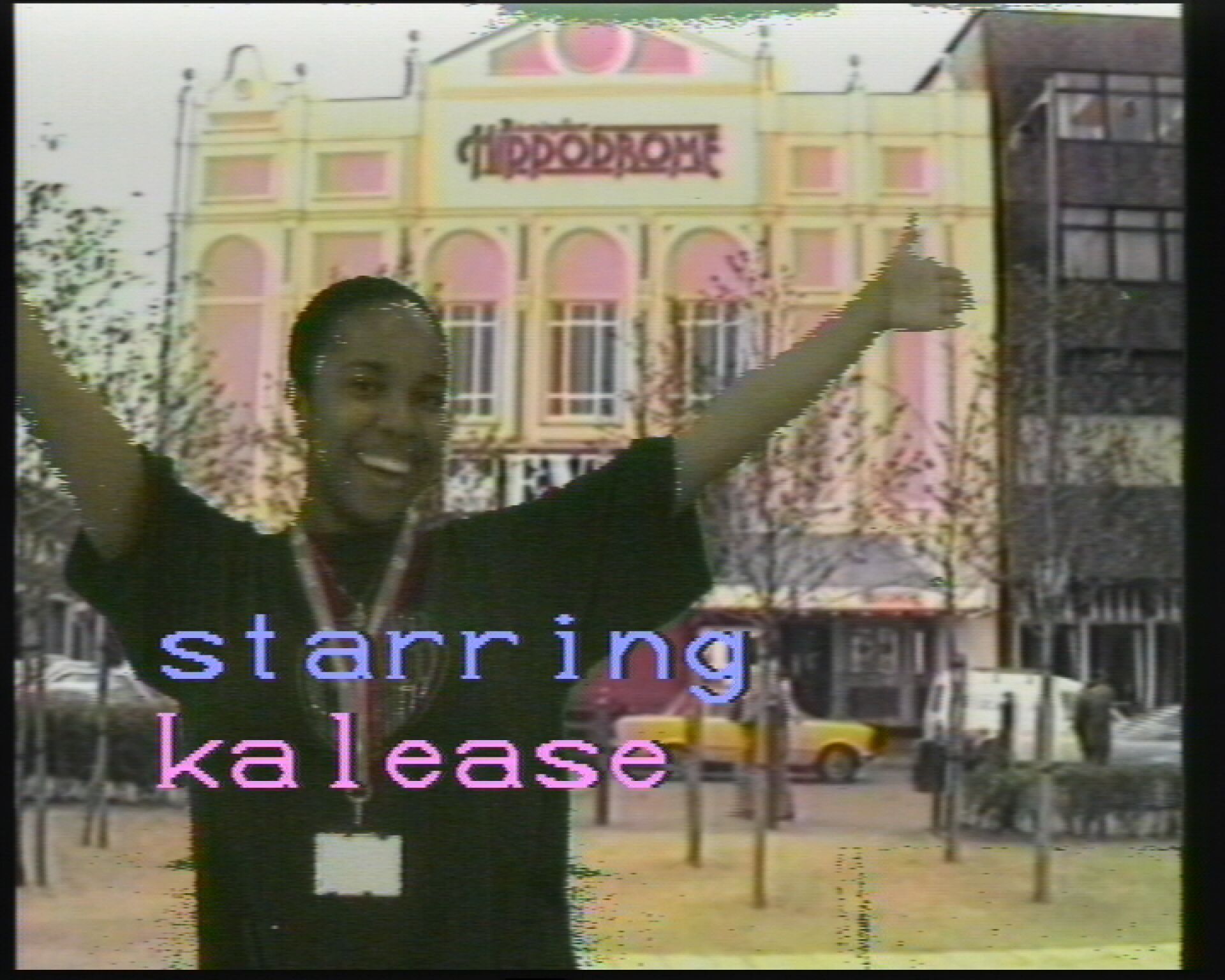
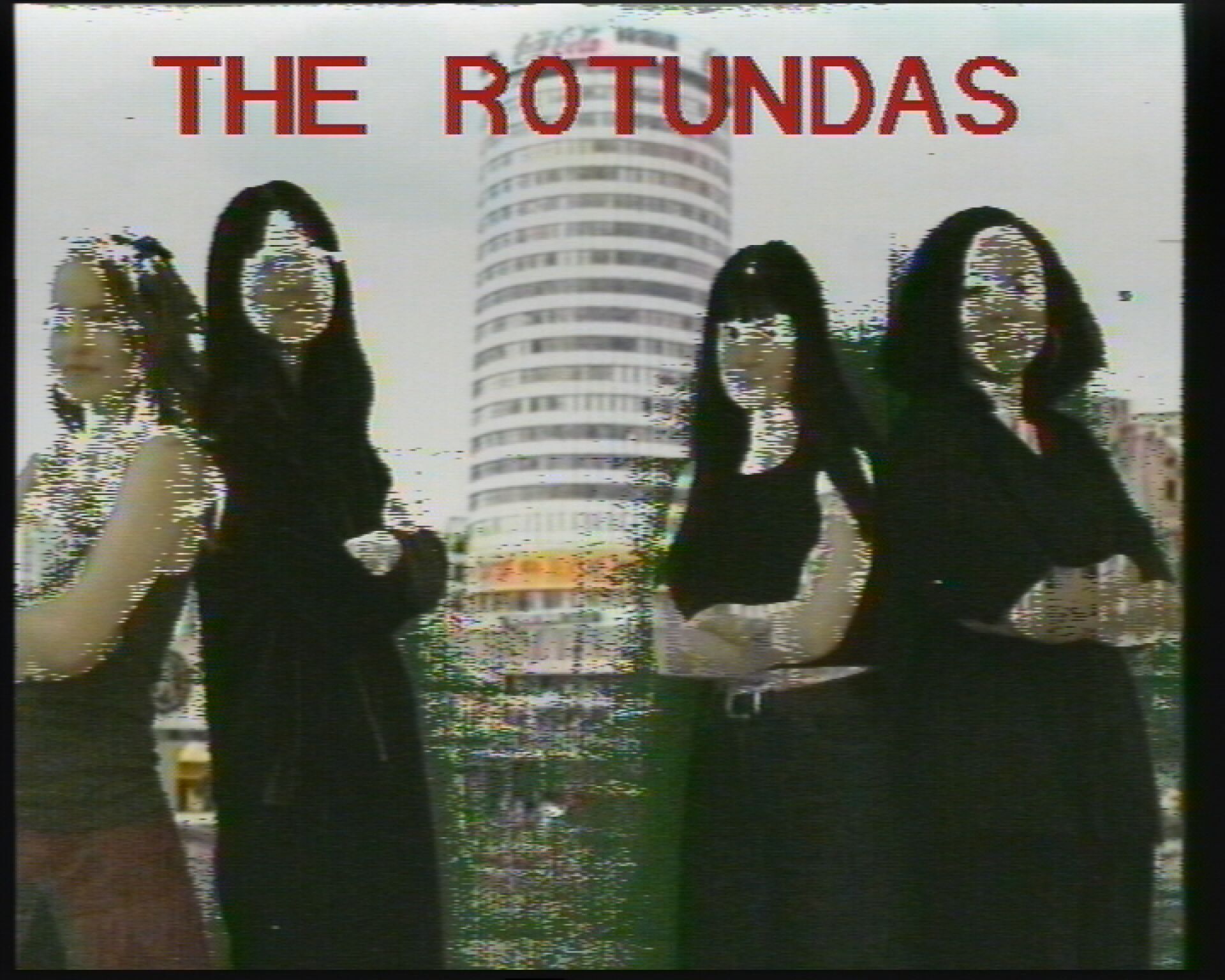
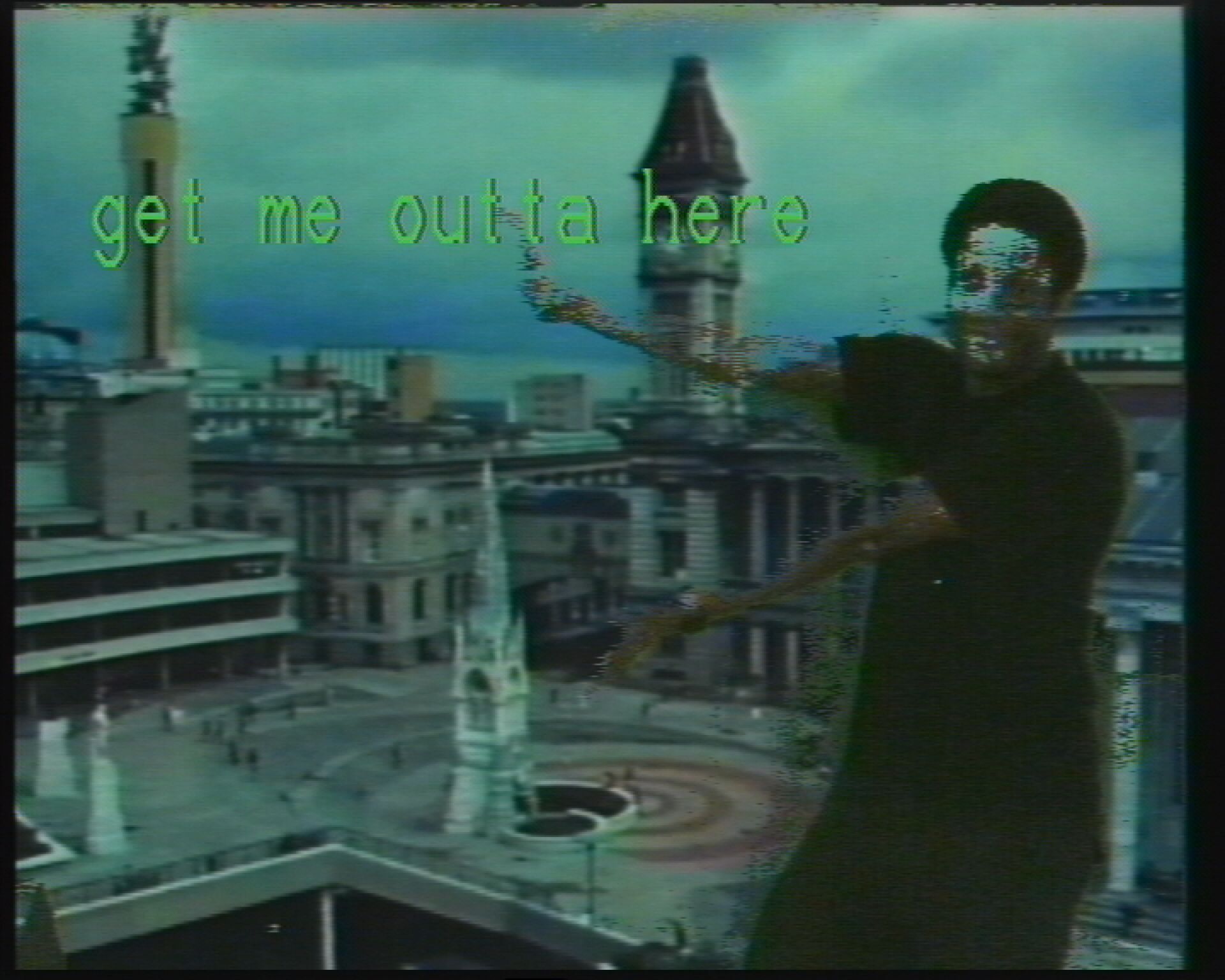
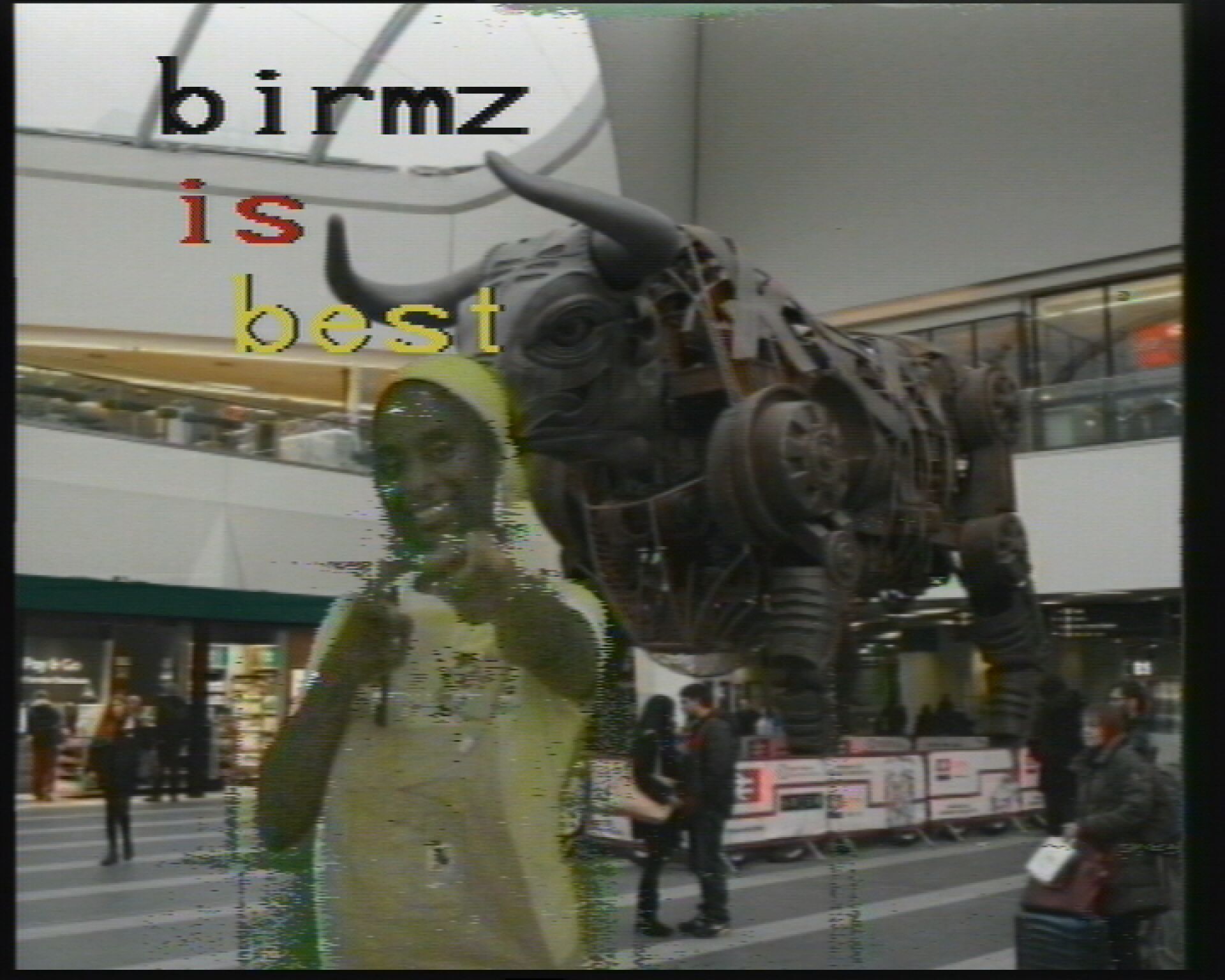
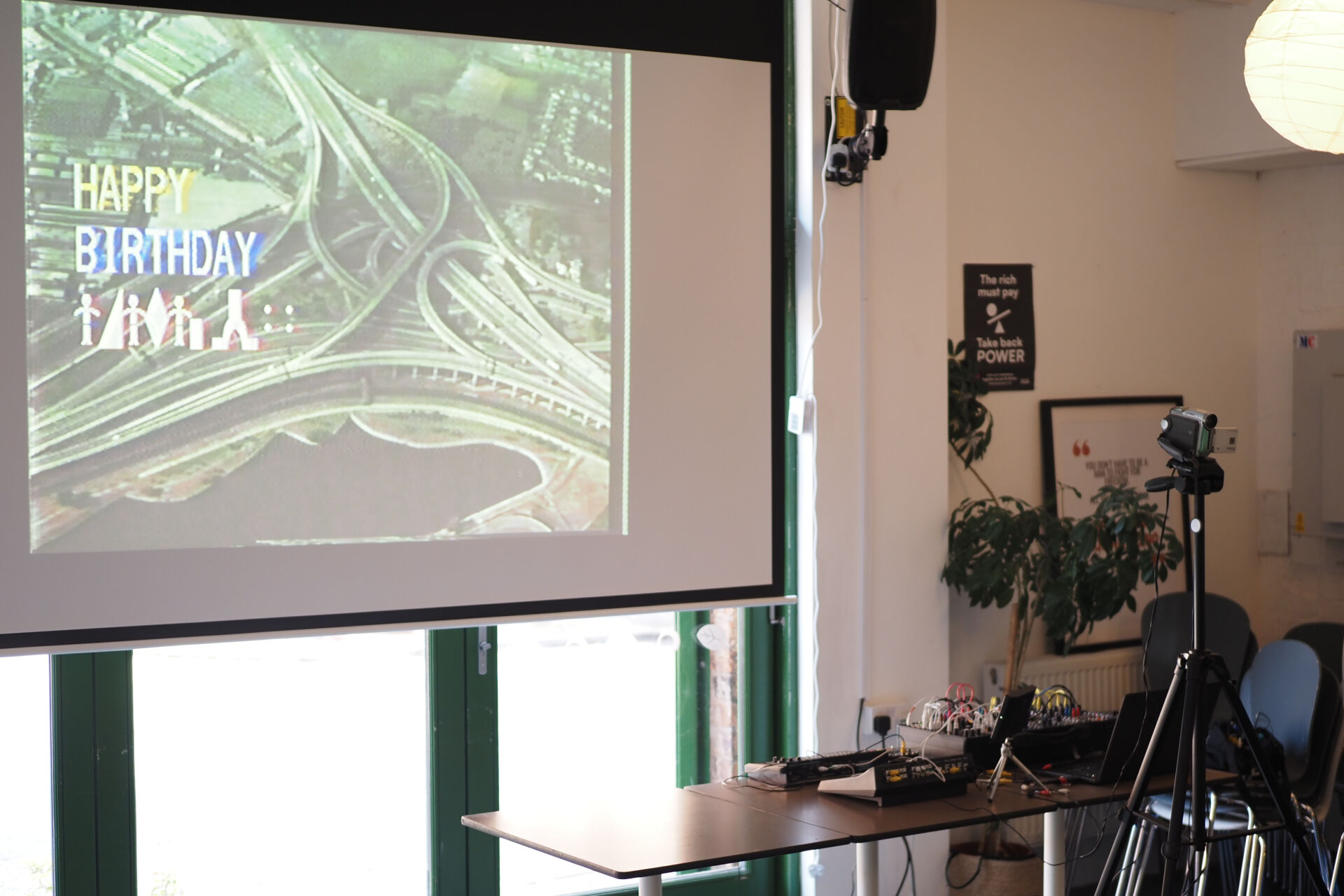
On 30th May I did the first Video Postcard workshop for Vivid Projects at Birmingham Museum and Art Gallery. The general idea was to do a green-screen workshop but utilising old video hardware. The public could choose a scene from vintage Birmingham (think the old Bull Ring, Spaghetti Junction, or Central Library), superimpose themselves onto it, and have a message written on top.
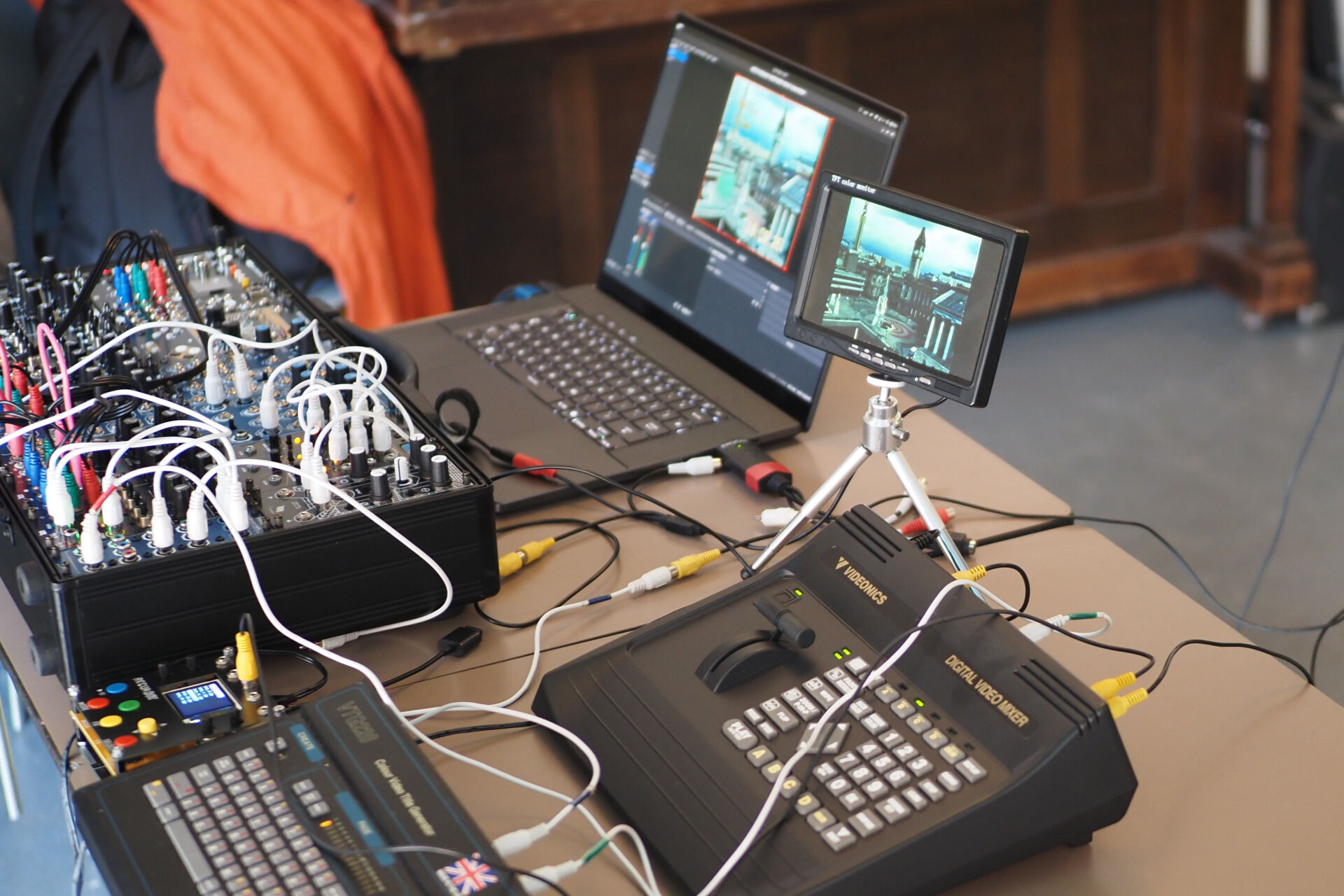
The technology I used for this was a Videonics MX-1 Digital Video Mixer, VideoTech VTG228 Video Titler, a _recurBOY_, and a Medion MD 80566 MiniDV Digital Camcorder which I’ve actually used in the past for events and performances.
I was really happy with the public’s response to the workshop. There were people in their 40s and older who enjoyed the nostalgia trip and there were younger people who liked the fuzzy aesthetic and clunkyness of the hardware. It is encouraging to see people being inspired by hardware and processes which have long since been superseded.
More Video Postcard workshops!
Vivid Projects must have been happy with my Video Postcard workshop as they asked me to do it again in September, this time at BRIG.
Everything old is new again
Overall I’m happy to see interest in old video technologies come back around. Of course as a hobby it can become quite expensive (don’t ask me how much my modular video synthesiser is), but hopefully the workshops I delivered showed how the cohort and public how they could take part without spendinig a lot of money.
](/blog/vivid-projects-bmap-workshops/images/access-the-archives-page-25.jpg)
](/blog/vivid-projects-bmap-workshops/images/access-the-archives-page-26.jpg)
](/blog/vivid-projects-bmap-workshops/images/access-the-archives-page-27.jpg)
](/blog/vivid-projects-bmap-workshops/images/access-the-archives-page-28.jpg)