Echobender
Myself and Mez recently finished a script called Echobender that automatically databends images.
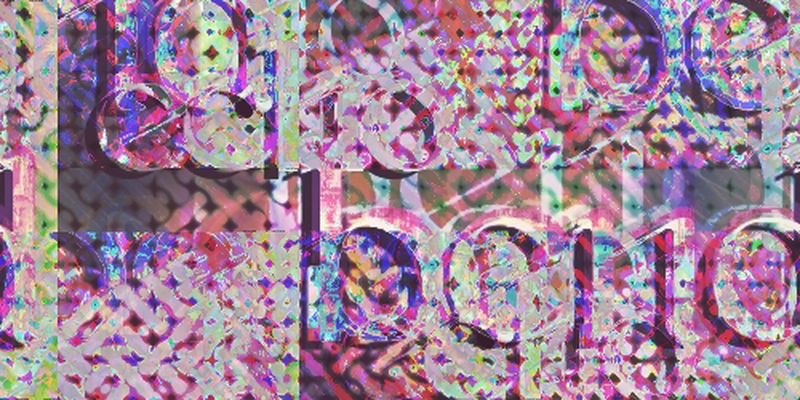
To use it you’ll need:
- A computer with Linux installed. I don’t have a Windows or Mac PC so I can’t test it on those
- Sox. On Ubuntu you can install it via
sudo apt-get install sox - Convert, which is part of ImageMagick. On Ubuntu you can install it via
sudo apt-get install imagemagick
Once you have those installed just execute ./echobender.sh from the terminal and then drop a .jpg or .bmp file into it. The output will be in a folder called “echo”.