Blog

We Are Your Friends, 11th - 27th November

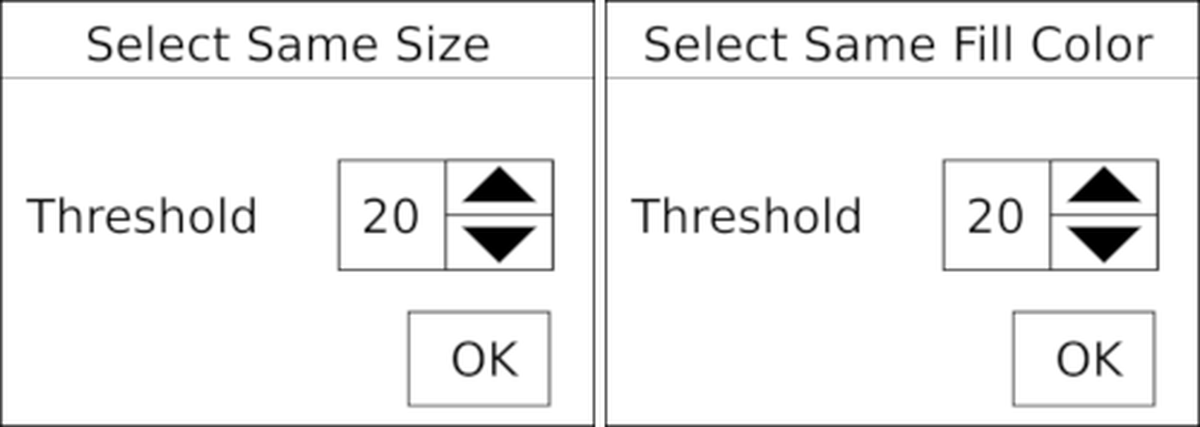
Happy to announce that my second solo exhibition, We Are Your Friends, will be taking place from 11th - 27th November at the Czurles Nelson Gallery at Buffalo State University, NY.

We Are Your Friends, 11th - 27th November

There’s a reception on 14th November 17:00 - 19:00 and I’ll be present in Buffalo from 11th - 17th. Come say hi! Many thanks to Brent Patterson for making this happen :-)


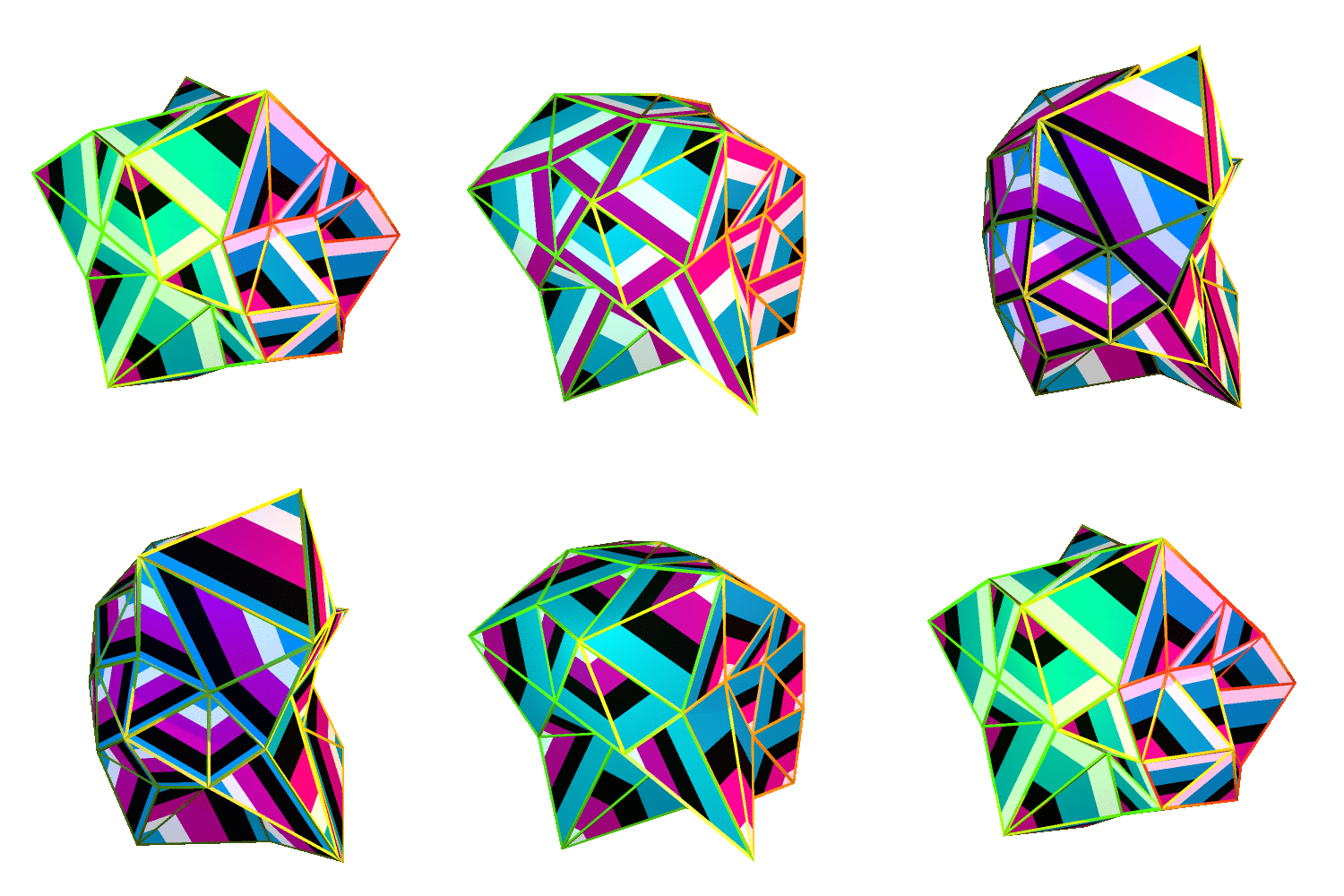
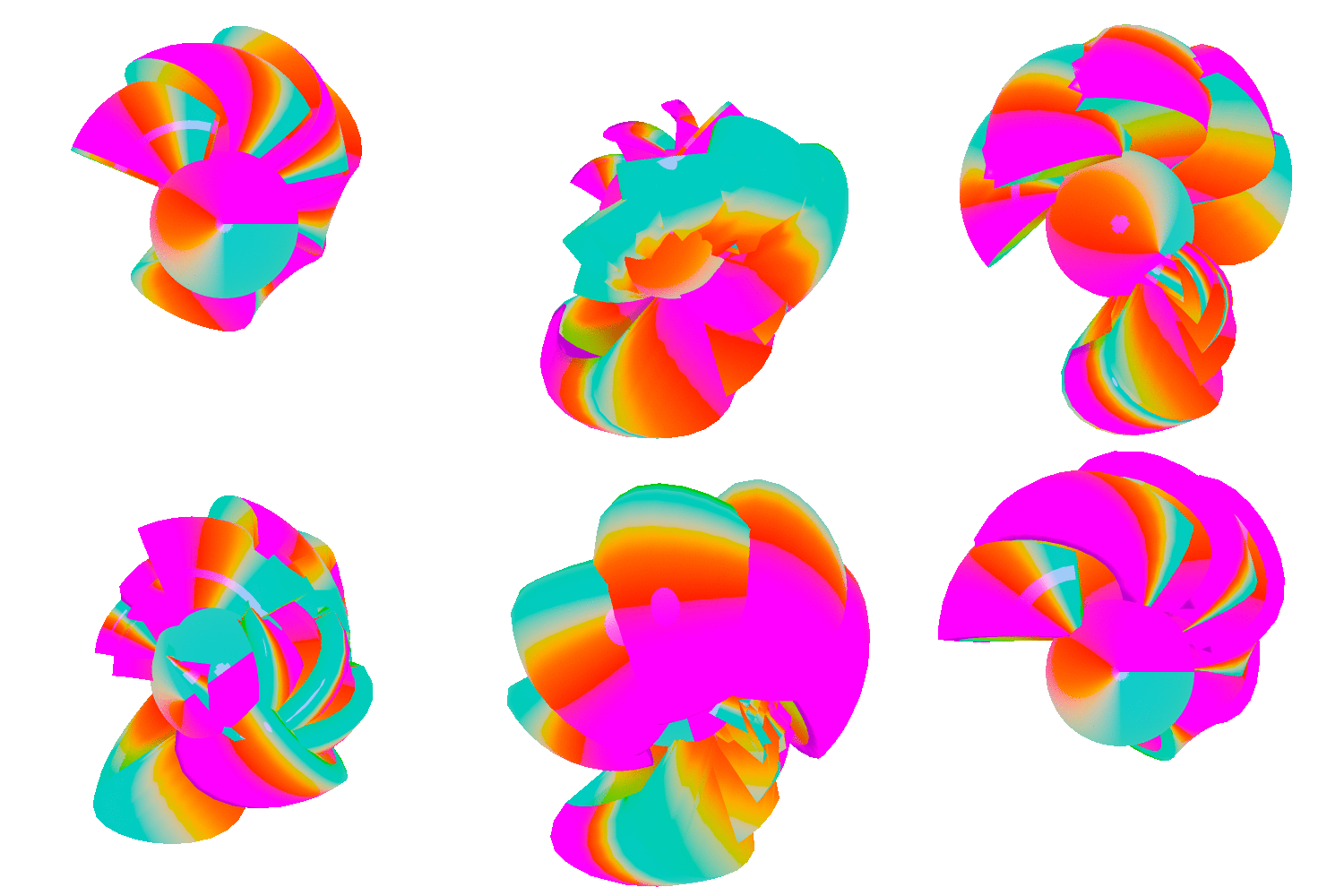
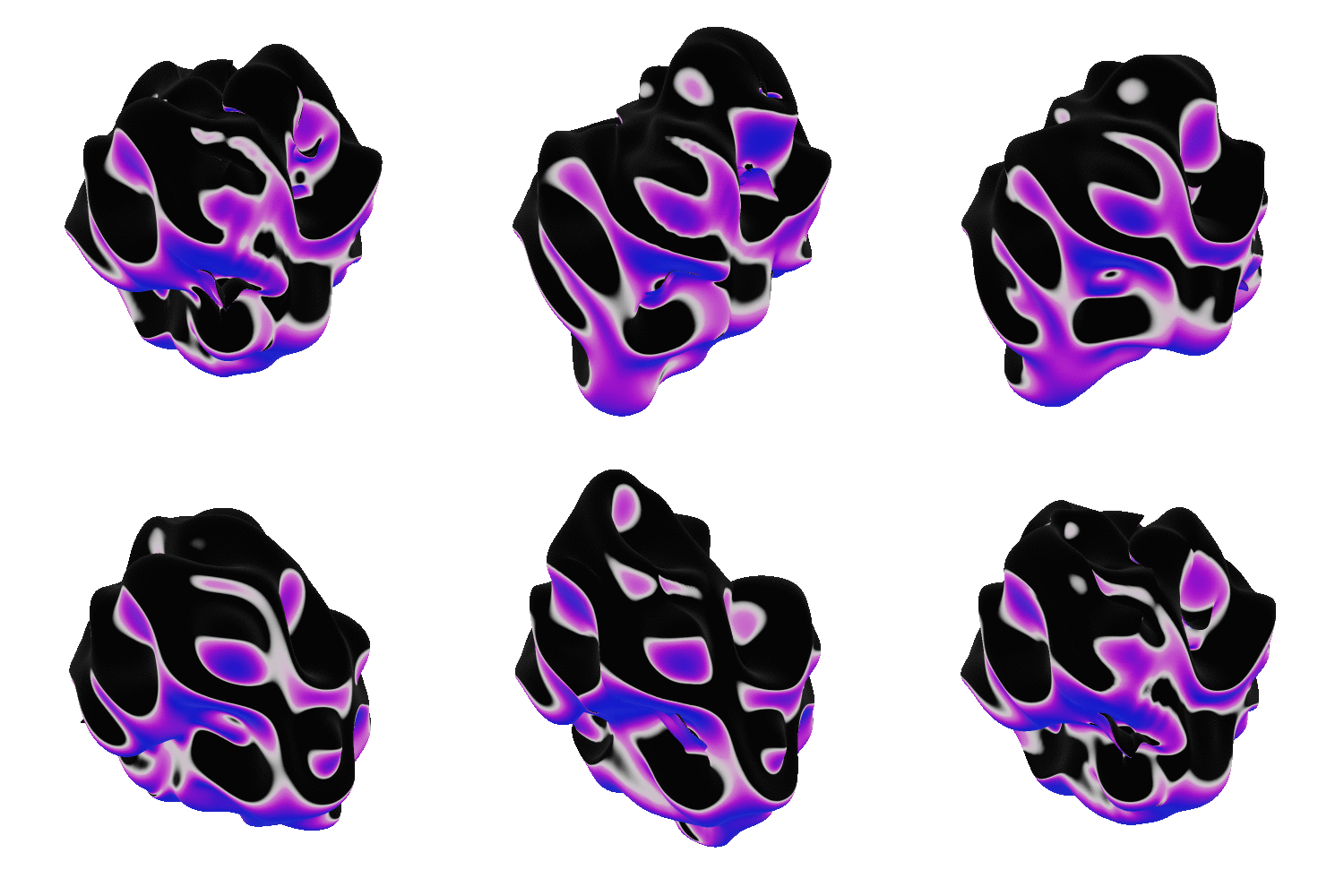
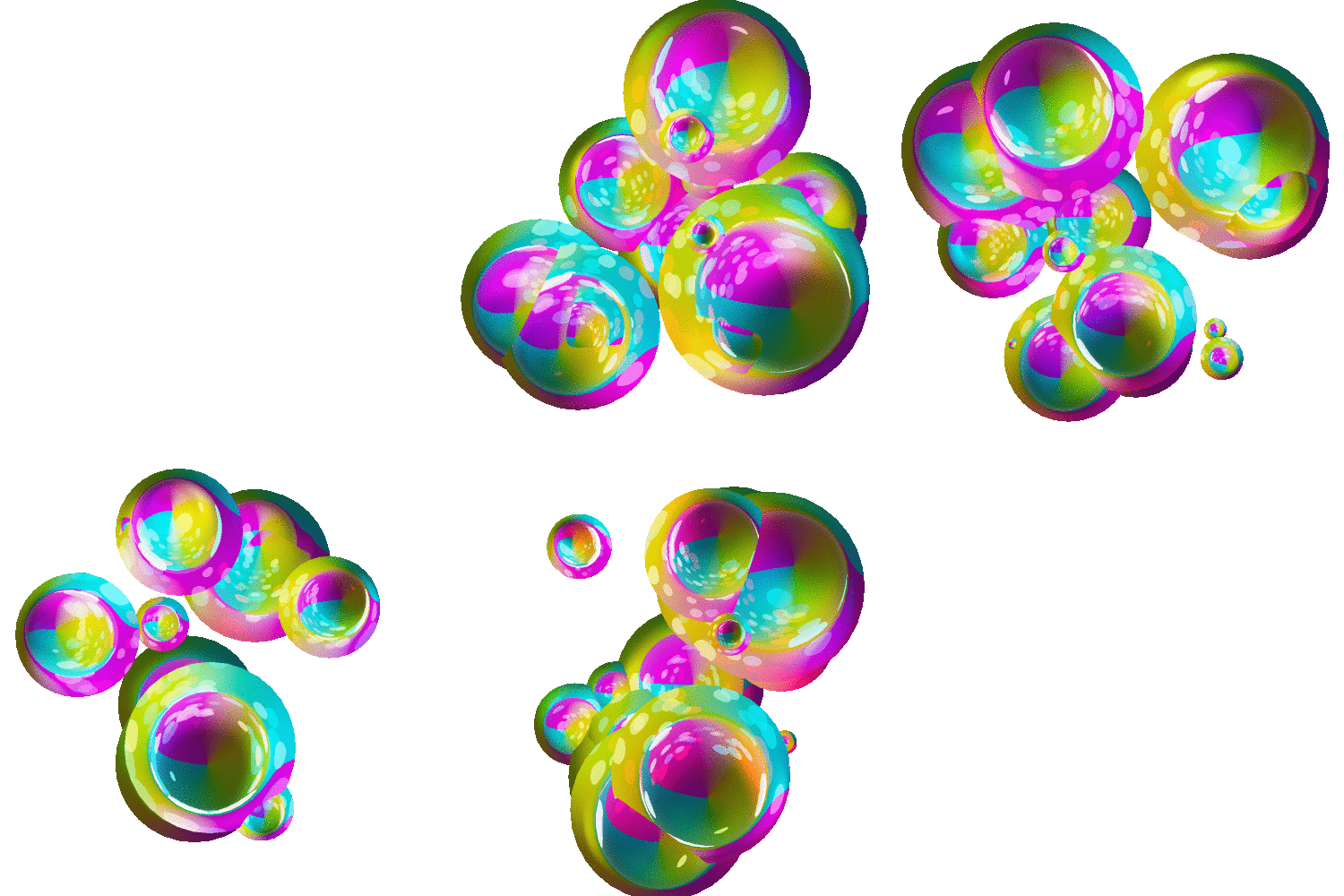
Improviz gifs

Earlier this year fellow visualist and live coder Rumblesan commissioned me to make some gifs for his new live coding software, Improviz. In July he unleashed it into the world!

Looking at the above videos you could easily be forgiven for thinking that it looks a bit like LiveCodeLab. He is, after all, one of the developers of LiveCodeLab. However, Improviz differs in a few ways. As Rumblesan himself explains in the Toplap chat:

the language in Improviz has a lot in common with live code lab, and the basic functionality for shapes, styles, transformations and loops is all pretty much the same. but in terms of implementation and usage they’re very different

lcl is using three.js as an intermediary, whilst improviz is entirely haskell and uses opengl directly (which I think long term is going to cause me grief but we’ll see haha)

the major difference is that improviz lets you use images and gifs as textures, which is something I’d like to back port to lcl, but wouldn’t be a small task unfortunately

That’s right, you can load textures! As mentioned before Rumblesan commissioned me to make a set of gifs to go along with the initial public release. They’re all released under a Creative Commons Attribution licence so you’re free to use them as you wish as long as you attribute me.

Improviz gifs

As an added bonus I’m also releasing the .blend file that was used to make each one.

Click here to download the Blender files.

These were made using a beta version of Blender 2.80. I’ve tested them in the stable release and they appear to work fine but they definitely will not work in 2.79 or earlier versions. I’m providing these for you to explore and won’t be doing a writeup/tutorial on how they work. If you remix them please share what you make :-)

Improviz gifs Improviz gifs Improviz gifs Improviz gifs Improviz gifs Improviz gifs Improviz gifs Improviz gifs Improviz gifs Improviz gifs

Definitely give Improviz a try! Thanks to Rumblesan for commissioning me to make the gifs :-)


What's happening on Twitter

The following is compiled from a bunch of Tweets that I made in December 2018. After reading you’ll see why I have to write it here! While it is not directly related with programming or making art, it does help with Getting Things Done, so I decided to include it here.

Like many people I’ve started to remove myself from a lot of social media websites. First was Facebook in 2017. The reason for this is that was really annoyed that it was using nostalgia to manipulate me into staying on the website. In shoving 10 year-old photos into my view through the On This Day feature it was giving me little hits of dopamine by reminding me of the good ol’ times, even if they were 10 years ago with people that, for whatever reason, are no longer part of my life.

One solution to this was to make sure that Facebook only had recent information about me. I started manually deleting anything that was more than 2 year old. I eventually found a Chrome plugin (use at your own risk) that made it easier to do but this process was a chore that ultimately didn’t solve the fact that Facebook was the problem. After about a year I left unannounced. After deleting my account, of course.

My “relationship” with Twitter is a bit different. I’ve always preferred it over Facebook as it isn’t as intrusive, at least not directly. It doesn’t constantly ask you to share who you’re dating, identify your family, upload photos from your night out or tag your friends in everything. Instead it felt like it was more concerned with what was happening at that moment.

What's happening on Twitter

Like Facebook, though, I became a bit concerned with how much data about me it was storing. I started using the website in 2008 (Facebook in 2007) and have used it almost daily since then. Over that time I have grown and changed as a person many times over. I don’t want this history to be fully documented and, more importantly, available for anyone to browse through. Whilst the majority of the 40k tweets I accumulated over that period probably consists mostly of cat gifs, memes and the word “lol”, maybe there’s there events that I’d rather not have documented, like Tweets showing friendships and relationships falling apart, embarrassing photos of myself or others on nights out, or even just me saying something that was totally out of order.

I’m glad that I have friends (and enemies) that have called me out on my bullshit and hope that they continue to point out times when I do something wrong. However, I’d rather that the trail of data I leave on these sites that I use every day reflected me as I am now, not who I was 10 or even 20 years ago.

So, I went on a mission to find a way to keep my Tweets current. I needed a tool, or tools, that would automatically delete Tweets older than a certain time period.

A lot has been written about Tweetdelete. However, I don’t want to rely on a third party service. Many people do trust the service, but there’s always risks in using third party services, especially when they have access to a lot of your information. Then there’s the risk that it could one day shut down so I decided that I wanted something that I could deploy myself.

Deploying your own script requires that you register a developer account on Twitter.

Delete tweets is a Python script that let’s you delete tweets and specify a cut off date. However, to run it you need to download your Twitter archive. At the time of writing this can only be done once a month and has to be done manually. So, you could automate the running of the script but there’s still manual intervention required.

This Python script is similar but it lets you specify cutoff date as a number of days, not dates. Still, it requires downloading your Twitter archive manually.

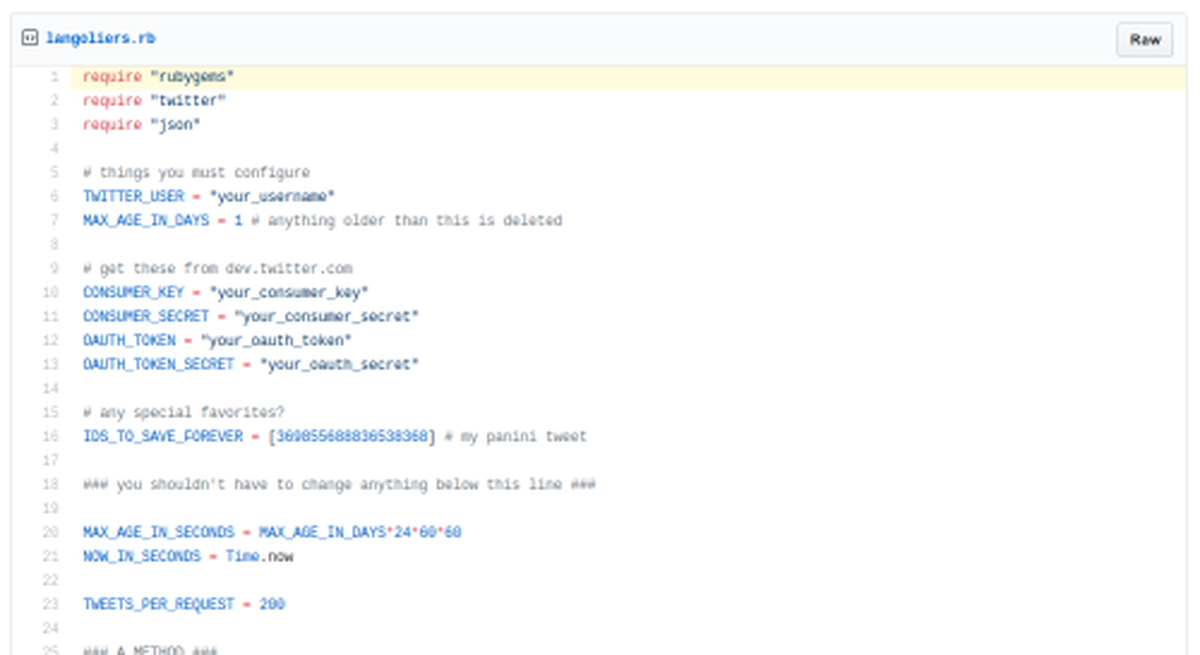
This Ruby script works perfectly! You specify cutoff point in days and then when it is run it deletes any tweets older than that cutoff point. It even has the option to put in the ID of Tweets that you want to save. It only requires a developer account and you don’t need to download your archive.

What's happening on Twitter

There’s even a companion script that removes Likes. This doesn’t have any options for date cutoff but in my case it doesn’t matter. Once I’ve liked something once it doesn’t mean that I like it (or anything else that person has posted) forever so I’m not sure why I need to have my likes recorded and archived.

I decided to install both scripts on an always-on Raspberry Pi. Installing them took a bit of time due to it needing to install a bunch of Ruby gems. Once it was installed I set up a cron job to run the script at regular intervals. I have mine set to twice a day and to only keep the last two weeks of tweets. I feel that that is enough time for the tweets/memes to have whatever impact that they’re going to have. After two weeks they’re gone.

All of this effort to manage my experience of using Twitter might not be a solution and instead might be more of a distraction from the fact that the problem is Twitter, and maybe even social media in general. There have been many efforts from individuals to make social media better. On Facebook there is F.B. Purity which helps remove things like adverts, the On This Day feature and other things.

One of my favourite tools that I still use is the Facebook and Twitter Demetricator from Ben Grosser. These desktop-only tools remove mentions of the number of Likes, replies and retweets a post gets so that you can focus on the cat memes important things. These plugins have been getting a lot of attention recently. See Ben’s Instagram for more.

This of course doesn’t solve social media’s problems but just makes my experience of it just that little bit less stressful.


Blender Wont Save You

Author's note — 16/08/26

This blog post was originally written in 2019 but I have decided to publish it in 2026 even though much of it is now irrelevant. I think some of the advice is a bit naive but the overall intention of encouraging people to get involved long-term is well-intentioned.

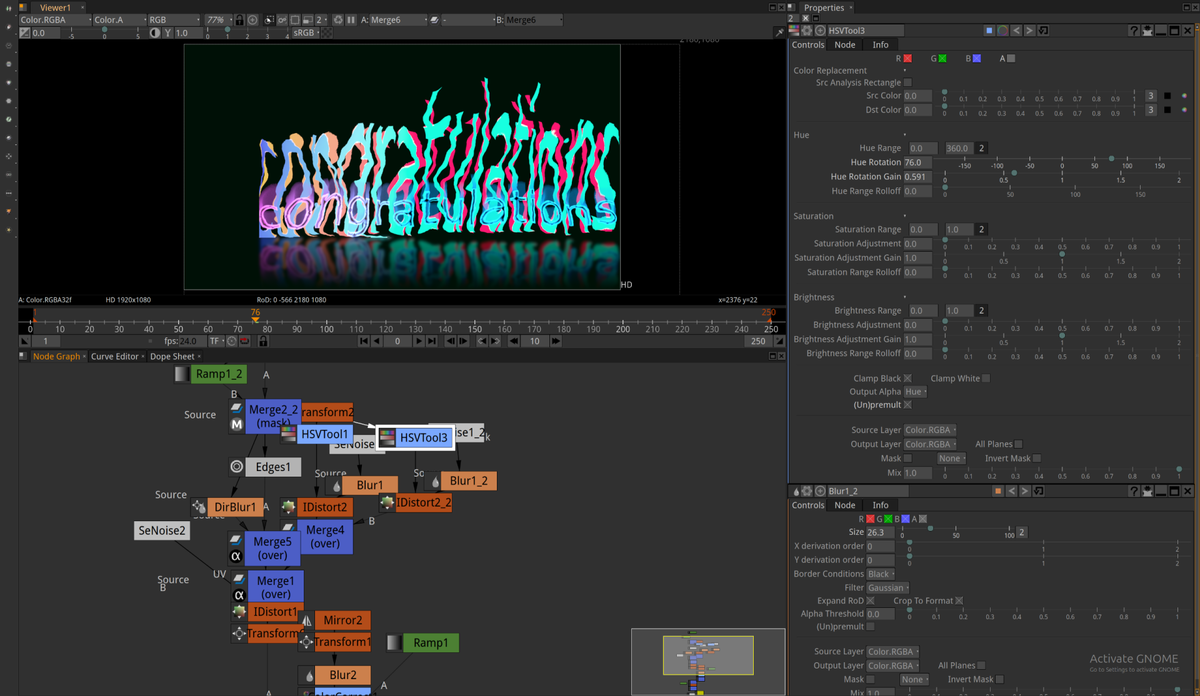
Sometimes my activities in open source land don’t involve programming. Occasionally I write tutorials or frequent software forums and try and help other people. One forum that I’m occasionally on is the Natron forum. For those that don’t know Natron:

Natron is a free and open-source node-based compositing software application. It has been influenced by digital compositing software such as Avid Media Illusion, Apple Shake, Blackmagic Fusion, Autodesk Flame and Nuke, from which its user interface and many of its concepts are derived.
Blender Wont Save You

I’ve used it in artworks such as Basiquat’s Brain, the Re-Animation projections I created for Barber Collective, and the recent videos I’ve been creating with Barbican Young Creatives.

Unfortunately since 2018 it has been left mostly unmaintained as the primary developers left the project. Libre Graphics World has a really good interview with one of it’s developers which goes into this in more depth.

The need for developers is not unique to Natron. There are a few success stories where an open source software project has secured enough developers for it to keep going. Some of the best examples of this would be the Linux kernel, Ubuntu and Android. Each of these has a mixture of volunteer and paid developers.

Author's note — 16/08/26

On reflection these are probably not the best examples, since they are primarily developed by paid developers. It’s not as if they have secured funding from the community, they always have had corporate backing.

The story is different when concerning open source graphic design and creative software. To my knowledge the biggest success story is Blender. Since it first appeared in 1998 the software now boasts a number of paid full time developers (though certainly not equal to the amount that Autodesk has), their own offices, commercial sponsors, and a foundation that supports the development of Blender and it’s connected activities. It would seem like common sense for anyone to suggest that a troubled project attempt to mimic Blender’s path to success or even reach out to them for help, either in the form of developers or funding. It’s the latter of these suggestions which I see regularly and want to address here.

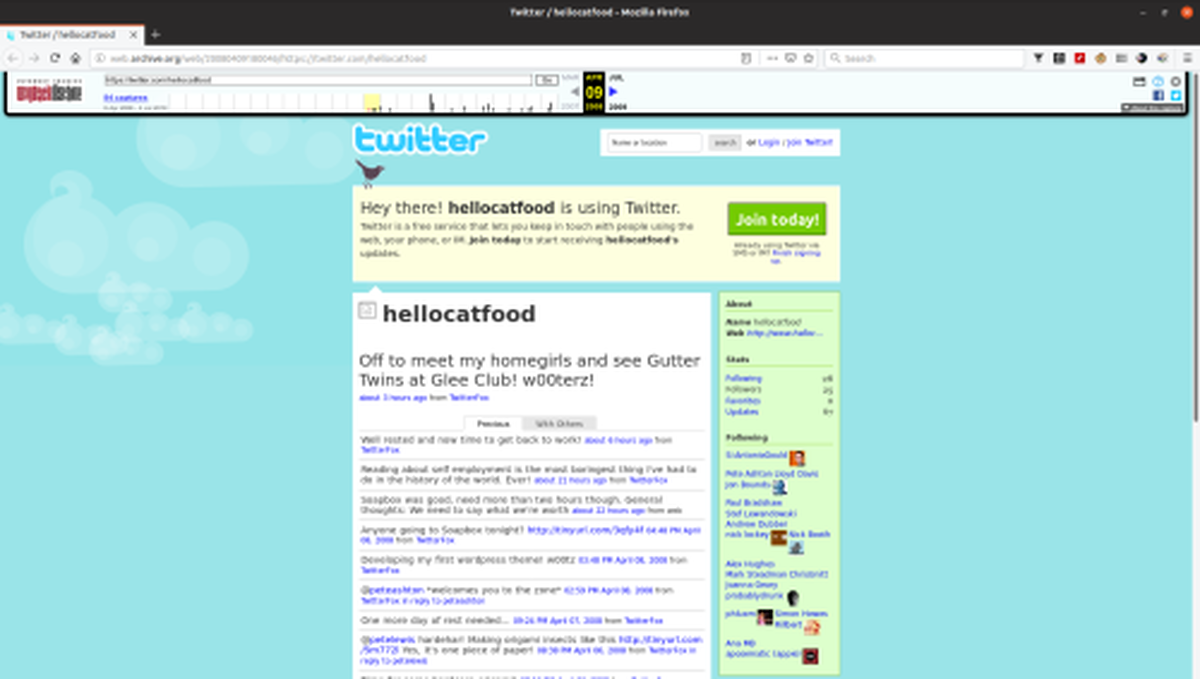
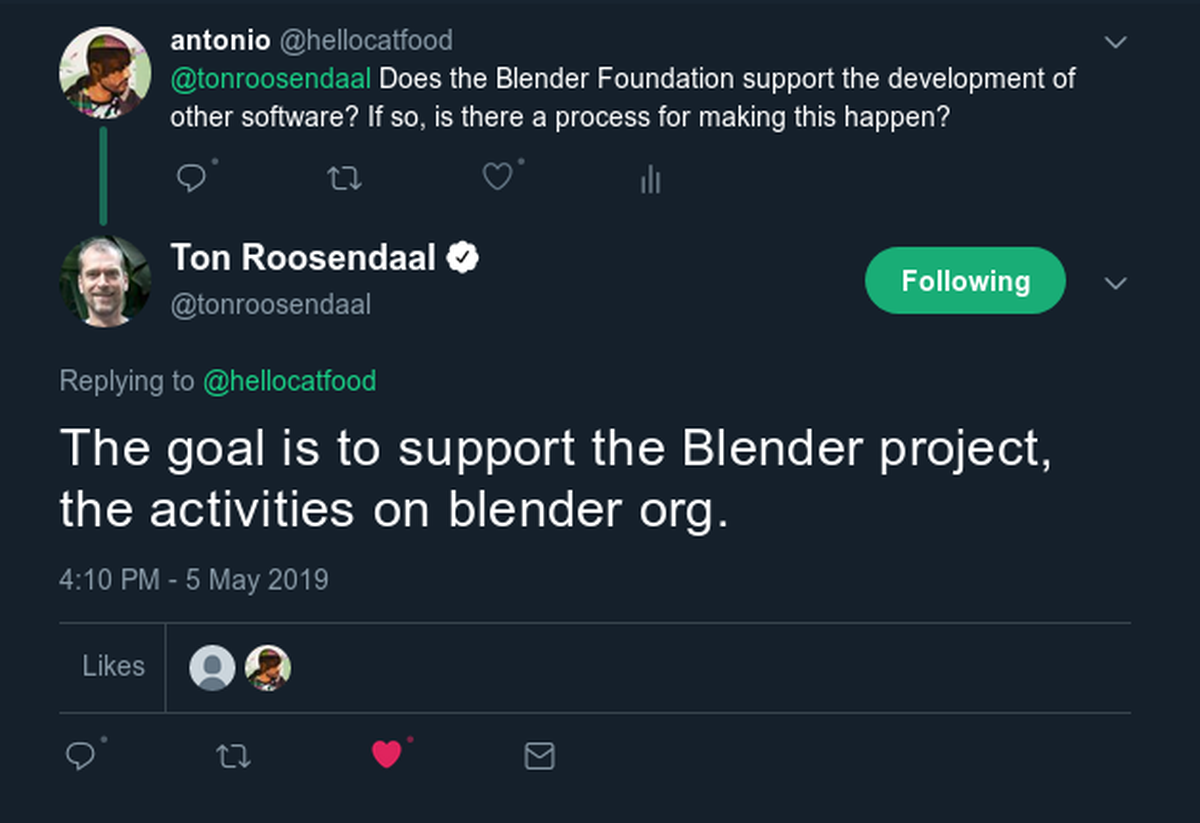
After seeing this suggestion of approaching Blender for support yet again on the Natron forum I decided to reach out to Ton Rooendaal, the founder of Blender, for an answer. I regularly delete my tweets so I’m providing a screenshot below and a link to Ton’s response.
Blender Wont Save You

His answer wasn’t a clear cut “no” but it does heavily imply that Blender dosen’t support the development of other software either financially or by lending a project some of its developers. This is further backed up by reading the Blender Foundation’s goals:

  • Manage the facilities on blender.org for users and developers who want to contribute to Blender.
  • Maintain and improve the current Blender product via a public accessible source code system under the GNU General Public License.
  • Establish funding or revenue mechanisms that serve the foundation’s goals and cover the foundation’s expenses.
  • Provide individual artists and small teams with a complete, free and open source 3D creation pipeline.

Blender may indirectly support the development of other software through improving shared libraries which it uses, but again, afaict it doesn’t directly support other projects.

Now, those suggesting that a project asks Blender for support are certainly well-intentioned, but their efforts may be better spent finding organisations who actually do have it in their mission statements or goals to help support the development of open source software projects in some way. Here’s a few that I’ve found with a bit of research:

Google Summer of Code

Google Summer of Code is a global program focused on bringing more student developers into open source software development. Students work with an open source organization on a 3 month programming project during their break from school.

Many projects have benefited from this programme since it started in 2005.

ASIFA-Hollywood

As part of our mission to promote the art and industry of animation, ASIFA-Hollywood intends to be a strong voice for the development of open source software. Over the last few decades, there have been incredible advancements in the quality of open source software solutions for artists. Although historically, complex 3D rendering tools and animation software have had a high upfront cost barrier, open source software development is more than ever serving as a counterweight to put fantastic technology in the hands of anyone who is curious enough to explore it.

ASIFA-Hollywood has supported several opens source projects, including Synfig who in 2018 received $2000.

Shuttleworth Foundation

Twice a year we award a number of small grants to a collection of social change agents, no strings attached, in support of their work. We call these Flash Grants and recipients are selected based on nominations from our Fellows. Each award is worth $5,000.

In 2013 Synfig received one such flash grant. It would appear that there is no application procese and instead people/projects are nominated.

Epic Megagrants

Epic Games has committed $100 million to support game developers, enterprise professionals, media and entertainment creators, students, educators, and tool developers doing amazing things with Unreal Engine or enhancing open-source capabilities for the 3D graphics community. Show us your projects and you could earn a financial grant to help fuel your success.

Blender recently received one of these Megagrants. It seems to have a focus on 3D content creation so many not all software is eligible.

There are probably more funding programmes but I’m not aware of them.

Outside of this route crowdfunding through Patreon, Ko-Fi or other methods is a popular option. Projects such as Synfig, Olive, Godot, Krita and Ardour each have active crowd funding campaigns (i.e. not just Donate buttons) that support the development of the general software or are helping to reach specific goals.

Some individual developers run their own crowd funding campaigns. For example GIMP doesn’t have a legal entity that accepts donations and instead relies on the GNOME Foundation for collecting donations. They also actively encourage contributors to run their own funding campaigns. Two such examples are Øyvind Kolås and Jehan Pagès who both actively contribute to GIMP. This approach can also be seen in Inkscape where two active developers, Marc Jean Mougin and Tavmjong Bah both have crowd funding campaigns.

Can’t Someone Else Do It

Blender Wont Save You

So now that you’ve told a failing project to write to ASIFA or set up a Patreon the problem is solved, right? Well, no. Becoming a skilled programmer can take many many years and is a demanding career in itself. Is it really fair to also expect these same programmers to also be skilled in writing funding applications, setting up successful crowd funding campaigns, be good at communicating (e.g. regular development update blog posts), writing extensive high quality documentation and all the other things which projects like Blender seems to be so good at? A successful open source software project can’t really exist as a single-person operation. It needs a team of people to take on the many and varied jobs.

In the case of Natron it seems that right now those jobs are open for anyone to do!

More generally, though, If you have an idea on how a project could get additional support, and are passionate about seeing it through, then consider volunteering yourself to implement it. It won’t be a quick fix but in the long run it’ll benefit the project and all those who use the software.

Select objects of similar size in Inkscape

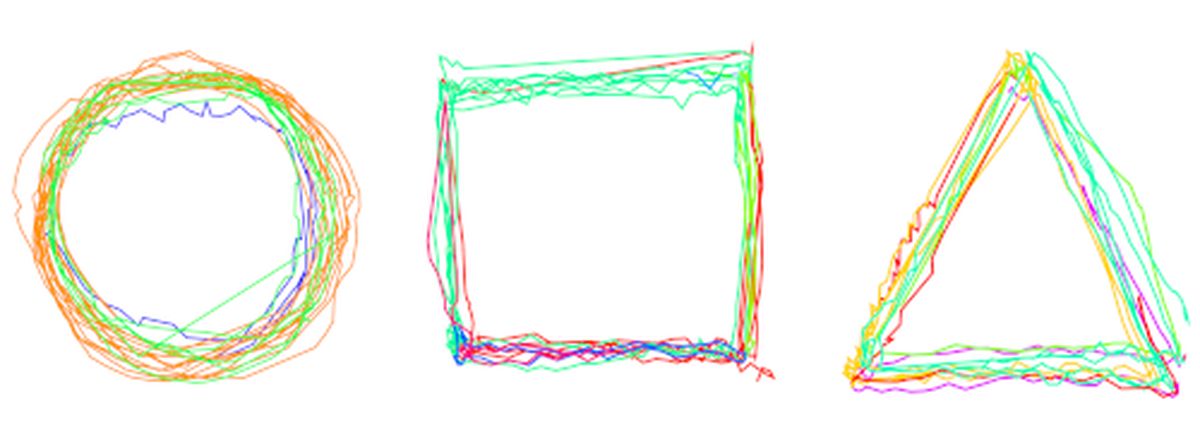
For the AlgoMech 2019 festival in June I created a new performative drawing piece, A Perfect Circle. The piece is about how we interface with computers that analyse our activities. It consists of a video and accompanying plotter drawings.

Making A Perfect Circle presented me with a few challenges. The make the video element I hacked together a couple of Processing scripts that did basic motion tracking by following a user-specified colour. It would draw these lines, creating new lines (instead of adding to an existing line) at each major turn and giving them a unique colour.

Select objects of similar size in Inkscape

The next stage was to export those drawn lines to SVGs (or PDFs) so that I could export them to Inkscape and then a plotter. Fortunately Processing already has functions for exporting to SVGs. Unfortunately for me if I were to implement this as is suggested in the help file it would export both the drawn line and the background video as a still frame. I produced a very hacky workaround (with help from Ben Neal) which “works” but produces a few unwanted artefacts.

Before I go on I should probably explain what a plotter is as the unwanted artefacts relate to it. For this I will copy from the Wikipedia article on plotters:

The plotter is a computer printer for printing vector graphics. Plotters draw pictures on paper using a pen. In the past, plotters were used in applications such as computer-aided design, as they were able to produce line drawings much faster and of a higher quality than contemporary conventional printers, and small desktop plotters were often used for business graphics.

At home I have a Silhouette Cameo 2 vinyl cutter. When using this great Inkscape plugin I can bypass Silhouette’s proprietary software and send artwork directly to the cutter from Inkscape. Thanks to a pen holder adaptor I can replace the vinyl cutting blades with a pen and turn the vinyl cutter into a plotter :-)

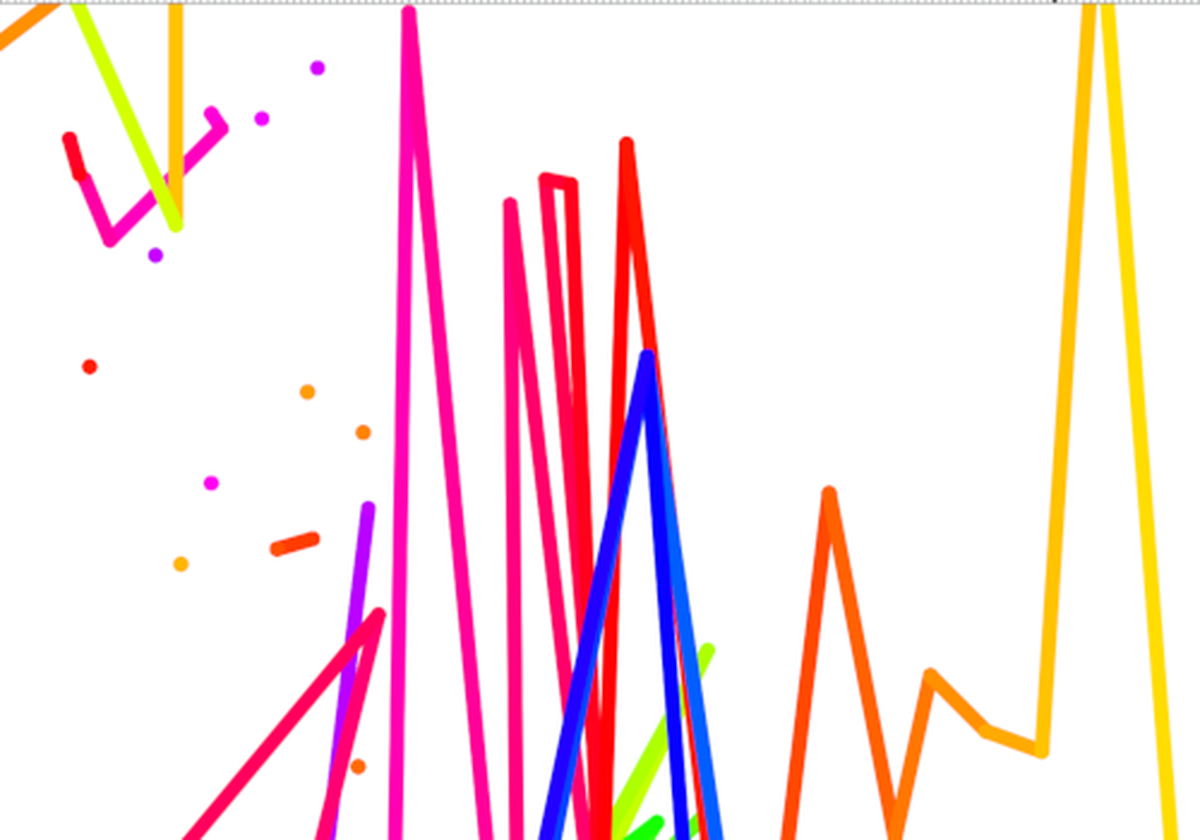
Back to the Processing sketch. The hacky code that I made produced the desired lines but also it had lots of additional single-node paths/dots at the start of each line.

Select objects of similar size in Inkscape

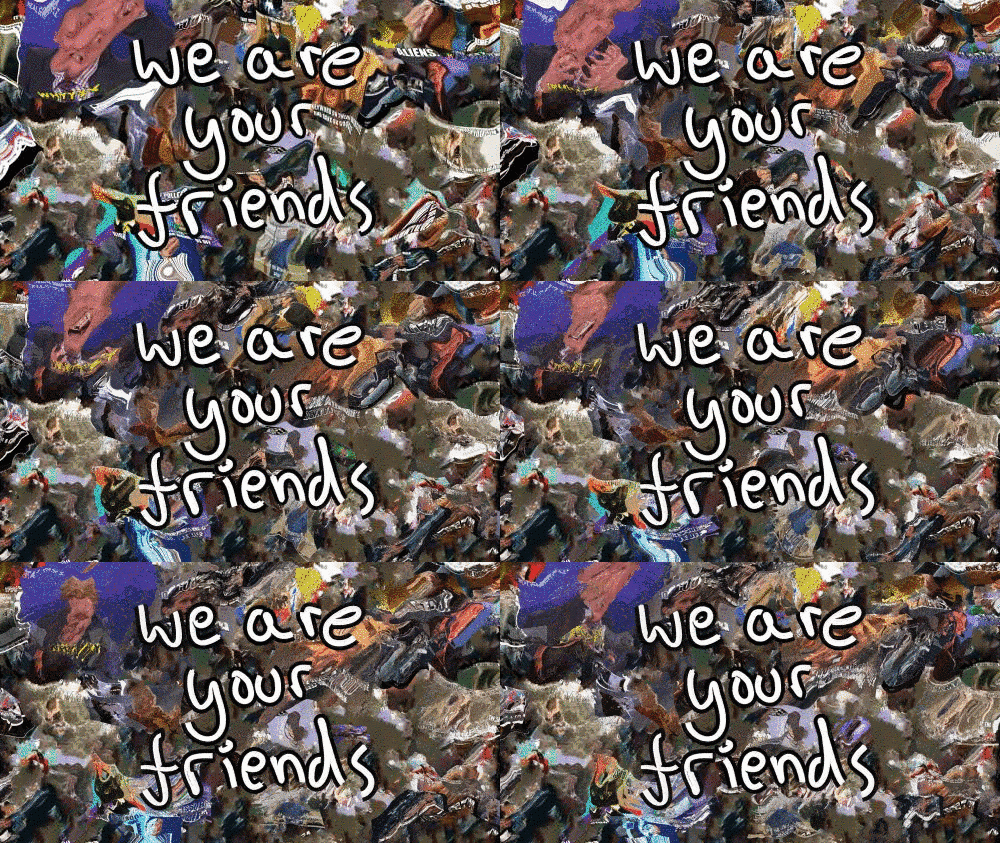
Removing these wouldn’t be very easy. Using Edit > Select Same > Fill and Stroke or Fill Color or any of the other options wouldn’t work as it would also end up selecting the lines. I then had the bright idea to select objects based on their size. All of the dots had a dimension of 4.057x4.000px, so in theory there would be an option like Edit > Select Same > Size. However, this is not so.

After a discussion on the Inkscape forum I opened a feature request on the Inkscape bug tracker to select objects of similar size. One thing I added to this was the idea of a threshold. Using this you could select objects that were within n% of the size of the selected object. If you’ve ever used GIMP you would have seen a similar function in its fuzzy selection tool This could definitely be useful if you trace bitmaps and it produces a lot of speckles. I also added a mockup to show how it could be applied to other options in the Edit > Select Same menu options.

Select objects of similar size in Inkscape

Anyway, at the moment this exists as a feature request. I think Inkscape is concentrating on delivering version 1.0 of the software so I don’t expect to see this implemented any time soon. As with anything in the land of open source, if you’ve got the skills to do this please contribute!

In the end I used fablabnbg’s Inkscape extension to chain all (or most) of the paths into one big path. This made selecting the dots easier as I could just hide the big path(s) once they were chained together.

After that it was a simple case of sending it to the plotter!

[

View this post on Instagram

](https://www.instagram.com/p/Bxe2pjMgrDP/)

A post shared by antonio roberts (@hellocatfooooda) on May 15, 2019 at 4:49am PDT