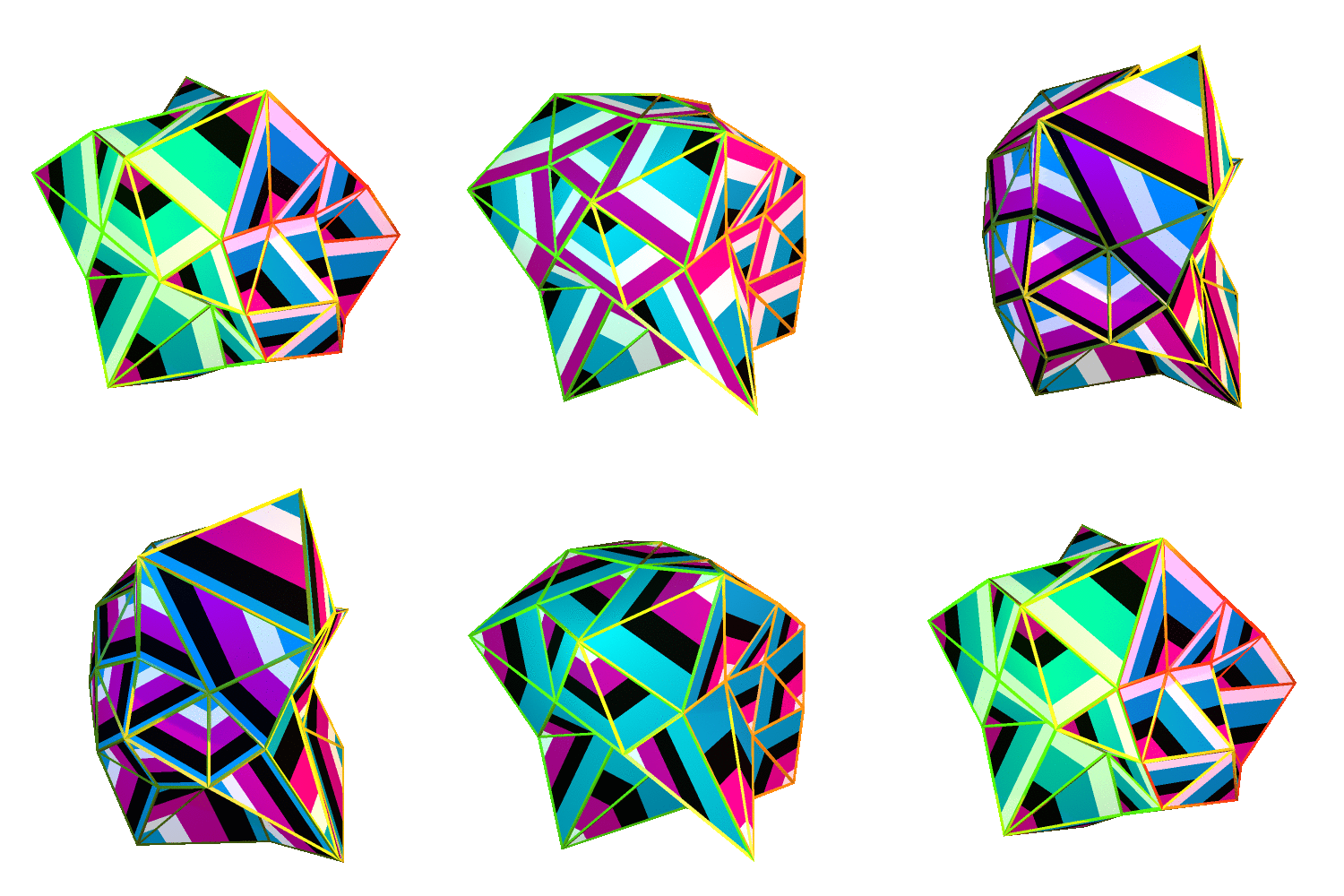
On Saturday July 25th I’ll be delivering an online a Blender workshop for Access Space!
The three-hour workshop (13:00 - 16:00) will go through a few basics of using Blender but will mainly focus on making abstract glitchy looping gifs, like the ones that I made for Improviz.
My remake of the Alvin Lucier artwork I Am Sitting in a Room was released 10 years ago today. To mark this occasion I want to revisit how I made it and troubles I had remaking it for 2019.
In November 2019 I Am Sitting in a Room was exhibited at Gamerz Festival in Aix-en-Provence in France. It was a pretty nice surprise to be invited to exhibit that piece, especially as it was made in 2010 and hasn’t been exhibited since aroudn 2015.
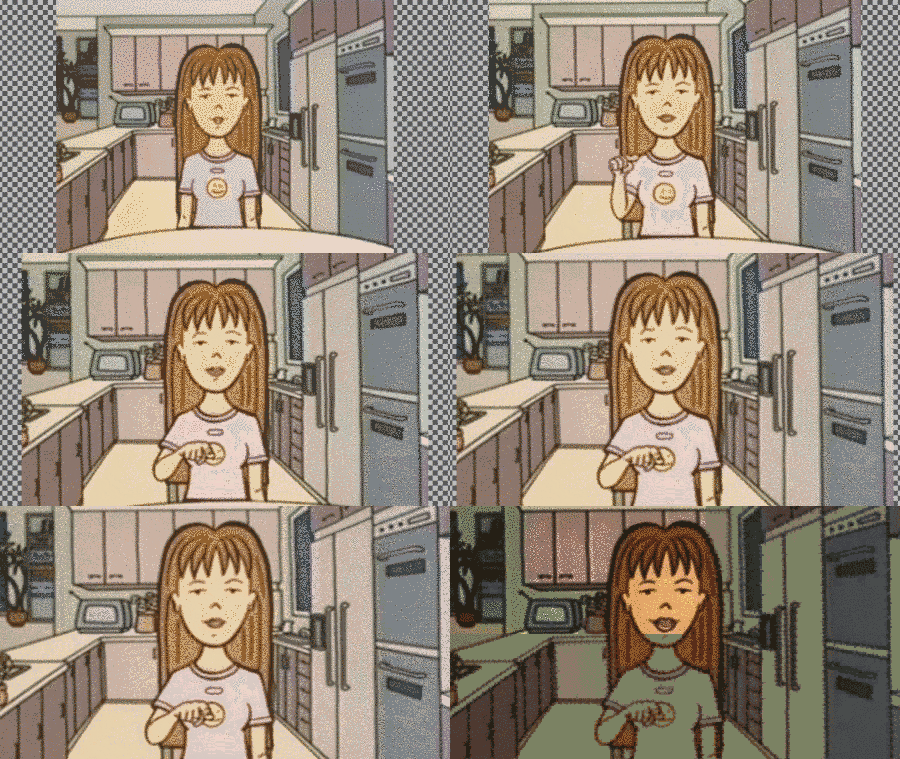
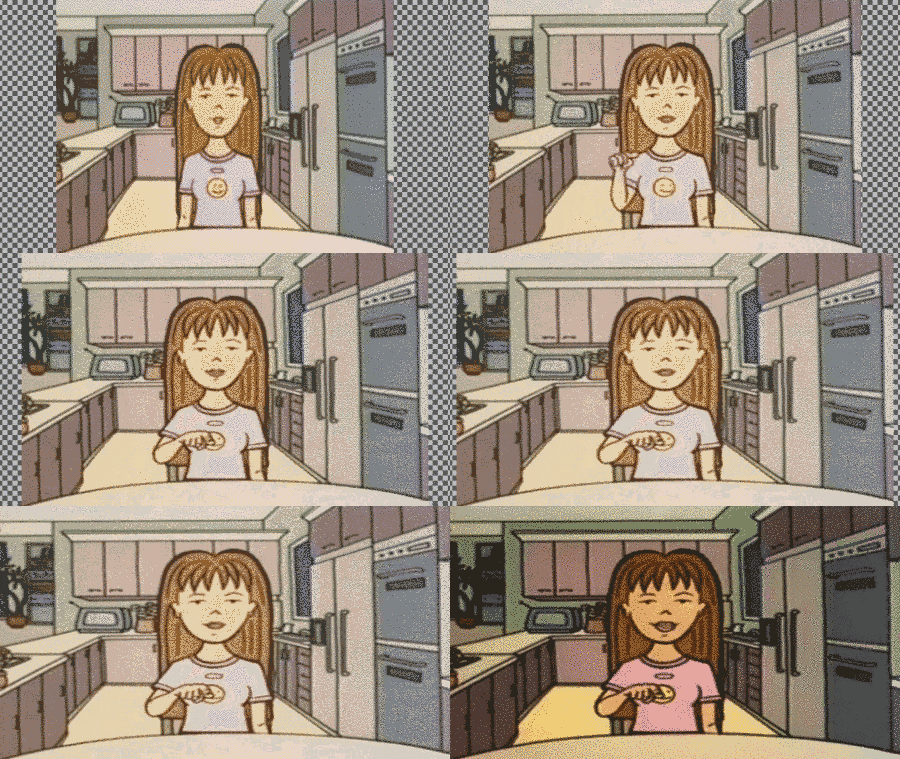
The festival’s organiser, Quentin, asked if I could remake the film in HD resolution, which is 1920x1080/16:9 aspect ratio. The original video was made in the very odd resolution of 1440x1152, which is 4:3 aspect ratio. In any normal situation using filmed footage, this could be an impossible task. If you wanted to convert 4:3 to 16:9 you’d either have to stretch the footage or crop it and lose information. See these examples below:
Crop to fitStretch to fit
For I Am Sitting in a Room in theory this isn’t a problem as the piece is black text against a white background. So, I would just need to make the background larger and center the text.
Before going into the problems I faced remaking the piece in 16:9 it’s worth going over how it was made. Back in 2010 my programming skills were, to be blunt, crap. Making this piece required me to learn a lot about Linux, loops, automation and bash programming. Also back in 2010 I wasn’t that good at documenting my processes and so looking back at my source files some of them were not in a good state or were just missing. So, part of the following is pieced together from memory and what remains on my hard drives.
In 2009 I wrote about “glitching” SVG files and became really interested in that as a format to work with. Even today I like working with SVGs as they’re highly editable and can be used in many ways (vinyl cutting, plotting, laser printing, screen printing, web design etc).
If you’ve ever done any glitching via the command line you’ll know that you can utilise sed to automate the glitching of files. sed didn’t quite work on SVGs as it would always destroy them and so I asked Garry Bulmer to write a script to glitch SVG files. It worked great and left the SVGs in an editable state.
At some point later it was brought to my attention that font glyphs are formed in the same way as vector files in that the glyphs are made up of paths and nodes, hence why they are infinitely scalable. SVG fonts was/is a specification for, well, representing fonts as an SVG file. So, if I could convert a font to SVG then in theory I could glitch it!
First I needed a font to work with. The very popular Ubuntu font wasn’t out at that point and so I opted to use Liberation Sans. It’s a free font and had a lot of glyphs.
Using FontForge I converted the font to an SVG font (File > Generate Fonts). I then used the glitch script from Garry Bulmer in a way like so:
#!/bin/bash no=1 while [ $no -le 1001 ] do echo $no ./glitch 0.1 < font.svg > font.svg cp font dataface_$no.svg no=`expr $no + 1` done
Then I had a folder of 1002 SVG fonts. I needed to turn them back to ttf files and so used the follwing font forge scrpt to convert them back to ttfs
#!/bin/bash no=1 while [ $no -le 1001 ] do echo $no fontforge -script convert_font_fontforge.pe dataface_$no.svg no=`expr $no + 1` done
Finally, I generated the frames used for the video by creating an SVG file with the text in that uses the Liberation Sans font. For each frame I swapped the font file with the next one which was a bit glitchier:
ta da! Not a very elegant soluion but it was 2010. And it worked! The result you already saw at the beginning of this blog post. So, to make a HD version of it, in theory all I need to do was create an SVG file that was 16:9/1920x1080 and repeat this process. Here’s the result of that process:
Yikes! Not at all like the original.
You may be asking why I don’t just convert the text to paths (Ctrl + Shift + C in Inkscape). That would do away with the need to generate 1002 font files. Here’s what that would have looked like:
However, it differs from the original in one unique way. Once the glitches start there’s a lot of random question marks that appear and float down he screen. I don’t know why this happen but I suspect that Imagemagick doesn’t know how to interpret the glitched glyphs and so produces and error.
There are also some frames which fail to render the font at all and in a couple of instances render a serif font!
The results in the original are not consistent, but the piece is an exploration of glitches and so whatever glitch was produced is whatever glitch I used. So there.
Therefore, any remake which didn’t look like the original wouldn’t be faithful to the original, and I simply didn’t want to exhibit a compromised video.
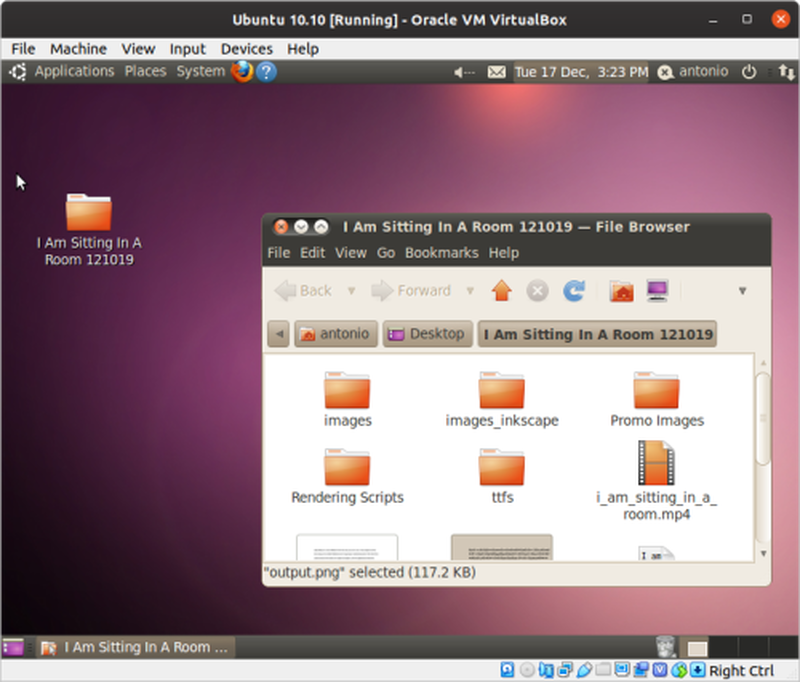
One promising solution which - TL;DR - didn’t work was to try and replicate the environment I made the original work in. That is, to try and replicate an Ubuntu computer from 2010. I booted up Ubuntu 10.10 on a virtual machine (using Virtual Box) and got to work.
Ubuntu 10.10
Imagemagick was failing to read the font files and so I used GIMP on the command line to read and convert the SVG to pngs.
This method shows error characters but not the same question mark error characters that were in the original. No matter what I tried it just wasn’t working.
So, in the end unfortunately I admitted defeat and exhibited the original 4:3 video. It would be easy to blame the 2010 version of myself for not creating an air-gapped iso of Ubuntu or for not properly documenting my processes, but how was I to know that I would be revisiting the piece 10 years later! Heck, in 2010 HD resolution was still not widespread, so I was really just working with what I knew.
And really, this highlights the volatility of glitches.
For the sixth video in the Design Yourself series the group worked with artist Erica Scourti. For the activity the participants used optical character recognition software (OCR) to generate poetry from their own handwriting and writing (leaflets, signage) found throughout the Barbican building.
The next stage in the workshop was going to be to take this extracted text and run it through a text to speech synthesizer, but unfortunately there wasn’t time to get to this stage.
One of the things I liked about the software they used was that it showed you the image of the text that it recognised and extracted, producing a kind of cut-and-paste poetry.
To make the sixth video I wanted to somehow utilize this OCR and text-to-speech process and make a video collage of words and synthesized speech. The challenge was finding a way to do this using only open source software. Finding open source OCR software that works on Linux is not a problem. After a while I discovered that Tesseract is the gold standard for OCR software and that most other software act as frontends or interfaces to it. Here’s a few examples:
However, they all output only the text, and not the image of the extracted text. I’m aware that my use case is quite specific so I don’t blame the developers for this.
Eventually I took to Twitter and Mastodon with my questions. _vade pointed to a bug report on Tesseract which showed that getting the coordinates of recognised words is possible in Tesseract. If I knew the coordinates of words then perhaps I could use that to extract the image of the word. However, doing it this way required using it’s C interface and learning C wasn’t feasible at the time.
After some further digging around Tesseract I found a bug report that makes reference to hOCR files:
hOCR is an open standard of data representation for formatted text obtained from optical character recognition (OCR). The definition encodes text, style, layout information, recognition confidence metrics and other information using Extensible Markup Language (XML) in the form of Hypertext Markup Language (HTML) or XHTML.
This file looked like it contained the coordinate data I needed, and obtaining such a file from Tesseract was as simple as running one command. The next task was finding a tool (or tools) to interpret hOCR files. Here’s a selection, which should really be added the the previous list to form a mega-list:
hocr-tools proved to be the most feature complete and stable. It runs on the command line, which opens it up for easy automation and combining with other programs. After reading the documentation I found a process for extracting the images of words and even making videos from each word/sentence with synthesized speech. Here’s how I did it:
Generate hOCR file
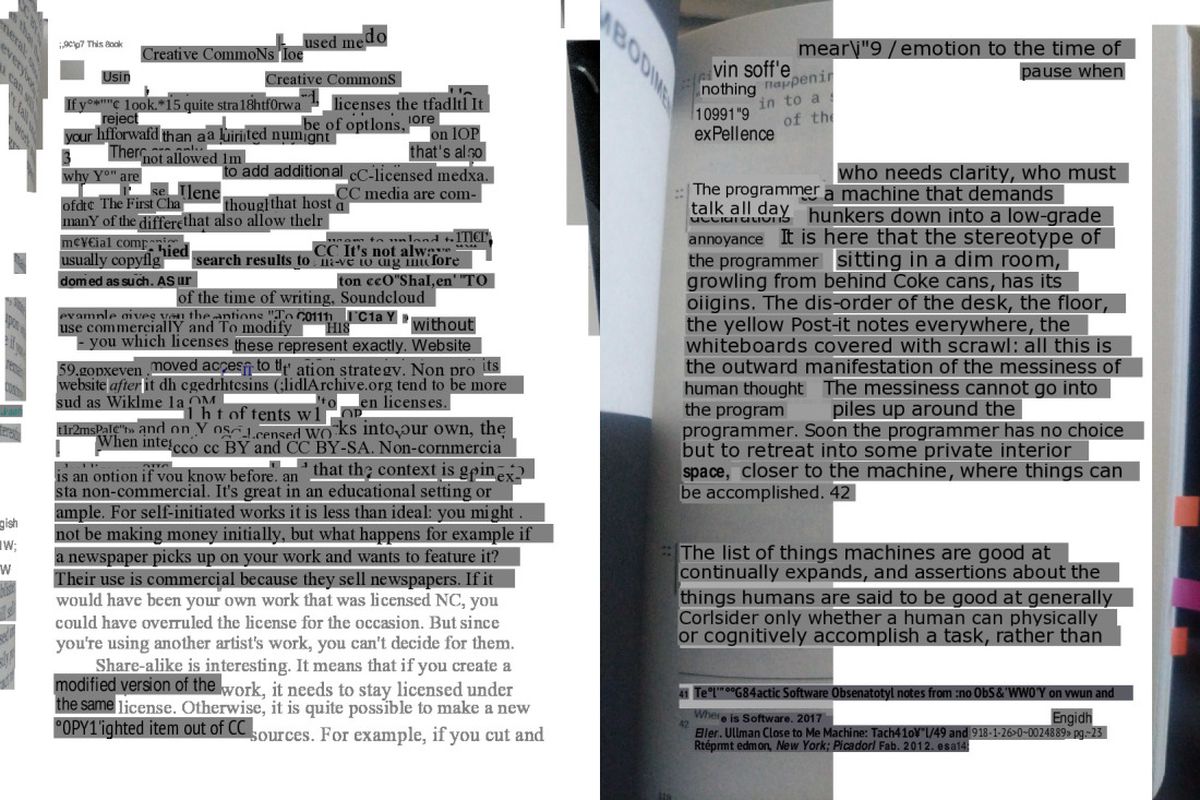
First I needed to generate a hOCR file using Tesseract. For the example I used the first page from the first chapter of No Logo by Naomi Klein.
tesseract book.jpg book hocr
This produced a file called book.hocr. If you look at the source code of the file you can see it contains the bounding box coordinates of each word and line.
Extract images
Using the hOCR file I can extract images of the lines
hocr-extract-images -P 10 book.hocr
This generates both pngs of each line and also a corresponding text file containing the text
Text to speech
Using eSpeak I can generate a wav file of a synthesized voice reading each line.
for file in *.txt ; do espeak -z -f $file -w ${file%.*}.wav ; done
Make video clips
Finally, I needed to combine the png image of the text with the wav file of the synthesized speech into a video
for i in $(seq -f "%03g"1 83) ; do ffmpeg -loop 1 -i line-$i.png -i line-$i.wav -c:v libx264 -tune stillimage -vf scale="width=ceil(iw/2)*2:height=ceil(ih/2)*2" -pix_fmt yuv420p -shortest -fflags +shortest ${i%.*}.mp4 -y ; done
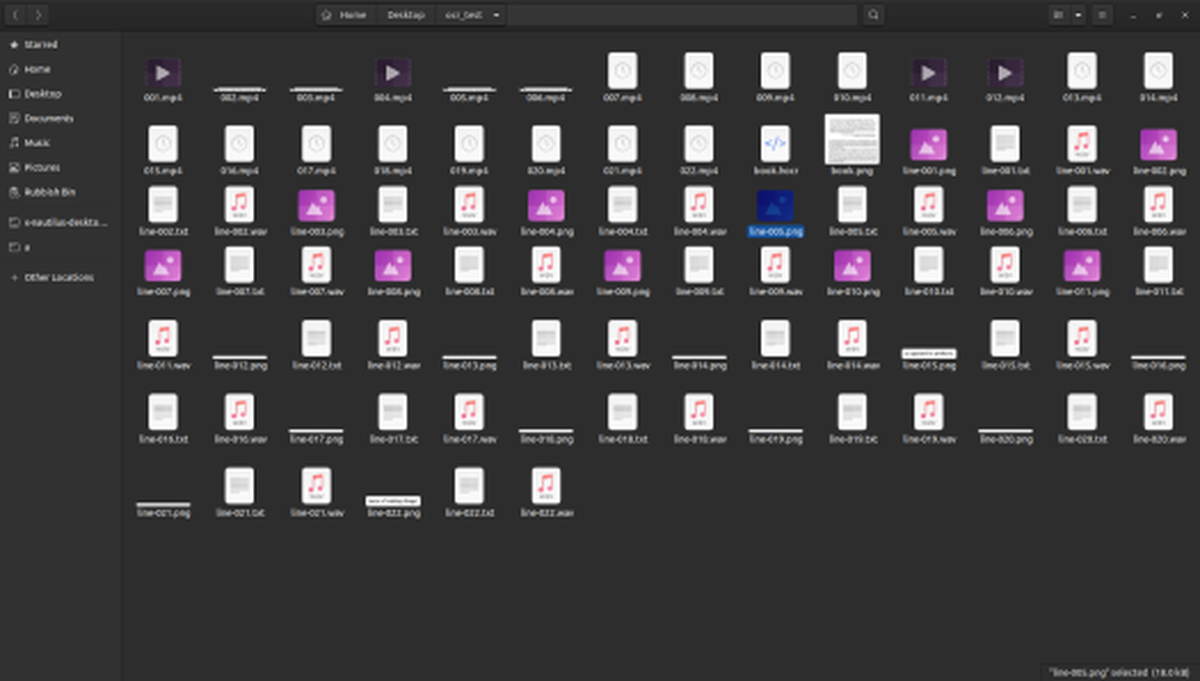
By the end of this I had a folder full of lots of files.
Voila!
The last part of this was to manually arrange the video clips into a video collage. I made this example video to demonstrate to the group what could be done.
Getting to this point took some time but with what I’ve learnt I can replicate this process quickly and simply. In the end the group decided no to use OCR to generate text and instead wrote something themselves. They did still use text-to-speech software and even filmed themselves miming to it. Here’s the finished video:
This was the last video I made for the Design Yourself project. I’ve written about techniques used to make older videos in past blog posts. Go read the Barbican website for more information on the project
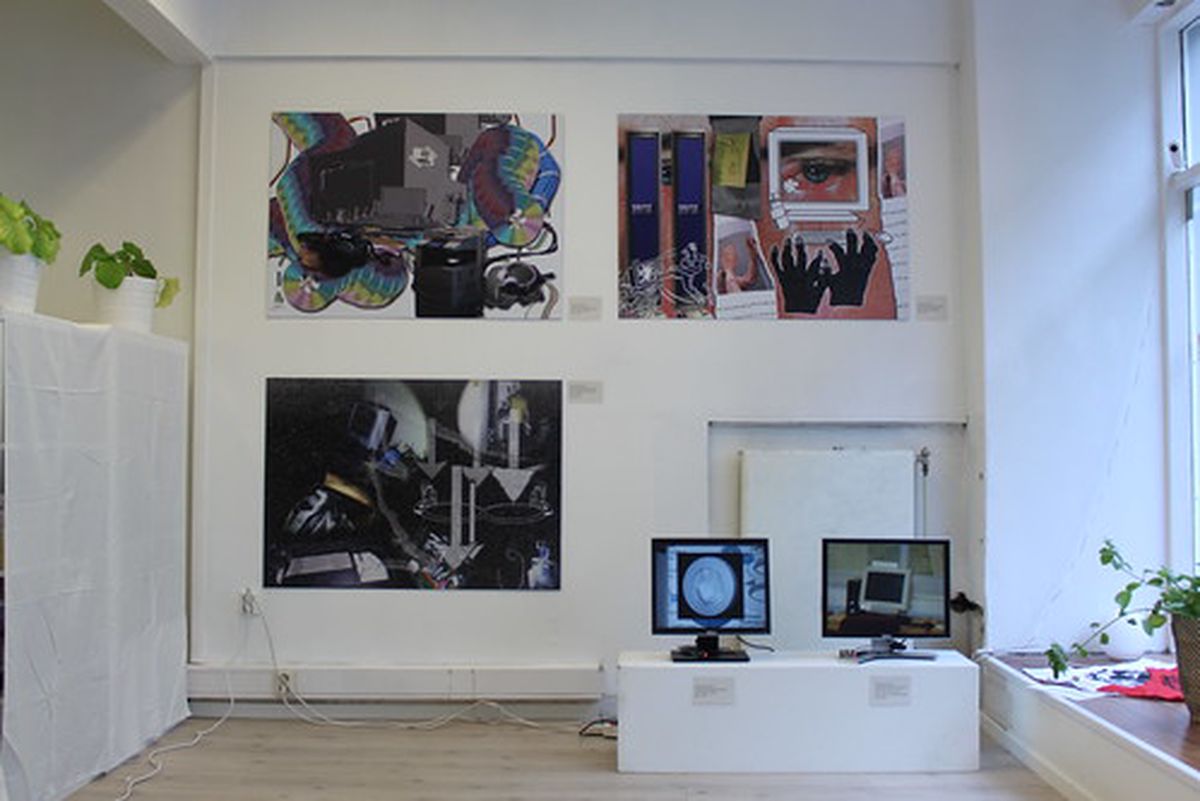
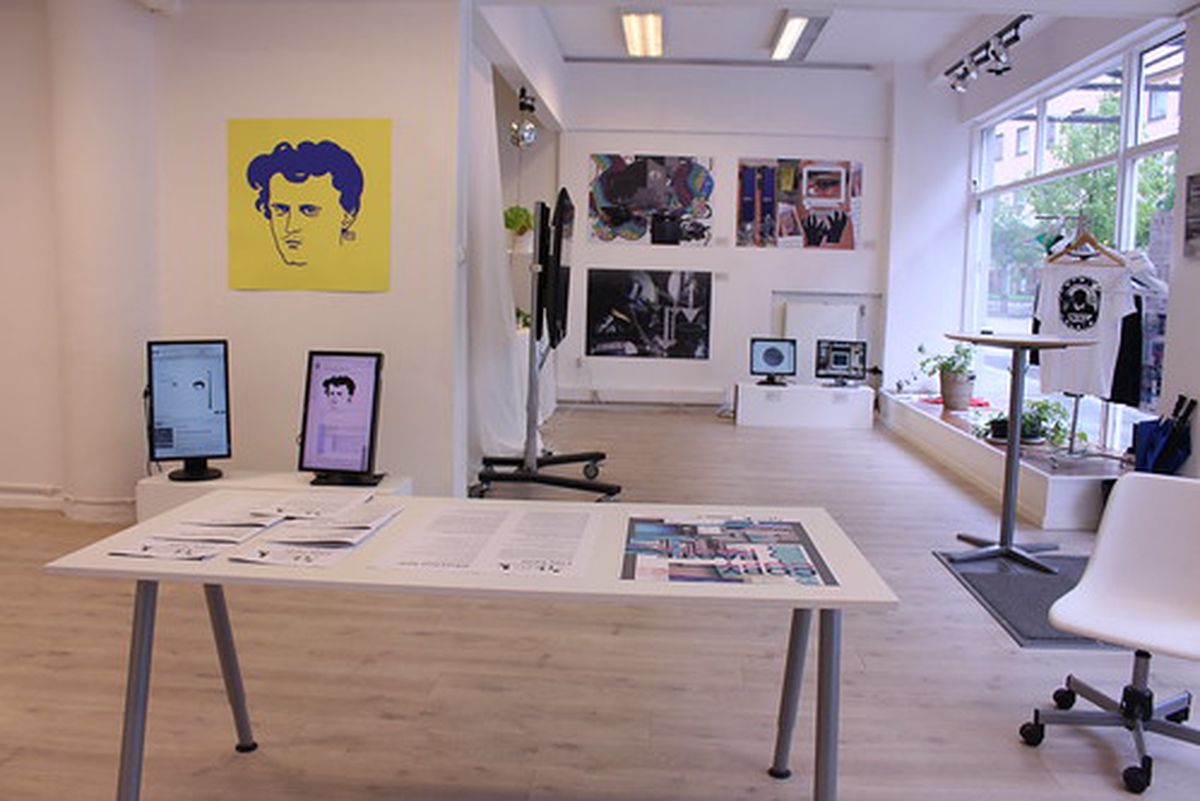
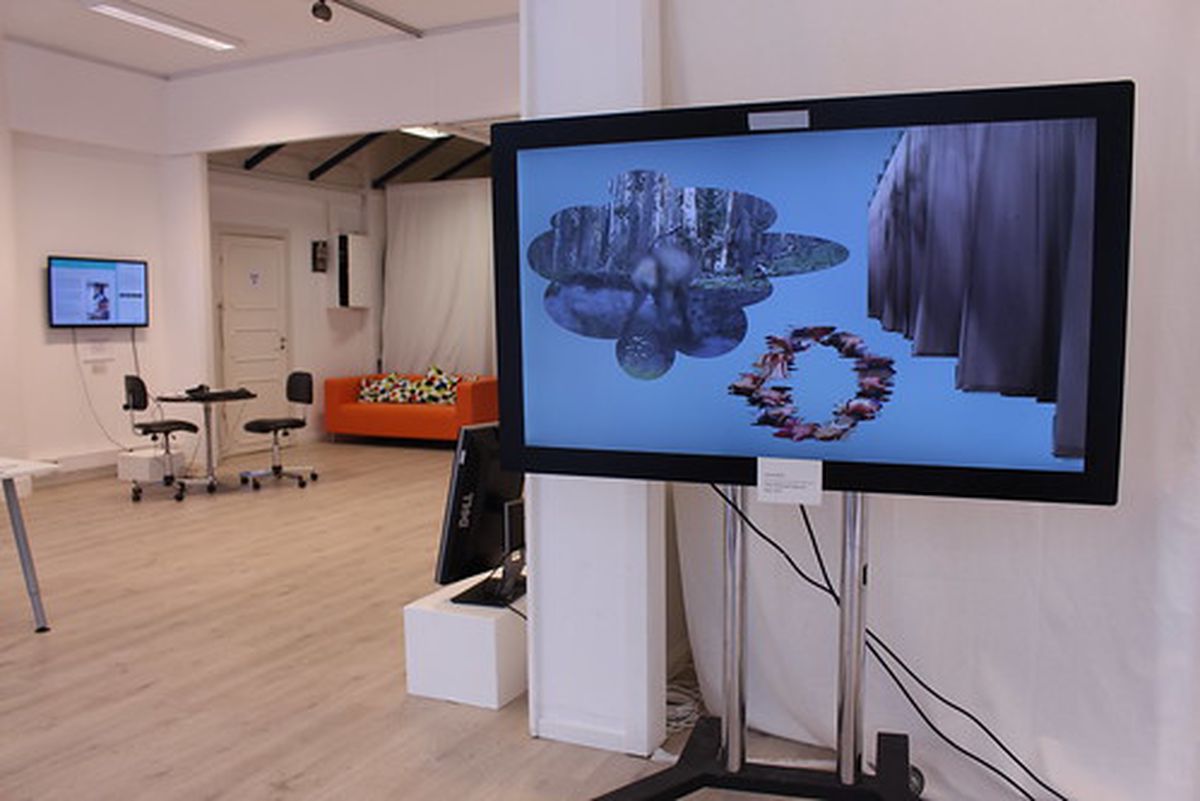
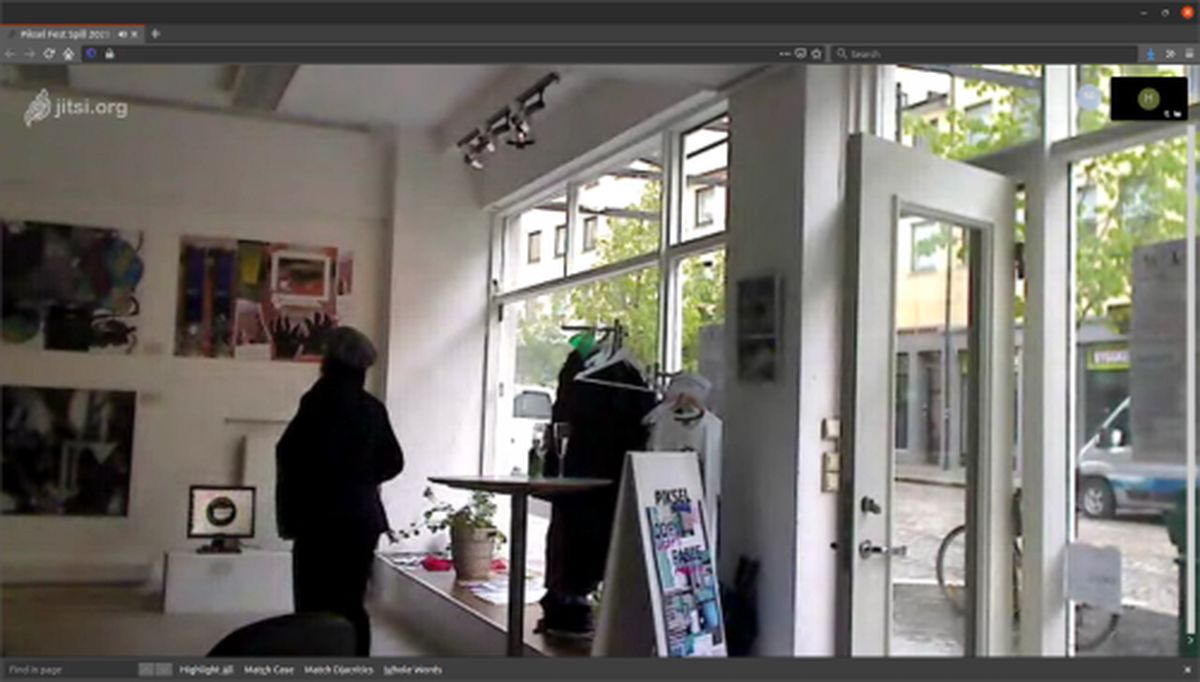
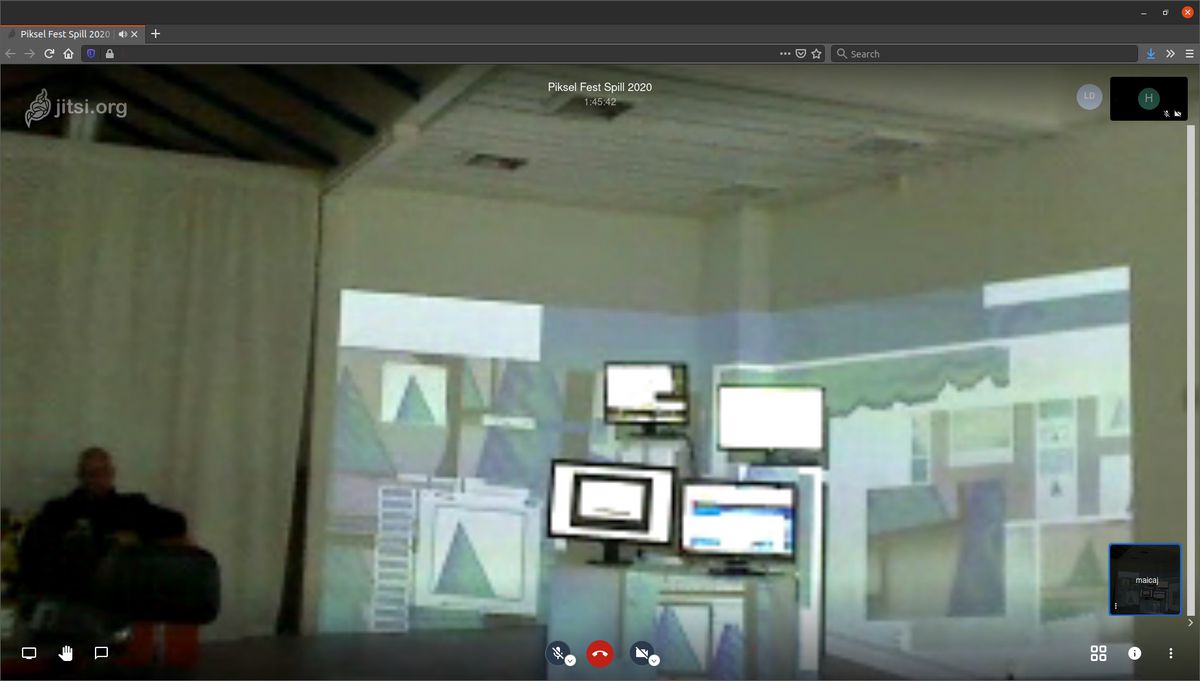
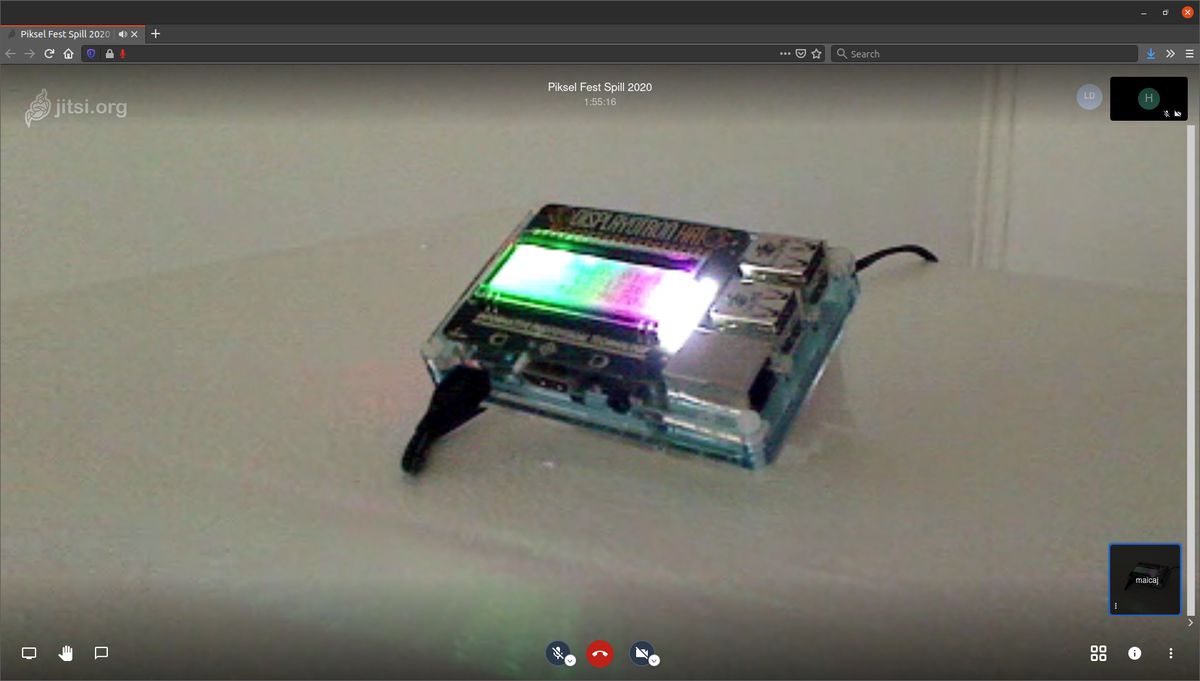
Copy Paste opened at Piksel in Bergen on the evening of Friday 22nd May. Sadly myself and all of the exhibiting artists were unable to be there but fortunately they live streamed the whole thing.
After all of the uncertainty about whether Copy Paste would go ahead I’m really happy that situation in Bergen has been good enough for the exhibition to welcome visitors. It was sad to not to be in Bergen myself to see everything IRL but I’m thankful to Maite and Gisle, Directors of Piksel, for handling all of the logistics and installation of the works.
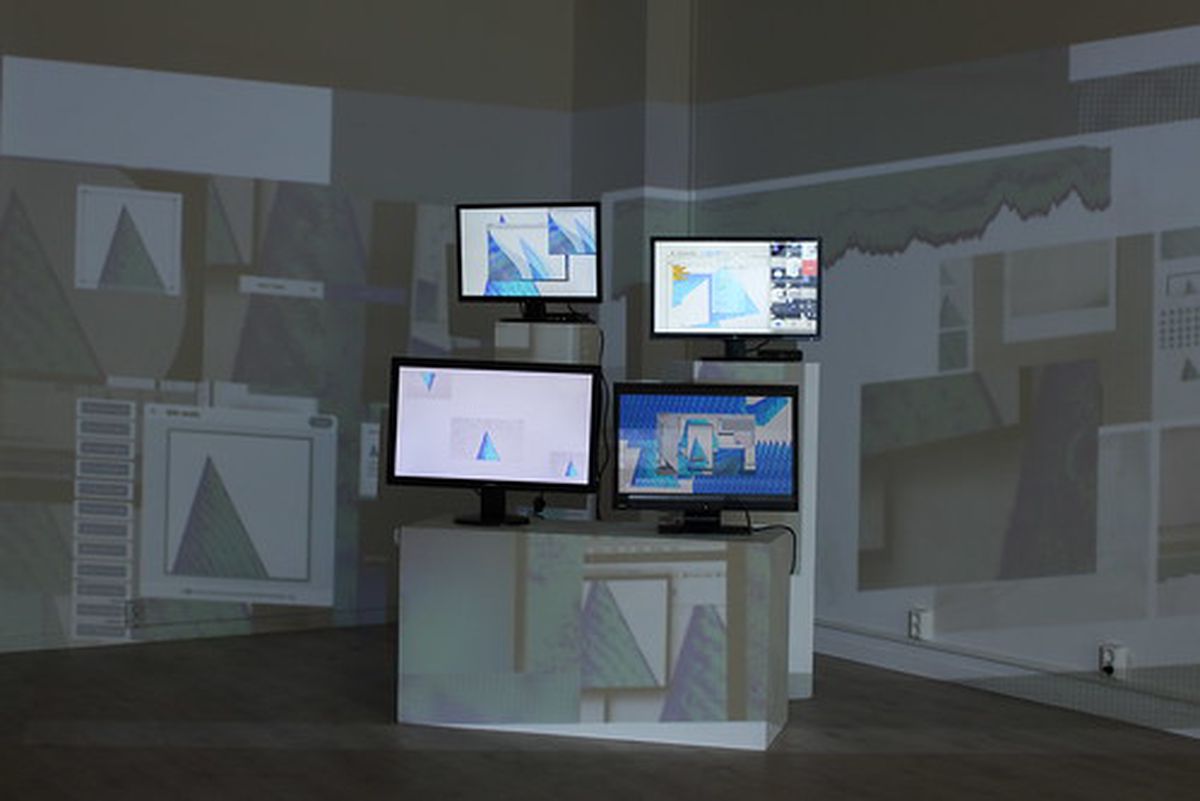
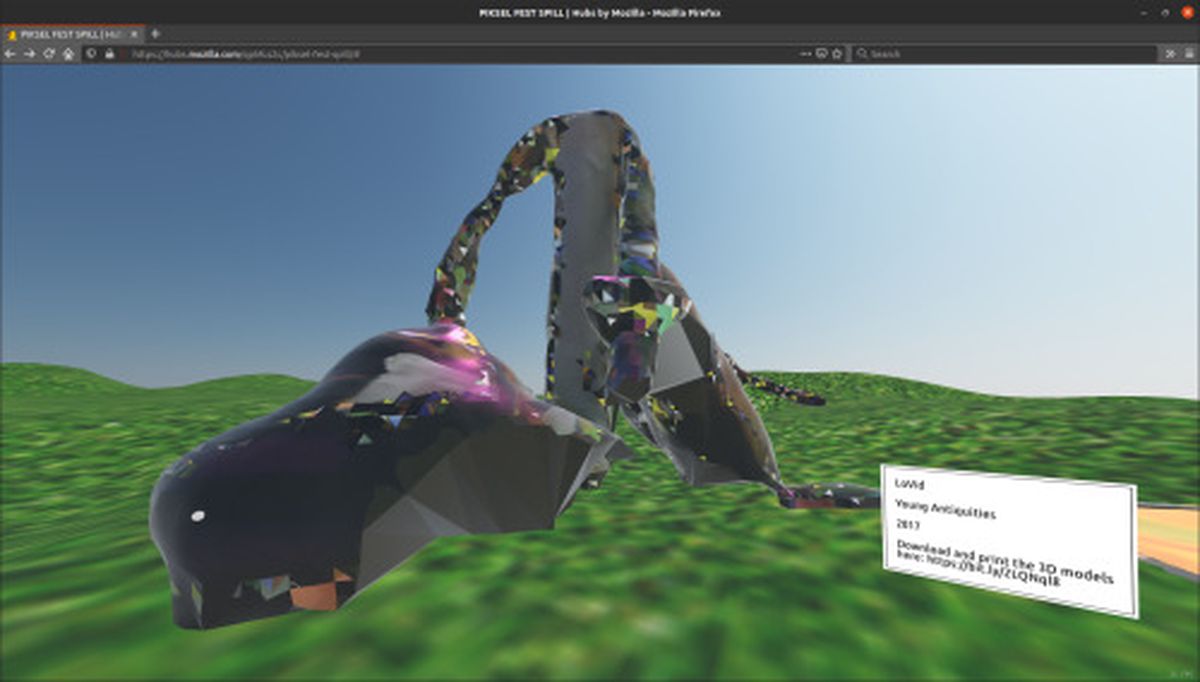
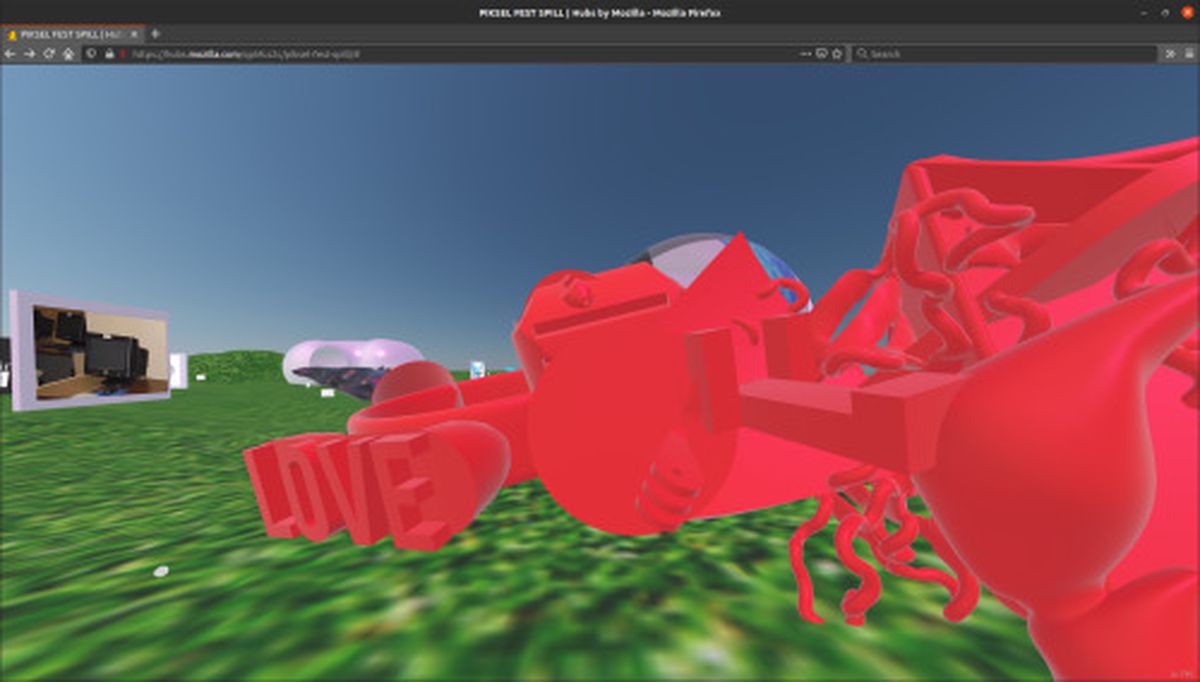
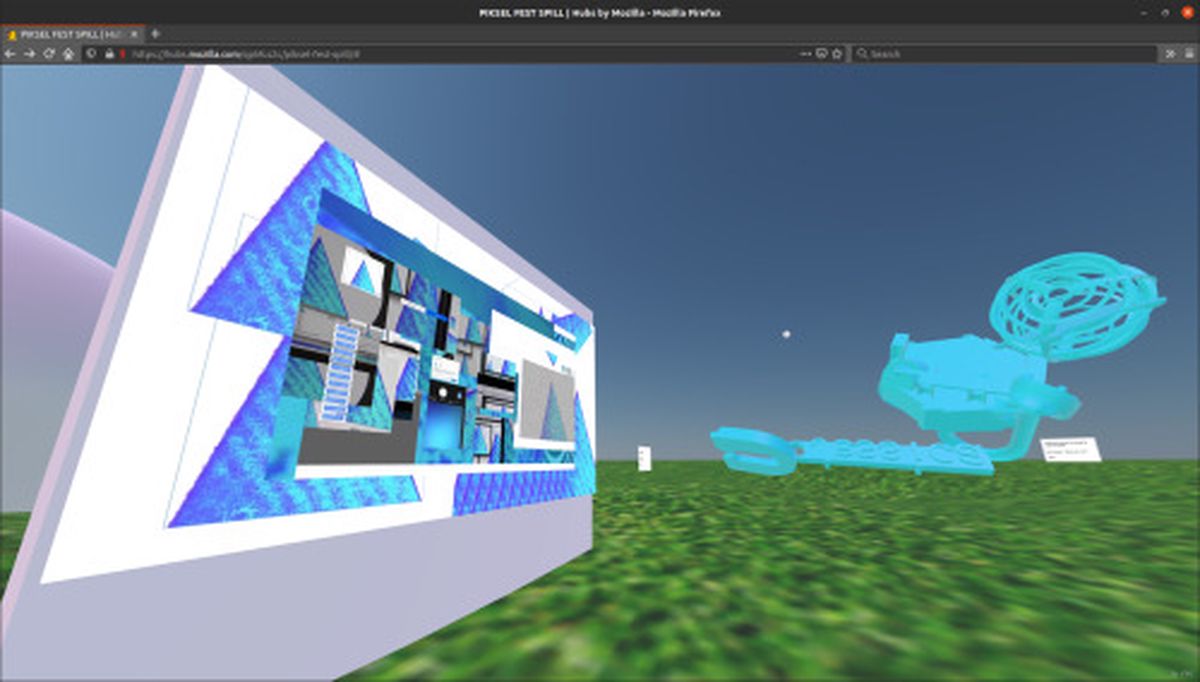
Here’s a pixelated look at some of the artworks as captured by me in the UK from the livestream:
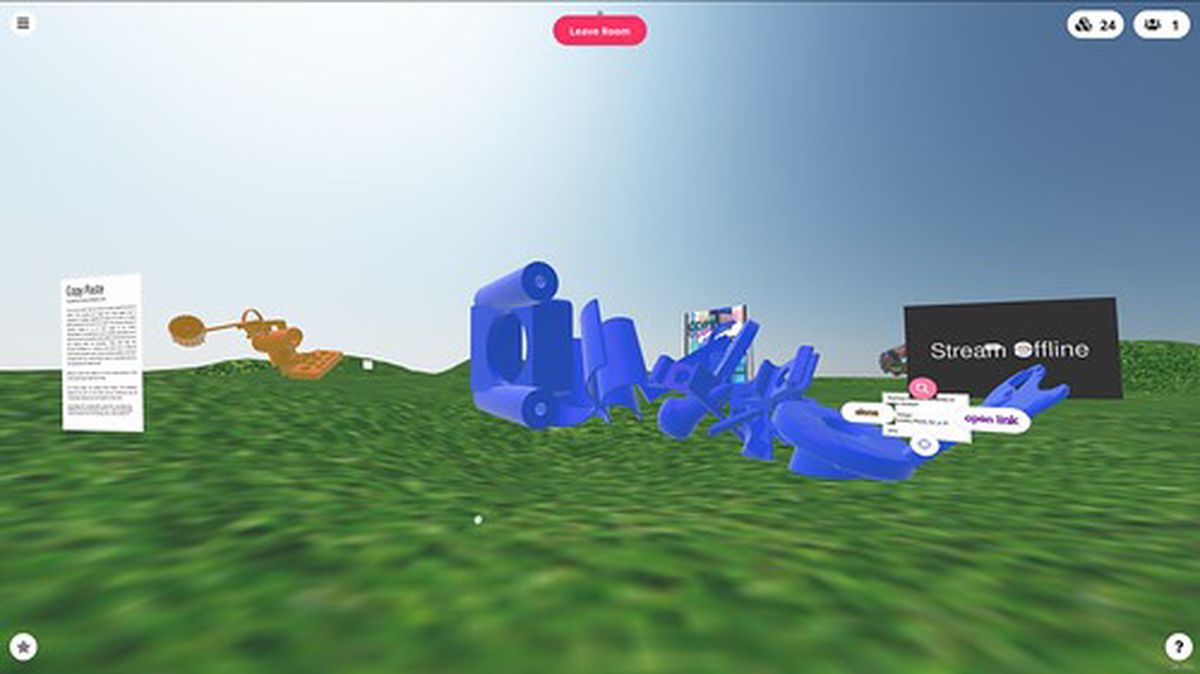
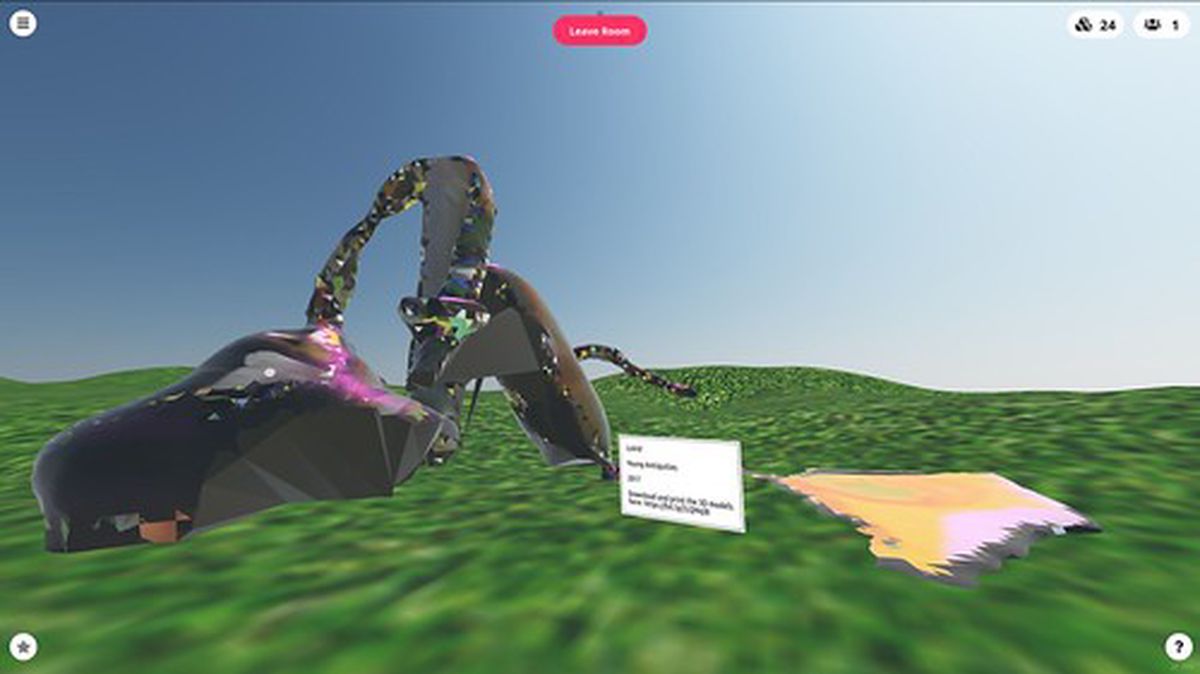
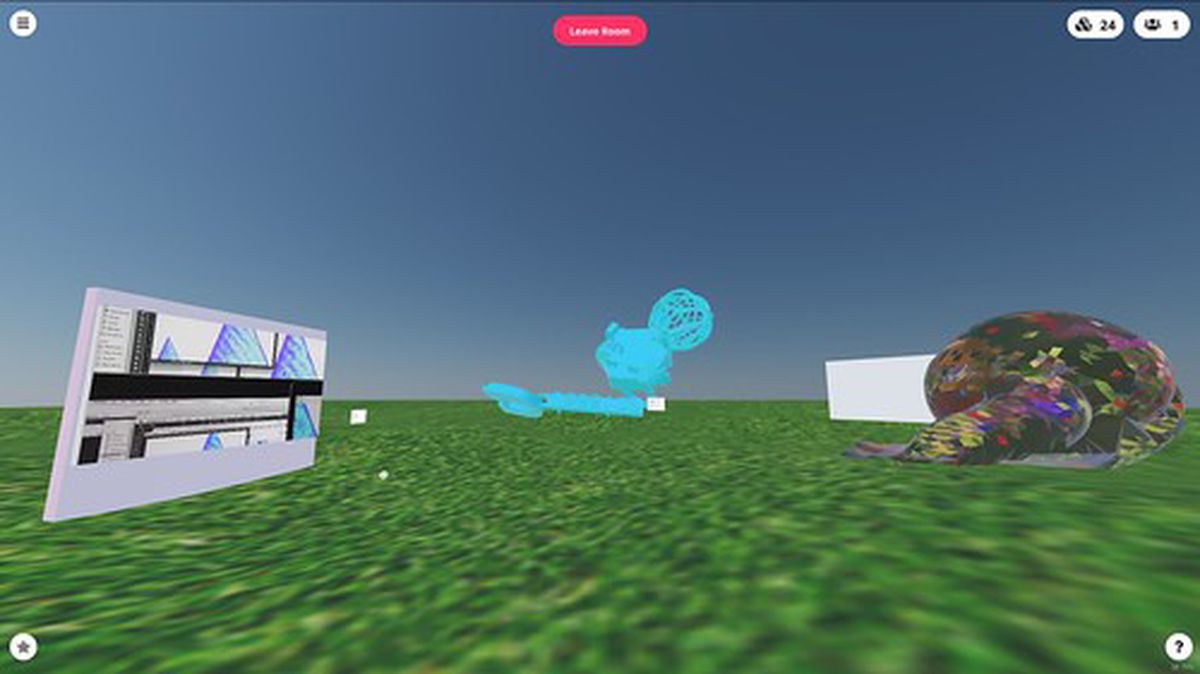
Copy Paste also exists as a virtual online exhibition in the Piksel Cyber Salon.
The space is built using Mozilla Hubs and works in your web browser (or VR headset if you have one). In the Cyber Salon you can find works by LoVid, Matthew Plummer-Fernandez + Julien Deswaef, Carol Breen, and Duncan Poulton.
Many thanks Malitzin Cortes for designing this space. You can visit it at any time and all of the live streamed events will also be streamed to there.
Events
Speaking of events check out these upcoming events happening as part of Copy Paste!
24th, 31st, 7th, 14th, 21st June 13:00 - 14:00 Each Sunday at 13:00 - 14:00 CEST I’ll be giving a tour of the exhibition (remotely, obvs), talking a bit about each artwork and how they contribute to the exhibition and explore ideas around copying.
29th May 23:00 - 00:00 CEST On 29th May 23:00 - 00:00 myself and Alex McLean will be doing a live coding performance. Alex will be doing his usual patterns of sample based music and visually I’ll be mixing things up a bit.
6th June 18:00 - 20:00 CEST An online presentation from Constant of Authors of the Future, with a focus on the Cinemas Sauvage license. This license shows the pitfalls and fun (im)possibility of coming to an agreement with a bunch of anarchist people who do not want to agree on a rule.
7th June 16:00 - 18:00 CEST Join artist Duncan Poulton on 7th June 16:00 - 18:00 CEST for a virtual workshop which offers an introduction to techniques for mining and misusing the web for creative reuse. Attendees will visit the depths of the internet that search engines don’t want you to find, and learn to make their own digital collages from the materials they gather.
To book onto Duncan’s workshop and find out more about the other eents send an e-mail to piksel20(at)piksel(dot)no